By Mees de Beukelaar
Top 5 Text-Based Video Editing Tools 2025
Edit videos by editing transcripts: five text-based tools that speed production, automate captions and clipping, and fit creators to teams.
Originally published December 23, 2025
In this article
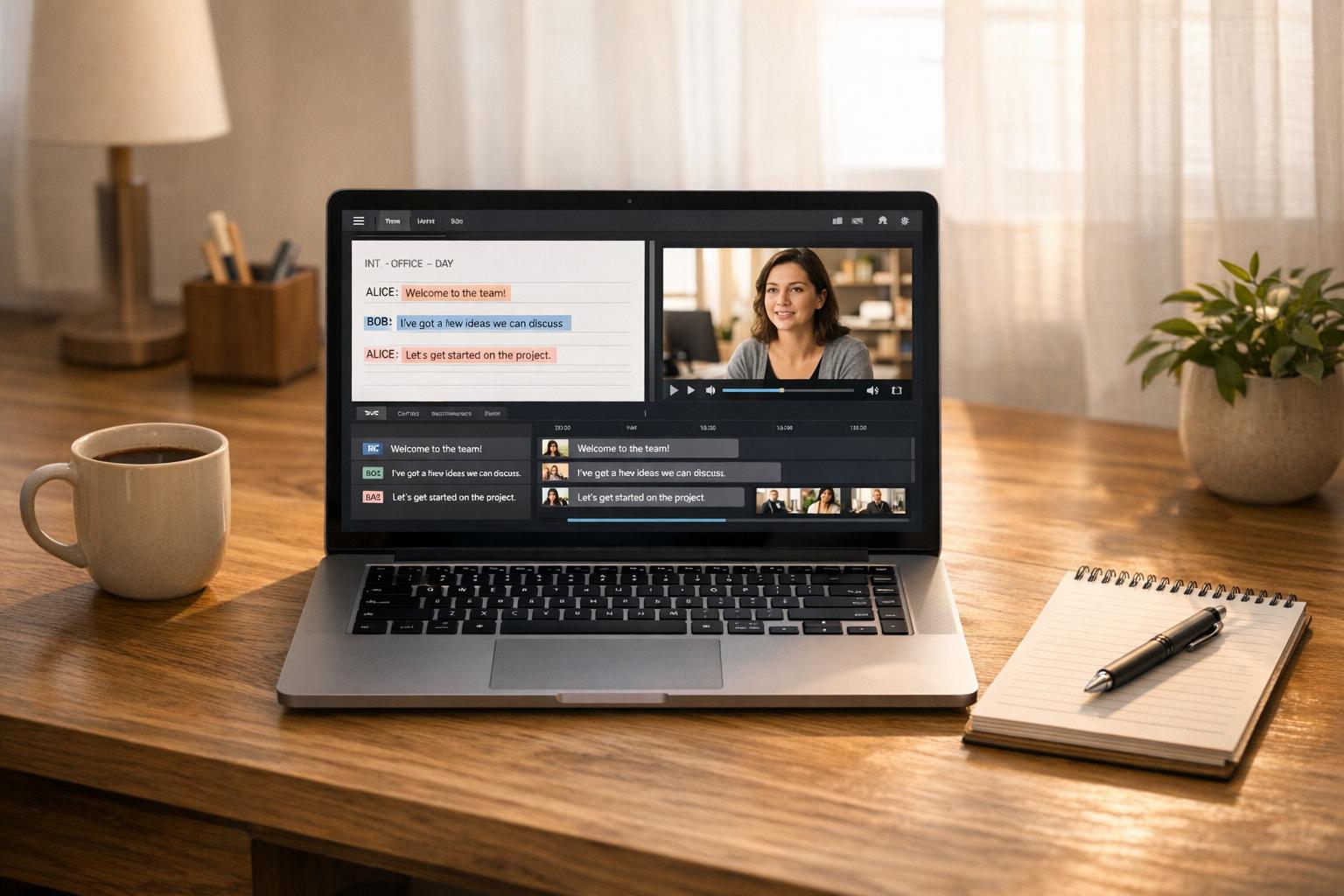
Editing videos is faster than ever in 2025 thanks to text-based tools that let you edit video by simply editing a transcript. Cut out filler words, trim pauses, or create clips in seconds. These tools are perfect for creators, marketers, and teams looking to save time and boost productivity. Here are the top five options:
- OpenClip: AI-powered for social media clips, with features like "ClipAnything" and auto-resizing for platforms. Free plan available, Pro starts at $9/month.
- Descript: Great for podcasts and interviews, offering precise transcription, filler word removal, and AI co-editing. Free plan available, paid plans start at $16/month.
- Adobe Premiere Pro: Professional-grade editing with text-driven tools like Speech-to-Text and Auto Reframe. Subscription starts at $20.99/month.
- Pictory: Ideal for repurposing blogs and long-form content into videos. Plans start at $19/month.
- Wondershare Filmora: Budget-friendly with smart AI trimming and social media tools. Free plan available, premium plans start at $4.17/month.
These tools combine AI automation and transcript-based editing to save hours on production. Whether you're a beginner or a professional, there's a tool to fit your needs.
Editing Faster Than Ever: Text-Based Editing in Premiere Pro
1. OpenClip
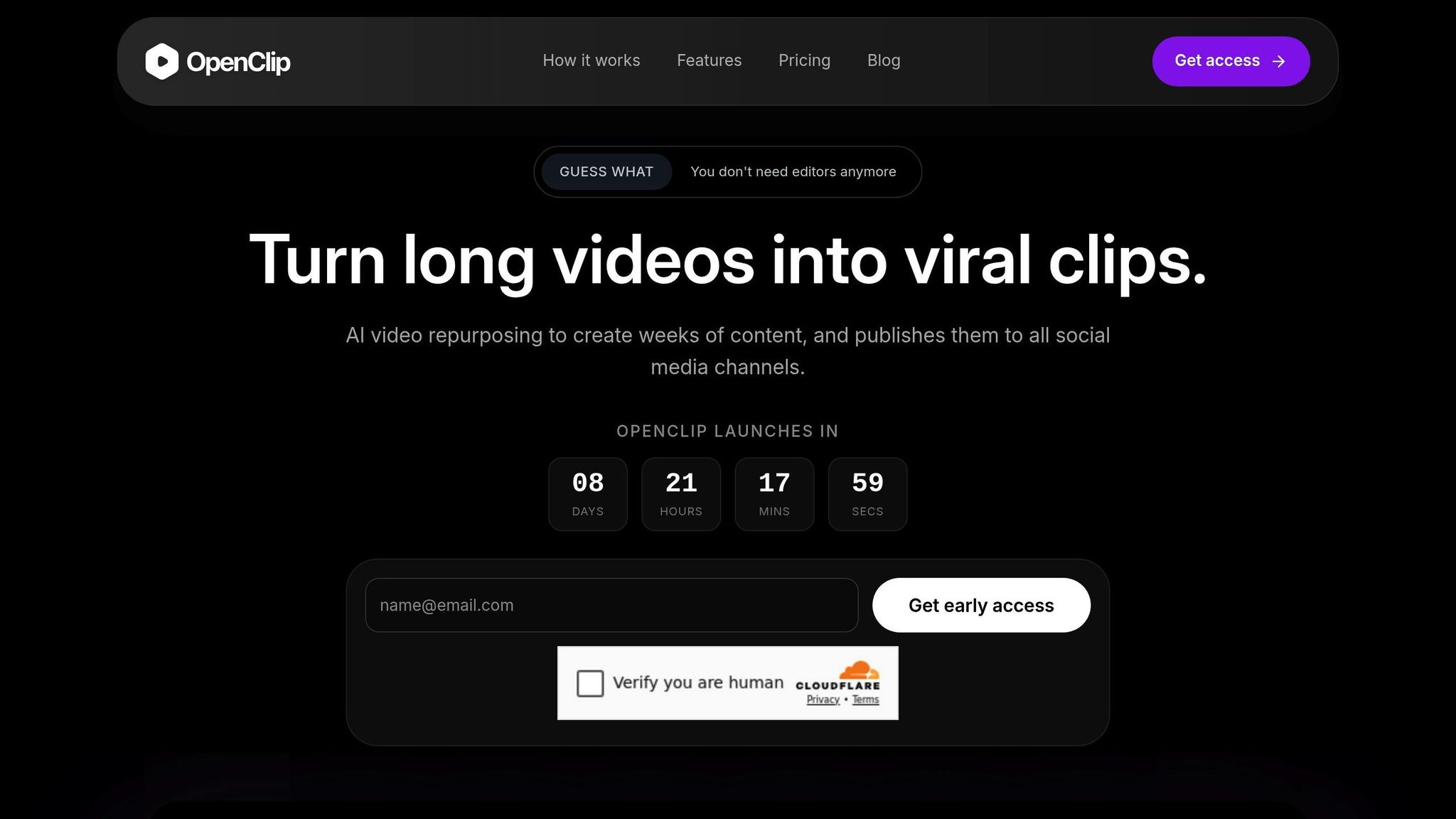
OpenClip is an AI-powered platform tailored for creators who want to turn long-form content into shareable, social media-ready clips. With a user base of over 12 million creators and businesses, it’s become a popular choice for podcasters, marketers, and content teams looking to streamline their video editing process and create more content in less time.
Text-Based Editing Capabilities
One standout feature of OpenClip is its text-based editing system, which makes editing as simple as working with a transcript. Want to cut a section of your video? Just delete the corresponding text, and the platform automatically removes that part of the video. You can also highlight specific text to create clips instantly. Plus, the option to add and edit emojis directly in the text adds a creative touch, making your content more engaging.
Another powerful tool is the "ClipAnything" feature, which uses natural language prompts to identify the best moments in any video - be it a vlog, gaming session, or interview. The AI analyzes visual cues, audio sentiment, and engagement patterns with over 90% accuracy, ensuring you capture the most shareable highlights. It even offers one-click removal of filler words like "um" and "uh", along with automatic pause trimming, for smoother speech flow.
These tools make editing faster and less tedious, freeing up time for creators to focus on their content.
Automation and AI Features
OpenClip takes automation to the next level with features like AI B-roll generation, which automatically inserts relevant clips to make your videos more engaging. For example, Karen V. Kitt saw a 266% boost in YouTube "shown-in-feed" metrics after using this tool, while RoJo Travel reported a 50% increase in watch time. The platform’s AI captioning is another game-changer, delivering over 97% accuracy. And since captioned videos tend to hold viewers' attention 40% longer than non-captioned ones, this feature can significantly improve your content’s performance.
The "ReframeAnything" technology is another highlight, automatically resizing videos for various platforms (9:16 for TikTok, 1:1 for Instagram, 16:9 for YouTube, etc.). It also uses AI object tracking to keep speakers centered in the frame. As Jacksfilms put it:
OpenClip has been crucial in helping me upload more short-form videos. I get to throw more things at the wall to see what sticks, rather than waste time editing a short that underperforms.
Social Media Integration
Managing multiple social media platforms? OpenClip makes it easier with its centralized social media calendar. From TikTok and Instagram Reels to YouTube Shorts and LinkedIn, you can schedule, publish, and manage posts from one dashboard. Built-in analytics help you track performance, so you can see what’s working with your audience. The platform also includes brand templates to ensure consistency in fonts, colors, and logos across all your clips.
Pricing
OpenClip offers three subscription plans, designed to meet the needs of creators at different levels:
Plan Price Processing Time Key Features Free $0/month 30 minutes/month 1 brand profile, watermark on exports, standard queue Pro $9/month 180 minutes/month Up to 3 brand profiles, no watermark, priority queue Business $29/month 360 minutes/month Unlimited profiles, team invites, top priorityThe Free plan is a great way to try out the platform, though it includes watermarks on exports. For more serious creators, the Pro plan offers increased processing time and removes watermarks. The Business plan is ideal for teams, providing collaboration tools and the highest processing capacity. All paid plans come with full access to OpenClip’s AI features, text-based editing tools, and social media scheduling capabilities.
2. Descript
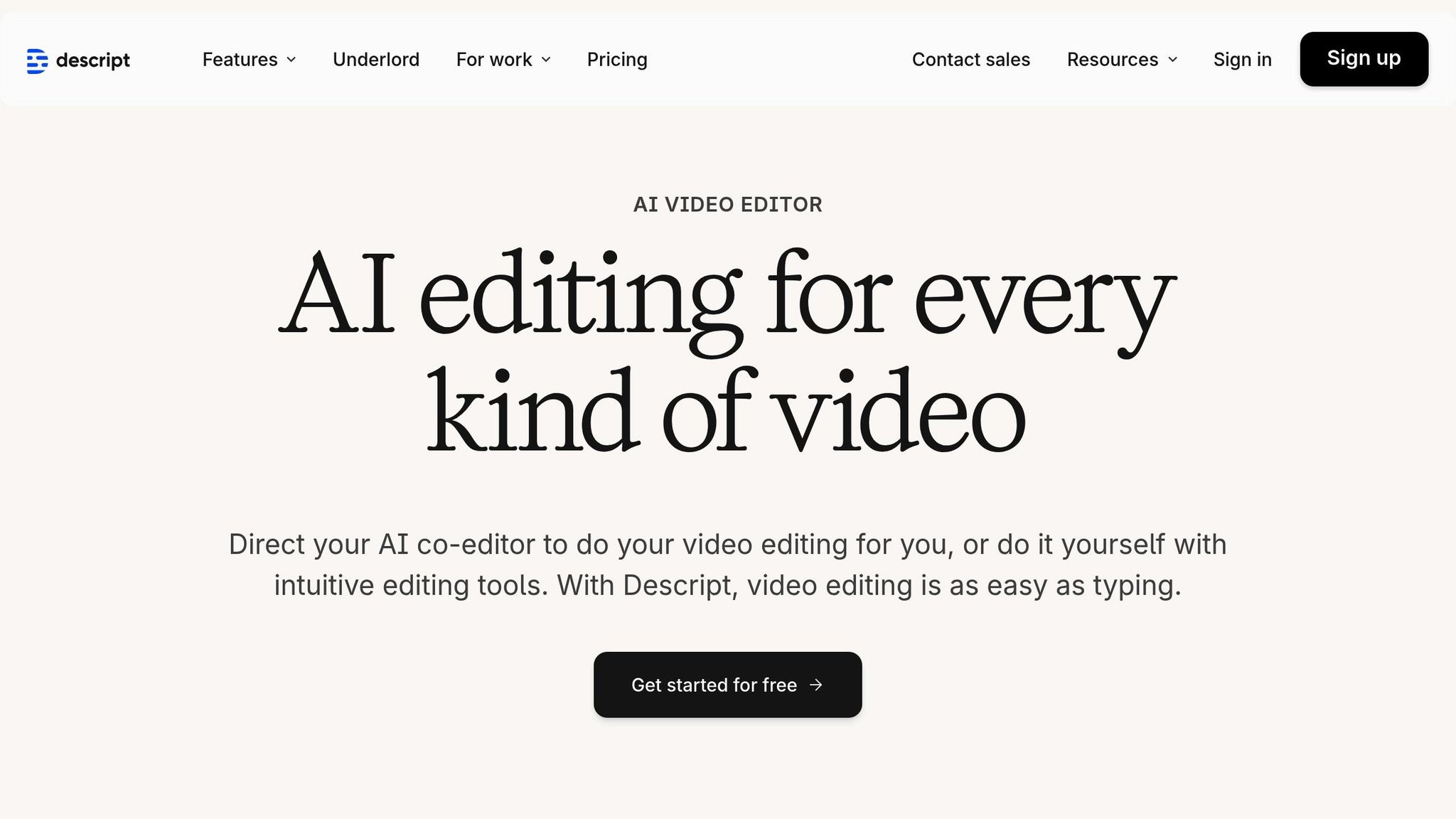
Descript takes a transcript-first approach, allowing users to edit video content by working directly with the transcript. This method has reportedly led to a 130% boost in video output and cut production time by an average of 27% compared to traditional video tools. It’s a streamlined starting point for a range of intelligent features that make video editing faster and easier.
Text-Based Editing Capabilities
Descript's Underlord AI assistant works alongside you to co-edit videos, handling tasks like script writing, layout adjustments, and even generating B-roll. This eliminates the need for tedious manual tweaks. Features like Studio Sound remove background noise, while the filler word removal tool quickly cuts out verbal hiccups like "um" and "uh", saving hours of effort. The Regenerate feature can even fix mispronunciations by cloning your voice.
Descript also offers visual tools to enhance editing. The Eye Contact feature automatically adjusts a speaker’s gaze to face the camera, while Green Screen makes background removal a breeze. With AI Avatars, you can turn scripts into fully realized videos. These tools are designed to simplify the editing process, especially in a world where 85% of Facebook videos are viewed on mute. Automatic captioning is a standout feature, as videos with captions see 12% longer watch times and drive 38% more conversions.
Automation and AI Features
Descript goes beyond basic editing by automating a variety of tasks. The Create Clips feature uses AI to pinpoint moments that are perfect for social media. Additionally, the platform can generate YouTube descriptions, chapters, and social media posts directly from your video content. With transcription capabilities in 25 languages and captioning support for over 60 languages, Descript is a great choice for reaching audiences worldwide.
Pricing
Plan Annual Price Monthly Price Key Features Free $0 $0 1 media hour/month, 720p export (no watermark), limited AI tools Hobbyist $16/mo $24/mo 10 media hours/month, 1080p export, Studio Sound, filler word removal Creator $24/mo $35/mo 30 media hours/month, 4K export, full Underlord access, stock library Business $50/mo $65/mo 40 media hours/month, Brand Studio, translation/dubbing in 30+ languages Enterprise Custom Custom Advanced security (SSO/SCIM), custom AI controls, dedicated supportOpting for annual billing can save users up to 35% compared to monthly plans. Descript has earned a 4.6/5 rating on G2, with many users praising its ability to speed up workflows. As Donna B. shared:
With Descript I'll be able to at least double my content output since editing is taking one-quarter the time it used to.
3. Adobe Premiere Pro
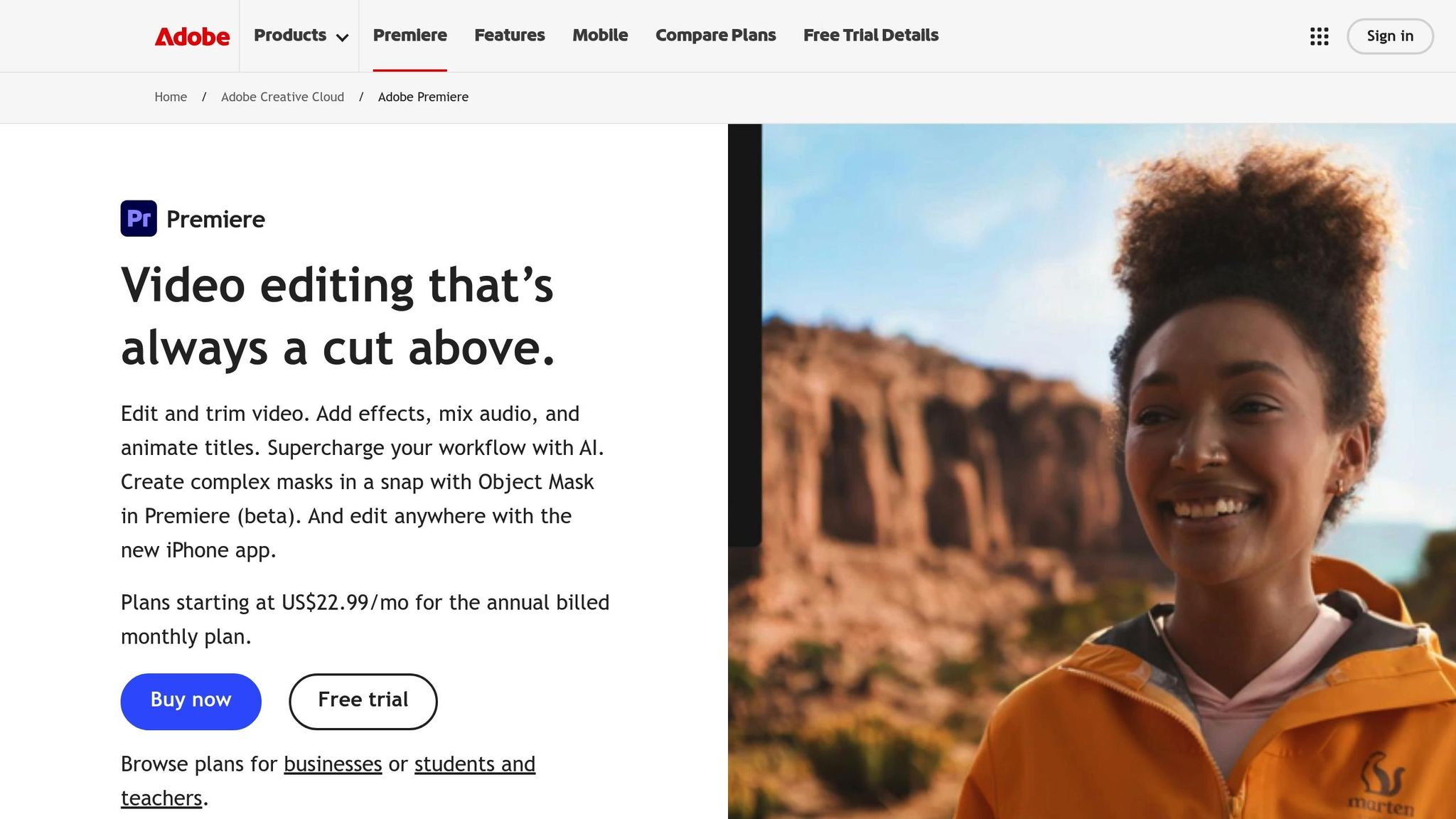
Adobe Premiere Pro has stepped up its game by introducing text-based, transcript-driven editing. With its Speech-to-Text feature seamlessly integrated into the software, you no longer need to rely on third-party apps for transcription. Supporting over 20 languages and boasting an impressive 95–98% accuracy on clean audio, this feature enhances the editing experience by blending traditional workflows with cutting-edge AI-powered tools. The result? Faster, smarter editing right at your fingertips.
Text-Based Editing Capabilities
Premiere Pro allows you to edit directly from a transcript. Want to cut a sentence? Simply delete it from the transcript, and the timeline updates instantly. This feature can reduce rough-cut editing time by nearly 50%. Plus, it comes with tools to clean up your audio effortlessly. The filler word detection feature identifies every "um" and "uh", letting you remove them all in one click using either the "Extract" option (which closes the gaps) or "Lift" (which leaves the gaps open).
For interviews or multi-speaker projects, the speaker detection AI is a lifesaver. It automatically labels speakers, so you can navigate conversations with ease or even remove all dialogue from a specific speaker in one step. Searching for specific words or phrases is also a breeze - just type in the term, and the playhead jumps to that exact moment in the timeline, making navigation faster than ever.
Automation and AI Features
Premiere Pro is packed with AI tools to handle time-consuming tasks. For example, Auto-Ducking automatically lowers background music during dialogue, while the Remix Tool adjusts music tracks to fit the exact length of your video without disrupting the song's structure. Need to fill gaps in your footage? The Generative Extend feature, powered by Adobe Firefly, can add frames to the start or end of a clip seamlessly.
Social media creators will appreciate the Auto Reframe tool, which adjusts sequences for different aspect ratios - like 9:16 for TikTok or Instagram Reels - while keeping the subject perfectly in frame. These features are designed to save time and streamline workflows, no matter the format or platform.
Pricing
The best part? All these text-based editing and AI-driven tools are included with a standard Adobe Premiere Pro subscription. There’s no need to pay extra for transcription or rely on third-party tools - everything you need is built right in.
sbb-itb-5598afd4. Pictory
Pictory focuses on content repurposing and automation, making it a go-to tool for over 20,000 companies. It’s designed to transform written content - whether it’s a blog post, script, or even a URL - into professional-quality videos without requiring any prior editing skills.
Text-Based Editing Capabilities
When you upload a video, Pictory’s AI generates an editable transcript. You can simply delete text from the transcript to remove the corresponding video footage. This feature is especially useful for quickly cleaning up interviews or presentations.
The platform also takes care of tedious editing tasks. With just one click, you can remove filler words and awkward pauses, making it a huge time-saver for editing webinars, podcasts, or Zoom recordings.
But Pictory doesn’t stop at editing existing videos. Its text-to-video generation feature is a standout. You can paste in a blog post, article, or script, and the AI will automatically match it with relevant stock visuals from a library of over 10 million royalty-free assets from Getty Images and Storyblocks. It also adds background music, generates AI voiceovers in more than 29 languages via ElevenLabs, and creates auto-synced captions - an essential feature since 85% of social media videos are viewed on mute.
These transcript-based editing tools are the foundation for Pictory’s more advanced automation capabilities.
Automation and AI Features
Pictory takes automation to the next level, speeding up video production with features like:
- Video Highlights, which scans long-form content and automatically extracts the most engaging moments to create short clips for social media. The platform’s "ReelFast" technology claims to increase productivity by up to 10 times compared to traditional editing.
- AI Studio, which generates custom visuals from text prompts when stock footage isn’t enough.
- Additional tools that let you convert PowerPoint presentations into videos with automated slide syncing or turn any webpage into a video using Pictory’s Chrome extension.
For even greater efficiency, Pictory integrates with tools like Zapier and Make, allowing you to seamlessly move completed videos into your storage or social media management systems.
Social Media Integration
Pictory is tailored for social media content creation, supporting multiple aspect ratios (16:9, 9:16, and 1:1) to ensure videos look great on platforms like YouTube, TikTok, Instagram, LinkedIn, and Facebook. The auto-captioning feature is particularly useful, as adding captions has been shown to increase view times by up to 12%.
Pricing
Pictory offers flexible pricing plans, billed either annually or monthly:
- Starter: $19/month (annual) or $25/month (monthly) – Includes 200 video minutes per month, 1 brand kit, and 1080p exports.
- Professional: $29/month (annual) or $49/month (monthly) – Offers 600 video minutes per month, 5 brand kits, 120 minutes of ElevenLabs AI voices, and access to Getty Images.
- Team: $99/month (annual) or $119/month (monthly) – Designed for 3 users, with 1,800 video minutes per month, 10 brand kits, and collaboration tools.
- Enterprise: Custom pricing for 10+ users, unlimited brand kits, and dedicated support.
Pictory has received high praise, earning a 4.7/5 rating on Capterra. One satisfied customer, Ravi M., shared:
The video production time has now been slashed.
5. Wondershare Filmora
Wondershare Filmora is a budget-friendly video editing tool packed with AI-powered features that cater to both professionals and hobbyists. With a stellar 4.7/5 rating from 15,746 reviews and recognition as a "2025 Winter Leader" by G2 Crowd, it’s a favorite among social media managers and content creators alike. Let’s dive into what makes Filmora stand out, from its text-based editing capabilities to its seamless social media integration.
Text-Based Editing Capabilities
Filmora simplifies video editing by transforming it into a text-editing experience. Upload your video, and the AI generates a transcript with up to 99% accuracy. From there, you can delete words or sentences directly in the transcript, and the corresponding video and audio segments are automatically removed from the timeline. This feature supports nine languages, including English, Spanish, Japanese, and Korean.
The platform also eliminates silent sections and filler words, saving over 3 hours of manual editing per video. Its "AI Idea to Video" tool takes things further, turning simple text prompts into complete video projects with storyboards, visuals, and voiceovers. With access to more than 50 natural-sounding AI voices and the ability to export subtitles in SRT format, Filmora ensures a polished, professional output.
Social Media Integration
Filmora’s AI tools are designed with social media in mind. The Smart Short Clips feature scans long-form videos, identifies key highlights, and converts them into vertical clips optimized for TikTok, Instagram Reels, and YouTube Shorts. The Auto Reframe tool automatically adjusts horizontal videos to a 9:16 aspect ratio, tracking subjects to ensure seamless framing without manual cropping.
I also love the Smart Short Clips feature, which helps me create multiple social-ready videos from one longer video. It's a huge timesaver, and the results are always eye-catching.
The platform also includes a Social Video Planner, enabling users to schedule posts while generating AI-powered titles and descriptions. With 85% of social media viewers watching videos on mute, Filmora’s auto-captioning feature is a must-have. Adding text overlays can further boost engagement by up to 40%, making it a game-changer for creators looking to maximize their reach.
Pricing
Wondershare Filmora offers a range of pricing plans in 2025, ensuring flexibility for different needs:
Plan Price Key Features Free $0.00 Basic tools, watermark on exports Basic $4.17/month Watermark removal, 200 AI credits Advanced $5.00/month 1,000 AI credits, 1080p/4K exports Premium $8.33/month Full AI suite, premium assets Perpetual $49.99 one-time 1,000 AI credits, lifetime accessWondershare Filmora has definitely enhanced my creativity while making my video-making process more efficient.
Feature and Pricing Comparison
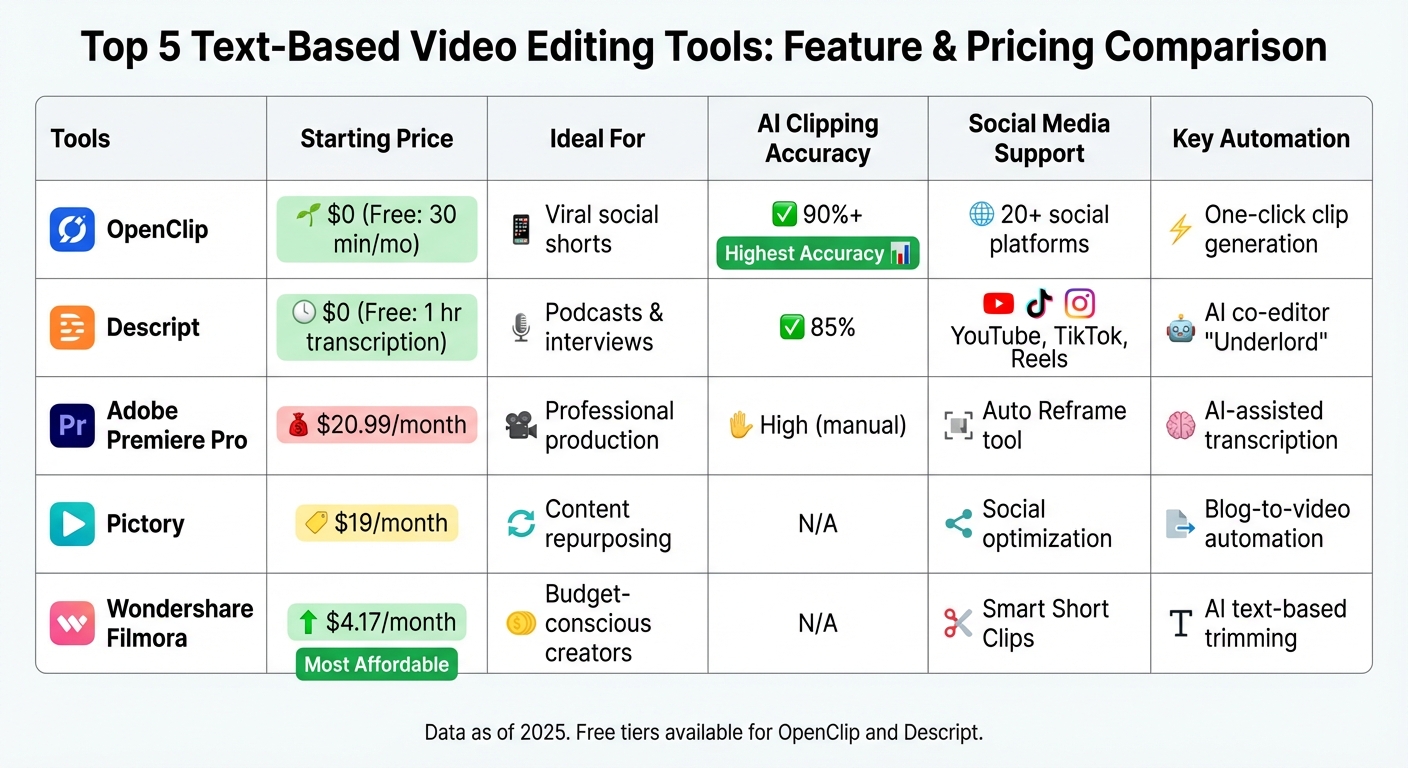
Text-Based Video Editing Tools Comparison: Features and Pricing 2025
To help you decide which editor aligns with your needs and budget, here's a breakdown of the key features and pricing for each tool:
Tool Starting Price Ideal For AI Clipping Accuracy Social Media Support Key Automation OpenClip $0 (Free: 30 min/mo) Viral social shorts 90%+ 20+ social platforms One-click clip generation Descript $0 (Free: 1 hr transcription) Podcasts & interviews 85% YouTube, TikTok, Reels AI co-editor "Underlord" Adobe Premiere Pro $20.99/month Professional production High (manual) Auto Reframe tool AI-assisted transcription Pictory $19/month Content repurposing N/A Social optimization Blog-to-video automation Wondershare Filmora $4.17/month Budget-conscious creators N/A Smart Short Clips AI text-based trimmingOpenClip shines with its 90%+ AI clipping accuracy and built-in scheduling, eliminating the need for third-party tools. Jason Lemkin from SaaStr shares his enthusiasm:
The only AI tool that I've found helpful so far is OpenClip. It can do something that I don't have time to do. I'm a super fan.
For creators working on dialogue-heavy projects, Descript offers an impressive 95%+ transcription accuracy and its AI co-editor, Underlord, to simplify the editing process. On the other hand, Adobe Premiere Pro is the go-to choice for professional-grade production, packed with advanced features like the Auto Reframe tool. However, it requires more manual work, making it ideal for polished, high-quality content.
Pictory is perfect for quickly turning blogs into videos, while Wondershare Filmora provides an affordable option for creators on a budget, costing just $49.99 per year. Its AI text-based trimming and smart short clips make it a practical choice for those looking for simplicity without breaking the bank.
Conclusion
Editing videos by simply deleting transcript words can speed up production by as much as 10 times. AI-powered video tools are reshaping workflows, saving creators up to 200 hours a year. This extra time can be channeled into more creative and strategic efforts, making these tools a game-changer for content creators.
Different projects call for different tools. Podcasts and interviews benefit from precise transcription features. For quick social media repurposing, OpenClip’s built-in scheduling is ideal. Professional-grade productions often require the detailed controls offered by Adobe Premiere Pro, while budget-conscious creators might lean toward Wondershare Filmora for its affordability. The right choice depends on balancing technical needs with audience engagement goals.
Accurate auto-captioning is another must-have, as it can increase watch times by 12% and boost conversions by 38%. Beyond simplifying the editing process, these tools enhance content performance across platforms. Many offer free tiers with limitations like watermarks or processing caps, allowing users to test their functionality and accuracy before committing to paid plans.
As video trends shift toward "social-native pacing", tools are adapting to prioritize attention-grabbing hooks within the first three seconds and automatically highlight quotable moments. With 73% of consumers favoring short-form video content, the ability to turn a single long-form video into over 10 platform-specific clips in under 20 minutes has become a key advantage.
The best approach? Match the tool to your content type and workflow. Start with free tiers to evaluate transcription accuracy and processing speed. From there, scale up based on features that actually save you time - whether it’s automated filler word removal, one-click aspect ratio adjustments, or direct publishing to social media.
FAQs
How can text-based video editing tools boost productivity?
Text-based video editing tools simplify the editing process by letting creators work directly with a video’s transcript. Instead of dealing with a complicated timeline, users can simply delete or rearrange text, and the tool automatically adjusts the corresponding video segments. This makes it quicker and easier to cut out filler words, long pauses, or irrelevant content with precision.
These tools also make finding specific moments a breeze, instantly generate subtitles, and allow users to create short clips for social media without having to rewatch the entire video. By automating repetitive tasks like transcription and clip creation, they save creators a lot of time - some report saving as much as 200 hours a year. Platforms like OpenClip take it a step further by integrating transcription, speaker detection, clip generation, and scheduling all in one place. This lets creators focus on crafting their stories while producing more content in less time.
What makes OpenClip a great tool for creating social media content?
OpenClip makes creating engaging social media content faster and easier. With its AI-powered tools, it turns long-form videos into short, eye-catching clips that are perfect for platforms like TikTok, Instagram Reels, YouTube Shorts, X, and LinkedIn. Some standout features include automated transcription, speaker detection, and smart clip creation, helping you produce polished, shareable content without spending hours editing.
On top of that, OpenClip simplifies your workflow with scheduling tools, so your clips are always posted at the ideal time to reach your audience. If you want to repurpose videos quickly and effectively, OpenClip is built to help you succeed on social media.
How do these tools support transcription and captions in multiple languages?
Modern video editing tools that rely on text use advanced AI to tackle transcription and captioning across multiple languages. These tools can identify speech in a wide range of languages, produce highly accurate transcripts, and generate captions that are perfectly synced with the video. With error rates as low as 5%, they allow users to edit transcripts directly, with changes instantly reflected in the captions. This makes the entire process both quick and seamless.
OpenClip takes this process a step further. Once you upload a video, it automatically detects the spoken language(s), generates a full transcript, and even adds speaker tags. Need to clean up the text or remove filler words? No problem - just make the edits, and the captions will update instantly. OpenClip also ensures your captions are formatted and synced for platforms like TikTok, Instagram Reels, YouTube Shorts, and LinkedIn, making it simple to create multilingual content that’s ready for a global audience.
Turn one video into a week of content.
Try OpenClip free