By Mees de Beukelaar
No Time for Video Editing? Automation Solutions
Explore how AI automation in video editing saves time, boosts engagement, and ensures brand consistency for creators and marketers alike.
Originally published December 18, 2025
In this article
- Key Benefits of Automating Video Editing for Social Media
- BEST AI Video Editor I Use Everyday!! (99% Automated)
- How to Add OpenClip's AI Features to Your Workflow
- OpenClip vs Other Leading AI Tools
- Best Practices for Automating Video Repurposing
- Conclusion: Save Time and Expand Your Reach with Automation
- FAQs
Video editing doesn’t have to be a time sink anymore. AI-powered tools now handle repetitive tasks - like cutting clips, syncing audio, and adding captions - so you can focus on what matters most: creating.
Here’s why automation is changing the game:
- Save Hours: AI tools like OpenClip reduce editing time by up to 50%.
- Boost Engagement: Tailor videos for platforms like TikTok or Instagram automatically, increasing social media engagement by up to 50%.
- Stay Consistent: Maintain your brand’s style across all content effortlessly.
Whether you’re a small business, social media manager, or content creator, automation simplifies video production while cutting costs. Tools like OpenClip combine transcription-based editing, multi-format output, and direct scheduling into one streamlined workflow.
Want faster results and better content? Automation is the answer.
Key Benefits of Automating Video Editing for Social Media
Save Time with AI-Powered Tools
AI video editing can save up to 14 hours per project while trimming costs by around $1,500 per project. By automating repetitive tasks, it removes the need for hours of manual labor.
A great example of this is Socialive’s AI-powered editor, showcased in September 2025. Users were able to complete video projects faster by automating processes like captioning and layout recognition.
"AI saves time and money compared to traditional video editing." - Socialive
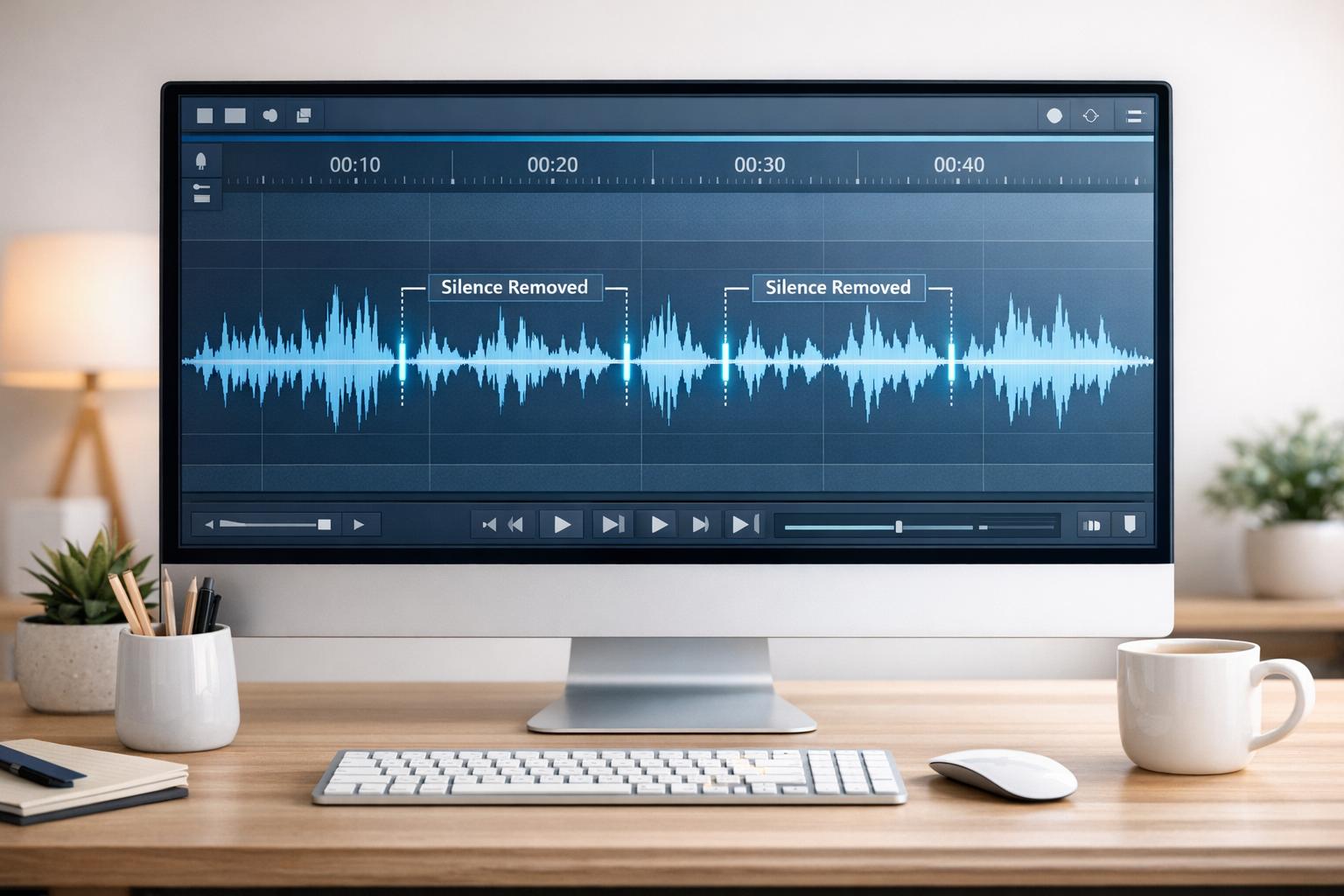
These tools handle tasks like auto-transcription (converting spoken words into text), silence removal (cutting out awkward pauses), and smart clip generation (highlighting the most engaging moments). For instance, a travel vlogger used AI to generate a script and edit an entire video in just minutes - a task that would have taken hours before.
This time-saving efficiency allows creators to focus more energy on connecting with their audiences.
Increase Engagement with Platform-Specific Content
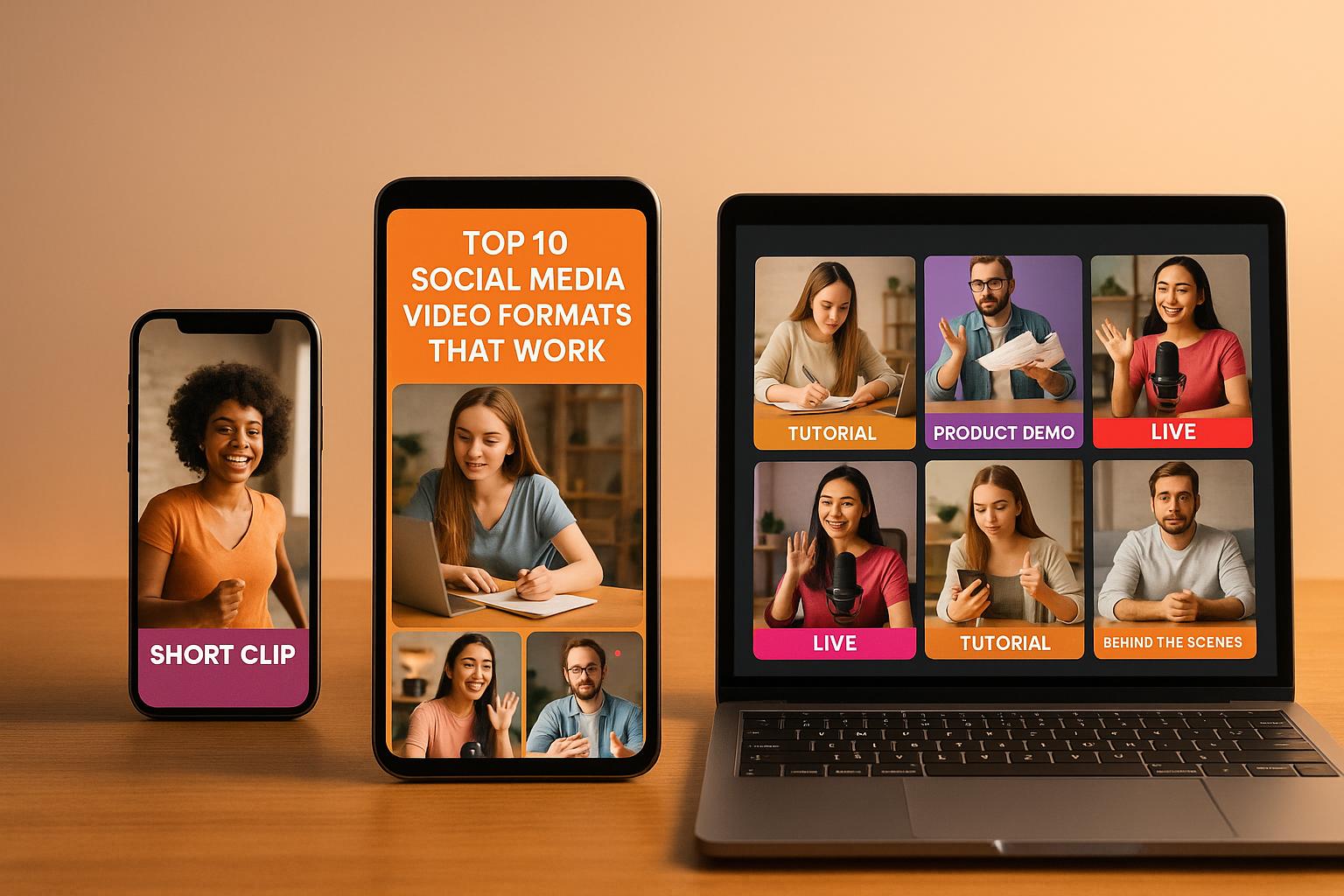
Every social media platform has its own quirks - different formats, lengths, and styles that work best. AI tools simplify this by automatically tailoring video content to suit each platform’s unique requirements, making sure your videos are optimized for maximum impact.
This targeted approach dramatically boosts engagement. For example, captions can increase engagement by up to 80% on Facebook and Instagram, and videos retain 95% of the message.
In March 2025, a marketing agency used AI tools to create videos specifically optimized for TikTok and Instagram. The result? A 50% boost in engagement rates compared to their previous manual editing methods. Emily Johnson, the agency’s Social Media Manager, credited these tools for enabling faster production and consistent branding.
"AI video tools empower creators and brands to meet the rising demand for daily social media videos." - Nick Warner, Head of Creator Growth at HeyGen
One standout feature is multi-format clip creation. Instead of manually resizing and reformatting videos for each platform, AI can automatically adjust your content to meet the specific requirements of Instagram, TikTok, YouTube, and more. This ensures your videos feel native to every platform they appear on.
And with higher engagement, maintaining a cohesive brand identity becomes even more important.
Keep Content Consistent Across Channels
Consistency is key to building a strong brand presence, but keeping that uniformity across multiple platforms can be a challenge. Automation makes this easier by applying your brand guidelines seamlessly to all your content. It’s no wonder that 75% of enterprise marketers are now using generative AI for content creation and management.
AI platforms can analyze your existing videos and generate new clips that align with your brand’s voice and style. This minimizes errors and ensures every piece of content meets your standards.
Take the example of a major healthcare provider’s marketing team in September 2025. Using Sprinklr’s AI tools, they cut their video production time in half while maintaining brand compliance across all social media platforms. This shift also led to a 30% increase in audience engagement in just three months.
"The future of AI is not about replacing humans, it's about augmenting human capabilities." - Sundar Pichai, CEO of Google
AI tools help ensure your tone, messaging, and overall brand personality remain consistent everywhere, freeing you to focus on creative strategy rather than technical details.
BEST AI Video Editor I Use Everyday!! (99% Automated)
How to Add OpenClip's AI Features to Your Workflow
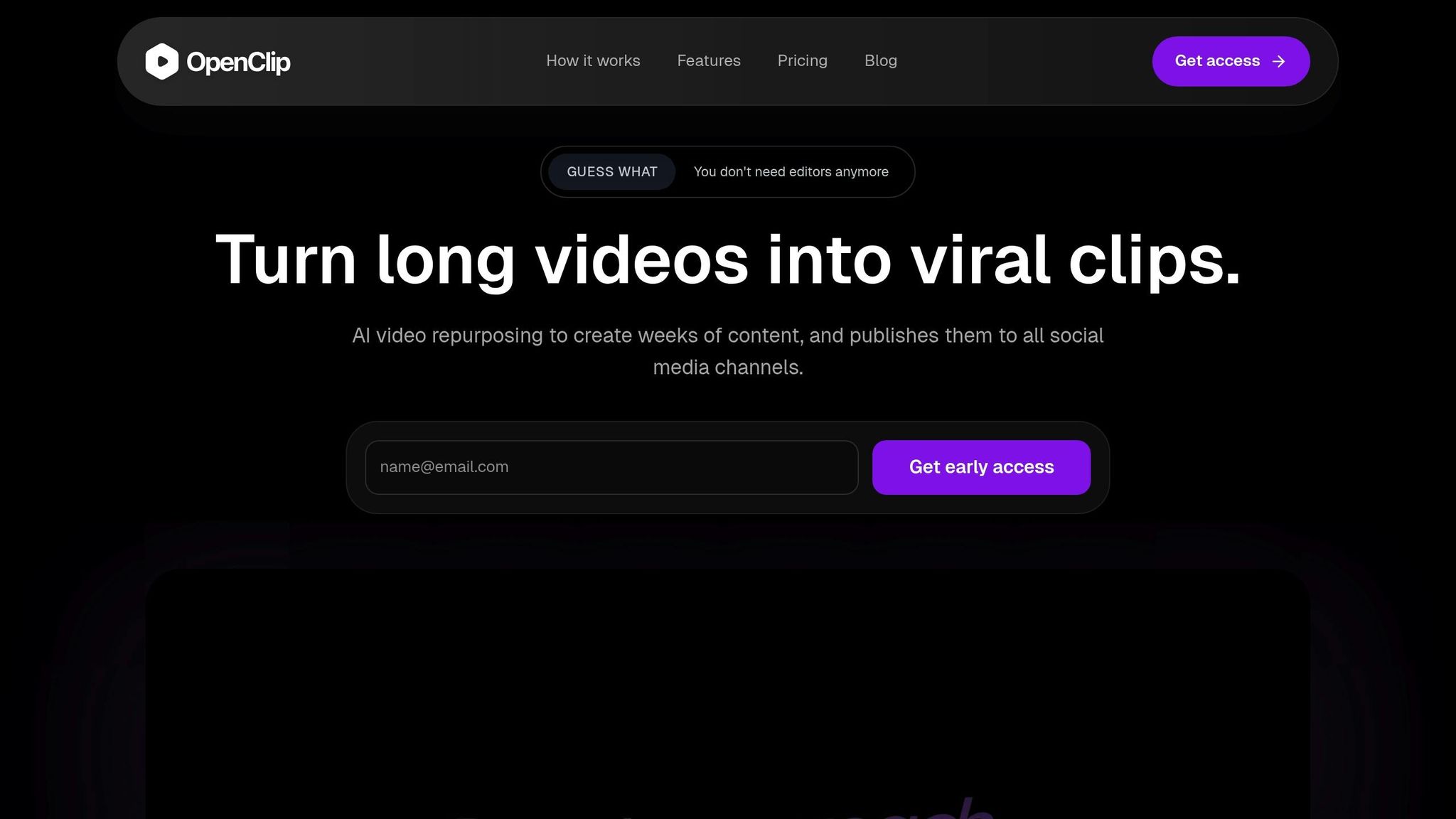
Take advantage of OpenClip's AI tools to streamline your video editing process. With just three steps, you can integrate these features into your workflow and save time while creating polished, platform-ready content.
Step 1: Upload Your Long-Form Video
Start by uploading your video to OpenClip. After logging into your account, click the Upload button. The platform supports a variety of video formats, so whether you're working with a podcast, webinar, interview, or any other long-form content, you're covered.
Once you upload your file, OpenClip gets to work, processing your video and preparing it for AI-powered editing. The system begins analyzing the content right away, setting the stage for transcription and automated editing.
Step 2: Use AI Tools for Transcription and Editing
OpenClip's AI tools make transcription and editing fast and intuitive. The platform generates a complete transcript of your audio, which becomes the backbone of your editing process.
The text-based editing feature is a game-changer. Instead of painstakingly scrubbing through video timelines, you can edit directly from the transcript. For example, to remove a section, just delete the corresponding text, and the video segment is automatically cut.
Other tools, like smart clip scoring and automated filler or silence removal, help refine your video into shareable, engaging clips in no time.
In March 2025, one content creator reported cutting their editing time in half when producing social media clips from a 60-minute podcast. This efficiency boost allowed them to create more content for their social channels without sacrificing quality.
"OpenClip's AI tools have transformed my editing process, allowing me to focus on creativity rather than tedious tasks." - Jane Doe, Content Creator
Step 3: Create Multi-Format Clips and Publish
After editing, OpenClip helps you create clips optimized for different platforms. Whether you need vertical (9:16) for TikTok, square (1:1) for Instagram, or horizontal (16:9) for YouTube, the platform automatically generates the right formats. This ensures your videos look native on each platform, which is essential for capturing attention and driving engagement.
The platform also simplifies the publishing process. With auto-scheduling features, you can post directly to TikTok, Instagram Reels, YouTube Shorts, X (formerly Twitter), and LinkedIn. Set your schedule in advance to maintain a steady content calendar without needing to manually upload each clip.
For added insight, OpenClip's confidence dashboard predicts how well each clip might perform. This data-driven approach helps you prioritize which content to publish first, taking the guesswork out of your strategy.
From upload to publishing, OpenClip streamlines the entire process, leaving you with more time to focus on creating and engaging with your audience.
sbb-itb-5598afdOpenClip vs Other Leading AI Tools
Building on the streamlined workflow mentioned earlier, OpenClip proves itself as a standout among AI video editors. Let's see how it holds up against competitors like Descript, Pictory, and Adobe Premiere Pro.
Feature Comparison
Feature OpenClip Descript Pictory Adobe Premiere Pro Multi-format output ✅ Automatic 9:16, 1:1, 16:9 ❌ Limited format options ✅ Multiple formats ⚠️ Manual resizing required Auto-scheduling ✅ Direct publishing to 5+ platforms ❌ No native scheduling ❌ No scheduling features ❌ No scheduling Team collaboration ✅ Real-time editing & feedback ✅ Strong collaboration tools ❌ Limited team features ✅ Advanced team workflows Learning curve ✅ Beginner-friendly ⚠️ Moderate complexity ✅ Easy to use ❌ Steep learning curve Text-based editing ✅ Full transcript editing ✅ Industry-leading ⚠️ Basic text features ❌ Timeline-based only AI automation ✅ Smart clip scoring with confidence dashboards ⚠️ Basic AI features ✅ Strong AI repurposing ⚠️ Limited AI toolsDescript is a solid choice for text-based editing, but it lacks versatility in output formats and doesn't include scheduling features. While its collaboration tools are strong, users often need additional software to fully optimize their content for various platforms.
Pictory is excellent for turning long-form content into shorter, engaging videos. However, it falls short in offering scheduling or robust collaboration features, which are vital for efficient team workflows.
Adobe Premiere Pro remains the go-to for professional video editing, delivering exceptional creative control and advanced capabilities. That said, its complexity and steep learning curve make it less appealing for creators looking for quick, automated solutions tailored to social media.
Why OpenClip Stands Out
OpenClip sets itself apart by combining all the essential features for video repurposing into one streamlined platform. While other tools excel in specific areas, OpenClip simplifies the process by integrating automation, multi-format optimization, and scheduling into a single workflow.
Its automated format optimization removes the tedious manual resizing required by other tools, creating clips perfectly suited for each social media platform. This not only saves time but ensures your content meets platform-specific requirements effortlessly.
In one case study, a marketing team reported a 50% reduction in video production time after adopting OpenClip. By leveraging its automation and scheduling features, they were able to significantly increase their content output.
"OpenClip's automation features allow teams to focus on creativity rather than getting bogged down in technical details."
Starting at only $9/month, OpenClip makes automation accessible to creators of all levels. Its smart clip scoring feature, complete with confidence dashboards, provides data-driven insights to help creators prioritize high-performing content. This eliminates the guesswork, boosts engagement, and ensures every piece of content serves its purpose.
With direct publishing capabilities, OpenClip eliminates the need for extra scheduling tools, handling everything from editing to publishing in one seamless workflow. By integrating OpenClip into your process, you can save time, increase your content's reach, and focus on what truly matters - creating impactful videos.
Best Practices for Automating Video Repurposing
Automation can make video repurposing faster, but it’s not a set-it-and-forget-it process. To get the most out of tools like OpenClip, you need to balance automation with thoughtful fine-tuning. Here are three key practices to help you make the most of AI-driven video repurposing.
Review AI-Generated Content for Brand Consistency
While AI can handle a lot of the heavy lifting, it’s up to you to ensure that every clip aligns with your brand’s tone and message. Before publishing, take a moment to review each automated clip. Does it reflect your unique voice? Are the key messages clear and aligned with your brand? Does the visual style feel cohesive with your other content?
Having a simple brand checklist can make this process easier. For example:
- Does the tone match your usual content?
- Are the key messages on-brand?
- Is the visual style consistent with your other posts?
Skipping this review step can lead to issues. AI might select technically solid moments, but those clips could lack the emotional depth or precise messaging needed to capture your audience’s attention. A quick review ensures your content hits the mark every time.
Add Branding and Captions to Your Clips
To make your videos stand out and stay recognizable, add your branding elements - like logos, brand colors, and custom captions. Captions, in particular, are critical for engagement since many social media users watch videos without sound. They also ensure your content is accessible to a wider audience.
OpenClip’s automatic transcription is a great starting point, but don’t stop there. Customize the caption style, colors, and placement to match your brand. Simple templates can make this process faster and ensure consistency across all your clips.
By reinforcing your visual identity, you make it easier for your audience to spot your content in crowded feeds, boosting recognition and engagement.
Track Metrics to Improve Future Content
Your automated clips can reveal a lot about what your audience connects with. Metrics like watch time, completion rates, and engagement offer deeper insights than simple view counts. For instance:
- Karen V. Kitt, M.Ed. saw a 266% boost in YouTube's shown-in-feed performance.
- jraahpodcast reported a 57% increase in watch time.
- veteransarchives improved their completion rate from 1–3% to over 12%.
Review these metrics regularly - monthly is a good starting point - to spot trends and adjust your strategy. Pay attention to which topics, speakers, or styles generate the most interaction. This data can guide the AI to select even better moments in the future and help you refine your source material.
Conclusion: Save Time and Expand Your Reach with Automation
Incorporating AI-powered automation into your workflow doesn’t just cut down editing time - it supercharges your content strategy. Video editing automation is a game-changer for scaling your content efforts without the risk of burnout. By letting automation handle the repetitive tasks, you can dedicate more energy to creating impactful content, connecting with your audience, and exploring new creative ideas. What once felt like a tedious grind can now become a streamlined and efficient process.
The three-step workflow we’ve discussed - uploading long-form content, using AI for transcription and editing, and generating multi-format clips - turns what used to take hours into a task you can complete in minutes. Pair this with thoughtful repurposing strategies, like maintaining brand consistency, adding custom captions, and monitoring performance metrics, and you’re not just saving time - you’re setting the stage for a more effective and engaging content strategy.
OpenClip offers flexible pricing to suit different needs: a free plan with 30 minutes of monthly processing to get started, a Pro plan at $9/month providing 180 minutes and no watermarks, and a Business plan at $29/month with unlimited profiles, 360 minutes, and collaboration tools. This approach ensures you can focus your resources on strategic content creation while keeping costs manageable.
Video editing automation thrives when used as a collaboration between human creativity and AI efficiency. While the AI takes care of the repetitive tasks, your role is to guide the strategy and bring the vision that makes your content resonate with your audience. Together, it’s a winning combination.
FAQs
How does OpenClip's AI video editing help ensure consistent branding across social media platforms?
OpenClip's AI-powered video editing tools make it easier than ever to keep your brand's look consistent. With features like automated color grading, seamless logo placement, and built-in font integration, these tools ensure your videos match your brand's visual identity across all platforms - no tedious manual tweaks required.
On top of that, AI-driven templates and presets take the hassle out of formatting videos for different social media platforms like Instagram Stories, YouTube, or TikTok. This means creators can save time, maintain a polished and unified style, and focus on delivering content that connects with their audience while boosting reach and engagement.
How can I integrate OpenClip's AI features into my video editing workflow?
To seamlessly incorporate OpenClip's AI tools into your video editing routine, start by verifying that your editing software works with OpenClip's features. Once compatibility is confirmed, follow these steps:
- Install and Set Up: Download OpenClip's AI tools and follow the installation guide to configure the software. Make sure it integrates smoothly with your existing setup.
- Upload Your Media: Bring your video files into OpenClip’s platform or link it directly to your editing software for easy access.
- Leverage AI Tools: Tap into OpenClip’s capabilities to handle tasks like cutting clips, transcribing audio, or adjusting formats for social media. Adjust the settings to align with your specific project goals.
- Export and Polish: After the AI processes your video, export the file back to your editing software for any finishing touches.
OpenClip's AI tools can take care of time-consuming tasks, giving you more freedom to focus on crafting compelling stories.
How can AI-powered video editing tools save time and reduce costs for content creators?
AI-powered video editing tools are game-changers for content creators, offering huge savings in both time and money. By automating tasks like trimming clips, adding captions, and applying effects, these tools can slash editing time by as much as 90%. That means creators can spend more time brainstorming new ideas or working on other creative projects instead of getting bogged down in tedious edits.
When it comes to cost, these tools are just as impactful. By simplifying the production process and cutting back on the need for manual work, creators often save hundreds - or even thousands - of dollars per project. They're especially useful for adapting content for social media, allowing creators to expand their reach without putting in extra effort.
Turn one video into a week of content.
Try OpenClip free