By Mees de Beukelaar
Top 7 Tools for Video Feedback
Compare seven top video feedback tools with frame-accurate comments, integrations, pricing, and use cases to streamline review workflows and cut revision time.
Originally published March 28, 2026
In this article
Managing video feedback can be chaotic without the right tools. Emails, Slack messages, and spreadsheets often lead to confusion, wasted time, and lost edits. Thankfully, modern platforms simplify this process with time-stamped comments, frame-specific annotations, and automated workflows. Here's a quick rundown of the 7 best tools for video feedback:
- OpenClip: AI-powered platform for creating and reviewing social media clips with features like auto-scheduling and smart reframing. Free plan available.
- Picflow: Organizes feedback with frame-specific comments and customizable galleries. Ideal for high-resolution projects.
- ReviewStudio: Supports over 100 file types with live collaboration tools and side-by-side video comparisons.
- GoVisually: Offers frame-specific annotations and unlimited external reviewers, perfect for client-heavy workflows.
- Webgate.io: Tailored for film and TV post-production, with tools like freehand sketches and Kanban boards.
- Motion Array: Combines video feedback with access to stock assets and plugins, offering a one-stop solution for creators.
- Ziflow: Built for high-volume teams, featuring range-based comments, frame comparisons, and advanced integrations.
Each tool caters to different needs, from social media creators to enterprise teams. Below is a quick comparison to help you decide.
Quick Comparison
Tool Starting Price Best For Key Feature G2 Rating OpenClip $0/month (Free plan) Social media teams AI-driven clip creation N/A Picflow Free trial available Agencies and photographers Frame-specific feedback 4.3/5 ReviewStudio $12/user/month Multi-file type feedback Side-by-side version comparison 4.7/5 GoVisually $29/month Client-heavy workflows Unlimited reviewers 4.4/5 Webgate.io Varies Film and TV post-production Freehand sketches and Kanban boards N/A Motion Array $29.99/month Creators seeking stock assets Integrated review and asset library 4.8/5 Ziflow $0 (Free tier), $199/month (Paid) High-volume teams Range-based commenting 4.5/5These tools help teams reduce miscommunication, save time, and deliver polished content faster. Choose based on your specific workflow, whether you need AI automation, live collaboration, or advanced integrations.
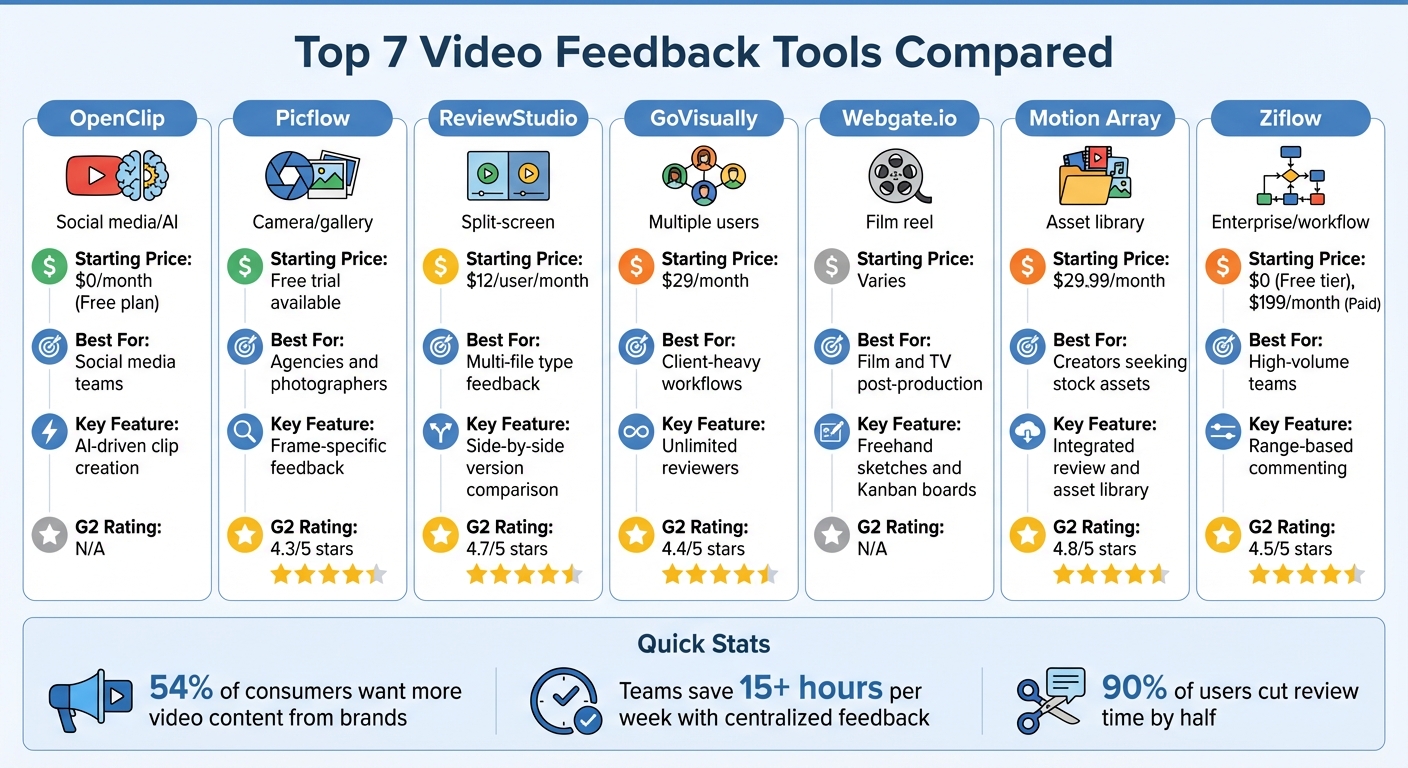
Video Feedback Tools Comparison: Features, Pricing & Best Use Cases
5 Best Video Collaboration Platform in 2025 - Features and Pricing
sbb-itb-5598afd1. OpenClip
OpenClip is an AI-powered platform designed to transform long-form videos into engaging, multi-format clips while simplifying team feedback. Let’s dive into how its features streamline the video feedback process.
Collaboration Features
OpenClip tackles the common challenges of scattered feedback and miscommunication in video projects. Built for teams, the platform offers AI-driven approval workflows that suggest clips with confidence scores and explanations, making it easier to evaluate and approve content. Teams can batch-review clips and schedule them for posting automatically. To maintain consistency across projects, the platform includes Brand kits that allow users to apply the same fonts, colors, and logos across all clips.
Integration Capabilities
Efficiency doesn’t stop at collaboration - OpenClip also makes content delivery seamless. It integrates directly with platforms like TikTok, Instagram (Reels), YouTube (Shorts), X, and LinkedIn, enabling auto-posting and cutting down on extra steps. For advanced users, the team plan includes API access, so OpenClip’s AI clipping features can be incorporated into existing workflows or content management systems. The Smart reframe feature automatically adjusts videos into 9:16, 1:1, and 16:9 formats, eliminating the hassle of manual resizing for different social platforms.
Ease of Feedback Management
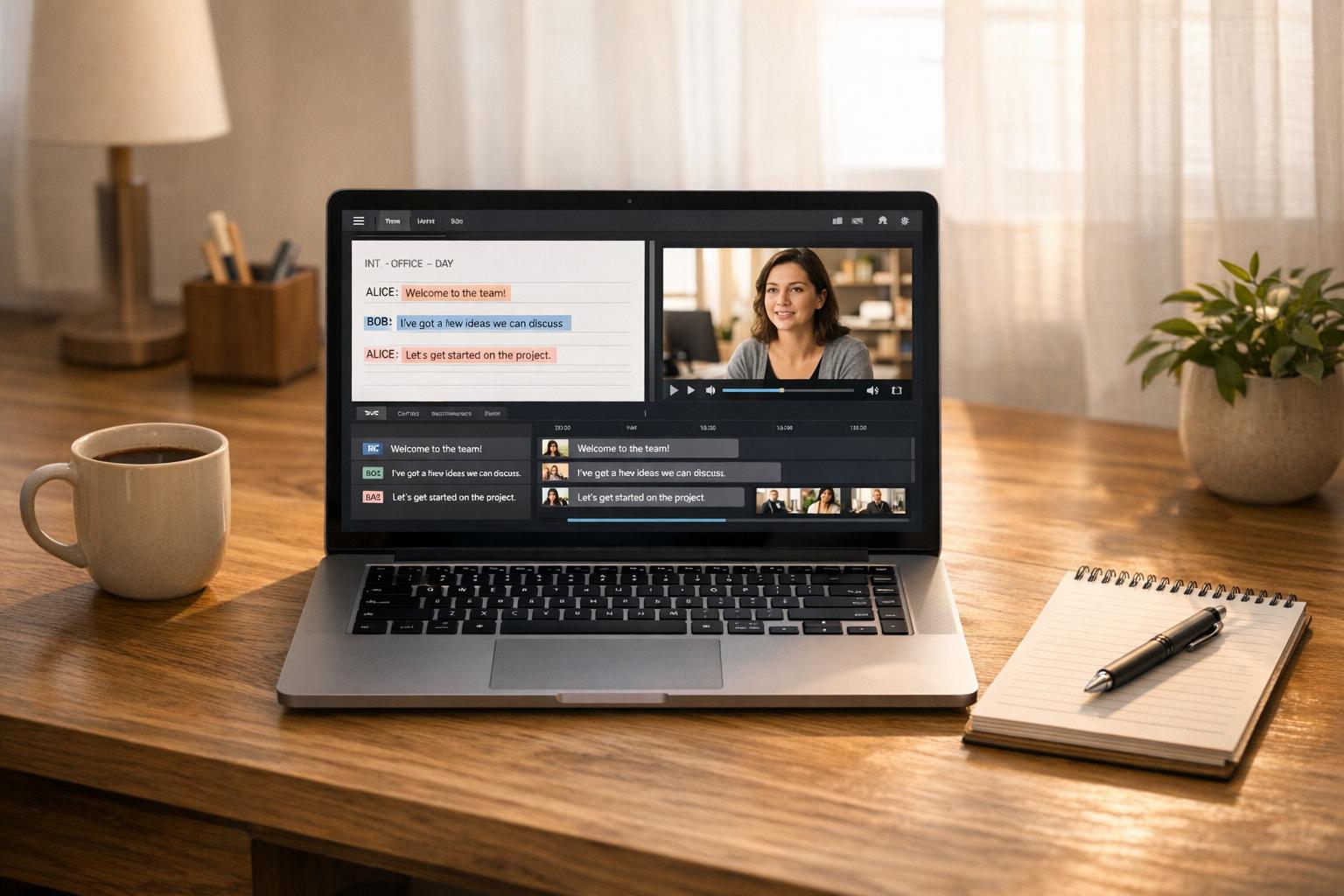
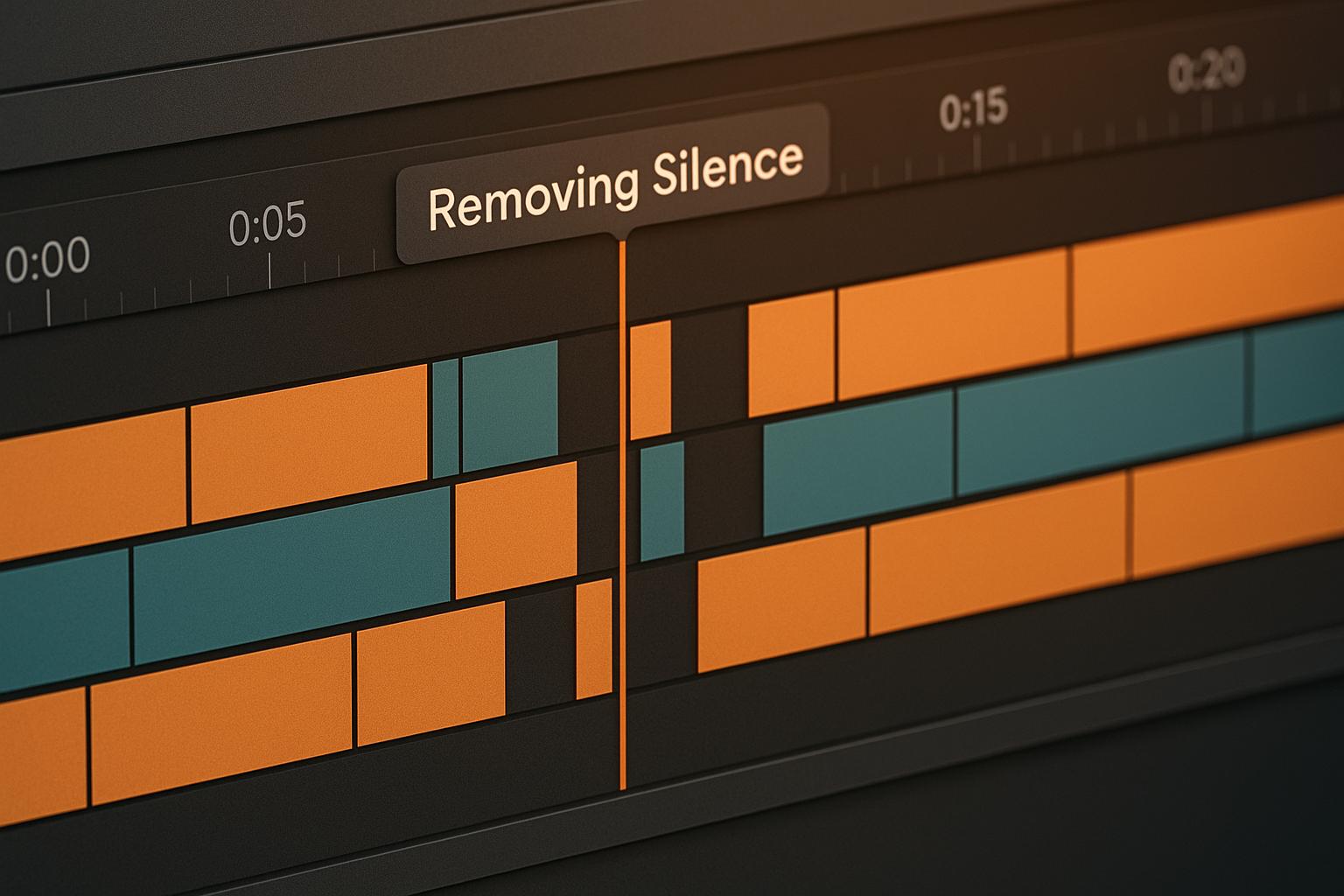
Managing feedback is faster and more efficient with OpenClip. Automated workflows cut video editing time from 30–60 minutes per video to under 3 minutes. This improvement allows teams to produce over 30 clips per week, compared to the typical 2–3 clips, saving more than 10 hours weekly. Additionally, the text-based editor makes it easy to highlight and cut segments, as well as remove silences and filler words, simplifying the editing process even further.
Pricing and Scalability
OpenClip offers flexible pricing to meet the needs of teams at different production scales:
Plan Price/Month Processing Time Key Features Free $0 30 minutes 1 brand profile, watermark on exports, standard queue Pro $9 180 minutes Up to 3 brand profiles, no watermark, priority queue Business $29 360 minutes Unlimited brand profiles, team invites, highest priority queueThe Business plan is perfect for teams looking to scale their video production. At $29 per month, it includes unlimited brand profiles and advanced collaboration features, ensuring teams can handle growing production demands without sacrificing efficiency.
2. Picflow
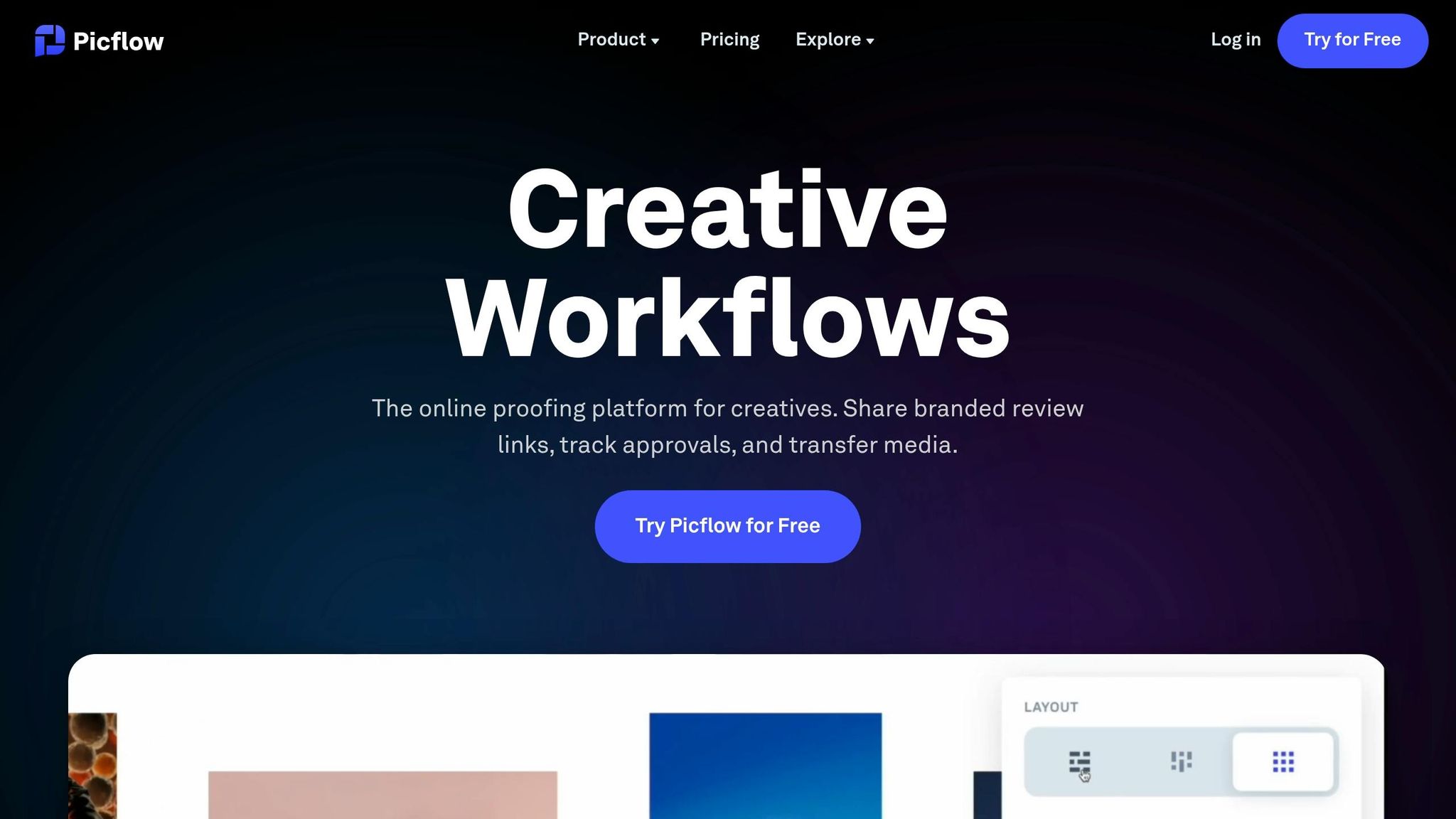
Picflow simplifies video feedback for creative teams and agencies by replacing chaotic email chains and Slack messages with organized online galleries. Trusted by brands like Universal Music Group and TAG Heuer, Picflow boasts a 4.3/5 rating on G2. It supports videos in up to 4K and HDR quality, making it a solid choice for high-resolution projects. The platform is designed to streamline feedback and improve team productivity.
Collaboration Features
Picflow's standout feature is its frame-specific feedback, allowing users to pause videos and leave comments with pinpoint accuracy. Feedback is kept tidy with threaded comments, tags, and @mentions to ensure nothing gets lost. The Workflow Mode further enhances collaboration by introducing filters, bulk actions, filename exports, and approval status settings - ideal for managing client reviews.
Managing Feedback with Ease
Picflow doesn't just focus on detailed comments; it also makes overall feedback management smoother. The Gallery Designer offers tools to customize layouts, add text, and embed external content while maintaining consistent branding. Security features, such as password protection, gallery auto-expiration, and visitor identification, help you control access to your work. Plus, all plans allow for unthrottled uploads and downloads, ensuring fast handling of large video files.
Pricing and Scalability
Picflow provides a "Free Forever" plan along with a free trial of its premium features, giving users the chance to explore the platform without any upfront commitment. It accommodates teams of all sizes with flexible sharing options, including direct invitations, shareable links, and embeddable Gallery Widgets. For agencies juggling multiple clients, bulk actions and workflow filters help manage feedback efficiently, even at scale.
3. ReviewStudio
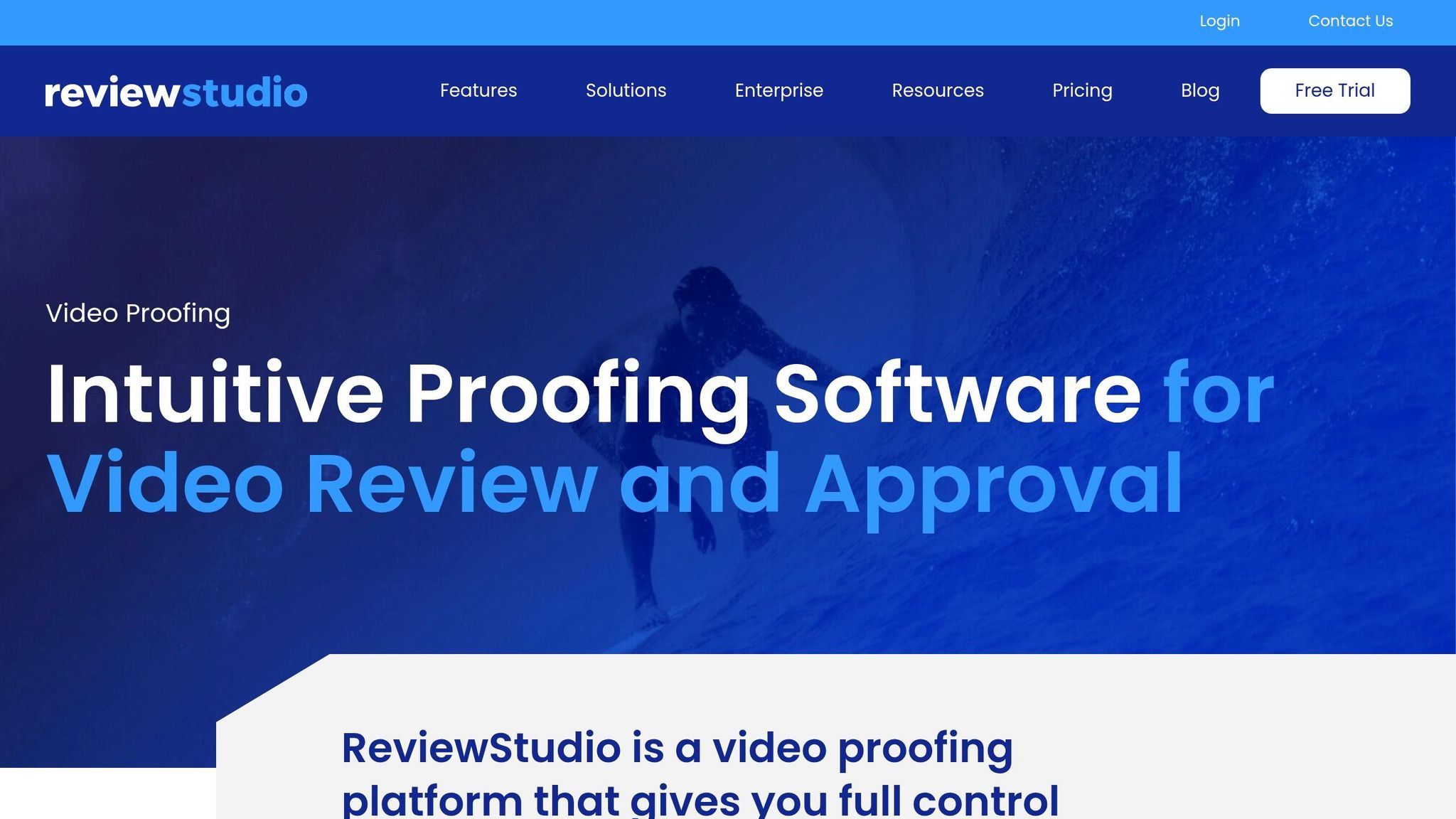
ReviewStudio is a robust tool designed for video feedback, but it doesn’t stop there - it also supports over 100 file types, including PDFs, images, and even 3D files. With an impressive 4.7/5 rating on G2, it’s a favorite among creative teams looking for precise markup tools and smoother approval workflows. Its cloud-based platform ensures accessibility, allowing external clients to review and comment via shareable links without needing to create accounts or download anything.
Collaboration Features
ReviewStudio is all about making collaboration straightforward and efficient. Its frame-accurate markup tools let you draw directly on video files, adding visual annotations that make feedback crystal clear. The Compare Mode is a standout feature - it places two versions of a video side-by-side with synchronized controls, making it easy to track edits and revisions. To top it off, the Difference Highlighter slider helps pinpoint visual changes in seconds. For live collaboration, the Present Mode allows one person to guide the session while the team follows along in real time.
Integration Capabilities
Beyond its collaboration features, ReviewStudio includes tools to fit into your existing workflow. Its API and webhooks, available on Advanced plans and above, offer customization options. It supports a variety of video formats like MP4, MOV, ProRes, AVI, and WMV, making it compatible with files from different editing software. However, some users have pointed out that the platform’s limited native integrations with third-party tools can be a drawback compared to competitors.
Pricing and Scalability
ReviewStudio offers pricing plans designed to fit teams of different sizes. The Starter Plan is priced at $29/month, supporting up to 3 users and 5 GB of storage. For larger groups, the Team Plan costs $49/month and includes 5 users with 10 GB of storage. A free trial is also available for those who want to test the platform before committing. That said, users have noted some limitations, such as storage caps on lower-tier plans and the absence of a dedicated mobile app.
4. GoVisually
GoVisually, with a 4.4/5 rating on G2 and trusted by over 10,000 creative teams, simplifies video feedback workflows for its users. Supporting formats like MP4 and MOV, the platform helps 90% of its customers cut their review time by half. Its standout features include precise annotations and a real-time status dashboard, making collaboration more efficient.
Collaboration Features
GoVisually offers frame-specific annotations with a simple point-and-click system. The inclusion of @mentions ensures that feedback is directed to the right stakeholders, while external clients can share their input via a link - no account needed. A centralized version management system lets users compare drafts side-by-side, ensuring no detail is missed during revisions. The real-time status dashboard provides clear updates on file progress, with labels like "Approved", "Finalized", or "Need Changes." Additionally, the one-click approval feature makes finalizing projects quick and easy.
Integration Capabilities
GoVisually seamlessly integrates with tools like Adobe Creative Cloud, Slack, Asana, and over 3,000 other apps through Zapier. This means you can upload revisions directly from Photoshop and get instant notifications via Slack when new proofs are ready. The platform also includes an AI Compliance Guardian, which scans projects in real time to flag any brand or regulatory issues based on custom guidelines. By consolidating feedback and minimizing email back-and-forth, teams save an average of 15+ hours per week.
Pricing and Scalability
GoVisually's pricing is designed to accommodate teams of all sizes. The Solo Plan starts at $9/month, offering one user access to 10 projects. The Lite Plan, priced at $20/month, supports 50 active projects and includes 50 GB of storage. For more advanced needs, the Pro Plan costs $40/month, allowing for 250 projects and 150 GB of storage. Larger teams can opt for the Team Plan at $60/user/month, which supports up to 1,000 projects, custom branding, and 24/7 chat support. All plans include unlimited external reviewers. On average, GoVisually improves operational efficiency by about 18%, enabling teams to handle more projects without additional staffing.
5. Webgate.io
Webgate.io stands out in the world of post-production with its frame-based feedback system, making it a go-to platform for film and TV professionals. Trusted by industry leaders like Constantin Film and UFA Serial Drama, it simplifies workflows by offering precise tools for reviewing and refining content. One standout feature is the ability to leave frame-specific feedback, complete with freehand sketches. This allows team members to mark up video frames directly, eliminating the need for lengthy written explanations.
Collaboration Features
The platform makes collaboration seamless, even for external stakeholders like directors, clients, or producers. With Directlinks, these contributors can view content and provide feedback without needing to create an account. For internal teams, integrated Kanban boards help manage tasks and monitor progress. Another handy feature is the side-by-side video comparison tool, which plays two versions of a video in sync, making it easier to evaluate VFX shots or different edits. As Nicholas Goodwin, Head of Post-production at Constantin Film, puts it:
"Webgate delivers precise, flexible, and efficient post-production feedback."
Integration Capabilities
Webgate.io integrates smoothly with professional editing tools, enhancing its utility for editors. Comments can be exported as Avid Markers, Adobe XMP files, or Final Cut Pro XMLs, and markers from Avid, DaVinci Resolve, Final Cut Pro, and Premiere Pro can be imported as well. The platform also works with Silverstack Lab for proxy uploads and LockitScript for syncing dailies review. This workflow proved invaluable in May 2025 when DIT Christian Saure used it on the film "Die Ältern", uploading proxies via Silverstack Lab and reviewing dailies in LockitScript.
Ease of Feedback Management
To streamline feedback, Webgate.io offers handy keyboard shortcuts like JKL for navigation, "C" for adding comments, and "Shift+C" for writing them. Automated notifications alert team members of new uploads or comments, and users can mark feedback as "done" to keep the interface organized. Philip Schlicht, Postproduction Supervisor at UFA Serial Drama, highlighted the platform's utility:
"The new functions including the XMP export for Adobe are great. That really helps at work. Also, the painting feature is extremely useful. As a result, we can now always point out something specifically."
Pricing and Scalability
Webgate.io offers a free trial for new users, with tiered pricing plans tailored to different team sizes and needs. While specific costs aren't listed, the platform supports unlimited uploads without file size restrictions, making it scalable for everything from small projects to large-scale productions. Security is a priority, with ISO 27001-certified data centers in the EU, password-protected links, personalized watermarks, and two-factor authentication. For teams with unique needs, a REST API is available to automate workflows or integrate custom solutions.
6. Motion Array
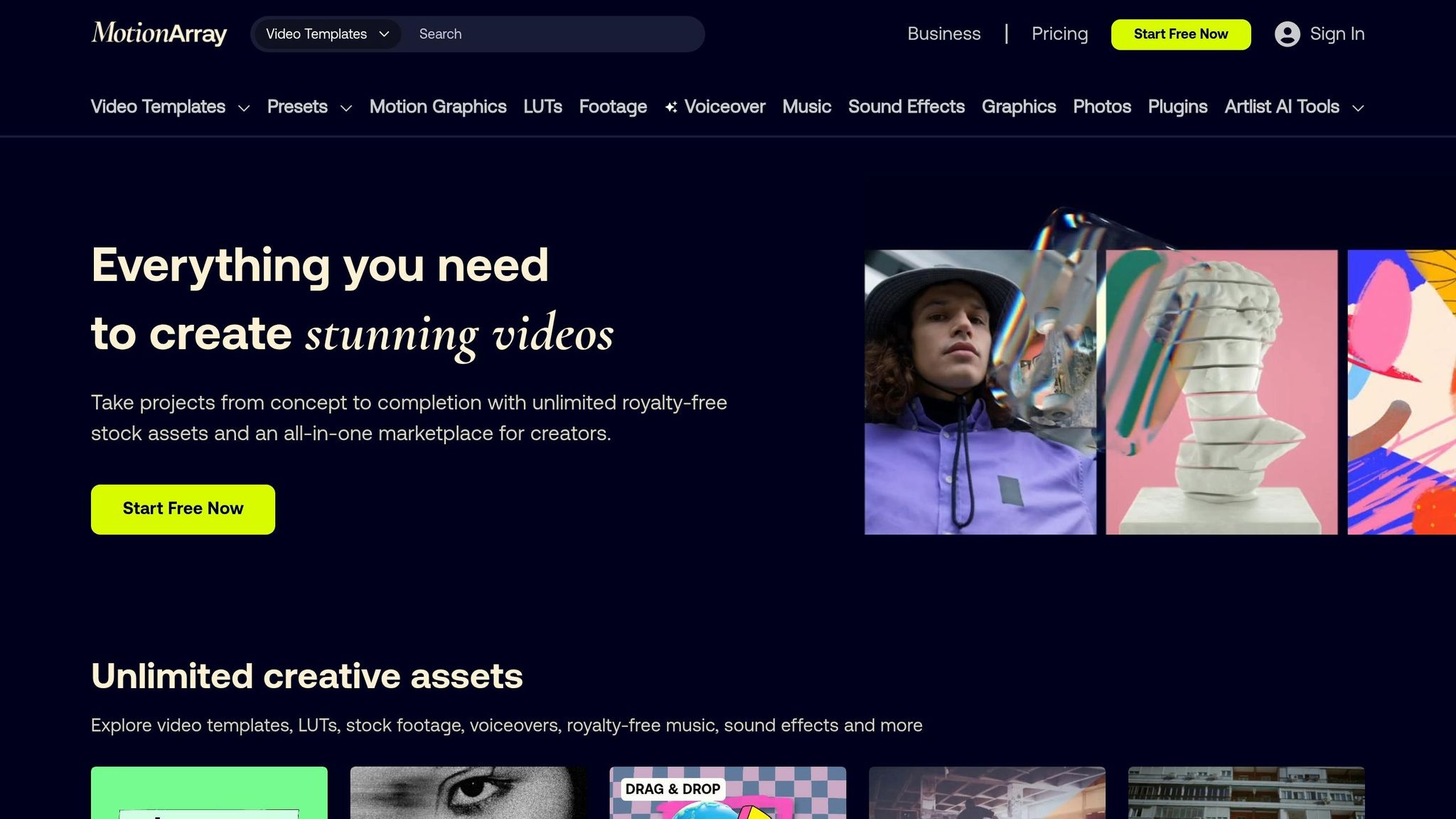
Motion Array stands out by combining a video feedback tool with a massive library of creative assets, making it a go-to choice for creators looking for an all-in-one platform. For $29.99/month, the premium subscription gives access to the Review tool along with motion graphics templates, stock footage, and sound effects. The base plan includes 250GB of storage and boasts an impressive G2 rating of 4.8/5.
Collaboration Features
Motion Array simplifies teamwork by allowing unlimited collaborators on projects without extra per-user fees. Its frame-accurate commenting feature lets reviewers leave feedback on specific frames, eliminating confusion during edits. Clients can easily provide comments by entering their name and email, while one-click approvals ensure a quicker path to finalizing projects. To protect sensitive materials, password-protected sharing is available. This feedback system integrates smoothly with the platform's asset management and branding tools.
Integration Capabilities
Motion Array goes beyond collaboration by offering integration features that simplify workflows. For instance, its Review-to-Portfolio workflow enables creators to publish approved videos directly to their portfolio site with just one click. It also provides an Adobe extension for Premiere Pro and After Effects, allowing users to browse and download assets without leaving their editing environment. To help maintain a professional appearance, Motion Array uses a white-label system, hosting review videos on the post.pro domain or custom domains instead of Motion Array branding. As Tyler Williams, Co-founder of Motion Array, explained:
"Our review videos aren't hosted on Motion Array. We specifically bought another domain (post.pro) because we know a lot of people don't want to reveal their bag of tricks – the assets on our marketplace – to their clients."
Ease of Feedback Management
Managing feedback is straightforward with Motion Array's version control, which tracks different project cuts and ensures the latest version incorporates all updates. Reviewers can reply to comments or mark them as resolved, and the mobile-friendly interface makes it easy to provide feedback anytime, anywhere.
Pricing and Scalability
Motion Array offers flexible plans to suit teams of all sizes. The Team Plan is tailored for companies with fewer than 50 employees, providing 2 to 7 seats. For larger agencies or businesses with 50+ employees, the Business Plan offers unlimited team member access. Both plans include the Review tool, a Portfolio builder, and over 50 professional plugins.
7. Ziflow
Ziflow stands out as a video feedback tool designed for teams handling high-volume projects. With support for over 1,200 file types, it caters to both small teams (via a free tier) and larger organizations, with paid plans starting at $199 per month for unlimited proofs.
Collaboration Features
Ziflow’s collaboration tools are built for precision. It offers frame-accurate markup at millisecond intervals, making it easy to pinpoint specific edits. For broader issues like pacing or audio mismatches, range-based commenting allows users to address multiple seconds of video in one note. Anchored comments track moving objects, while arrows and circles visually highlight areas needing attention. All feedback is centralized in one hub, eliminating the need for endless email chains or Slack threads.
Integration Capabilities
Ziflow integrates seamlessly with Adobe Creative Cloud, including Premiere Pro and After Effects, allowing editors to work on feedback directly within their editing software. It also connects with popular project management tools like Asana, Trello, Monday.com, Jira, and ClickUp, automating task tracking and updates. Notifications can be sent via Slack or Microsoft Teams, while file management is streamlined through Google Drive and Dropbox. A creative agency leveraged these capabilities to deliver campaigns for McDonald’s and Royal Mail within just 12 hours.
Ease of Feedback Management
Automated workflow templates simplify the review process by routing content to the right reviewers without manual effort. The platform also sends automatic reminders for overdue feedback and offers side-by-side comparisons to detect pixel-level differences between versions. Device safe zones ensure content looks consistent across various aspect ratios, so elements like subtitles and logos remain visible on all screens.
Pricing and Scalability
Ziflow’s pricing and features adapt to teams of all sizes. Small teams can start with the free tier, while paid plans begin at $199/month. Enterprise plans include advanced security, compliance tools, and unlimited storage. For instance, Vista, a global design and marketing company, used Ziflow to streamline its localization processes across regions, creating a unified system for managing creative assets.
Comparison Table
Here's a quick overview of some of the top video feedback tools, breaking down their pricing, key features, and ideal use cases to help you decide which one fits your needs best.
Tool Starting Price Best For Standout Feature G2 Rating OpenClip $0/month (Free plan) Social media content creators AI-powered clip creation with auto-scheduling across TikTok, Reels, Shorts, X, and LinkedIn N/A Picflow Free trial available Creative professionals & photographers 4K/HDR support with a customizable Gallery Designer 4.3/5 ReviewStudio $12/user/month Live remote feedback sessions Presentation Mode for real-time canvas control 4.7/5 GoVisually $29/month Design teams with external clients Unlimited reviewers without account creation 4.4/5 Webgate.io Varies Film industry post-production Specialized tagging with individual comment completion tracking N/A Motion Array Varies Portfolio-focused creators One-click approval to an integrated portfolio platform 4.8/5 Ziflow $0 (Free tier), $199/month (Paid) Enterprise teams with compliance needs Detailed frame comparisons and range-based comments 4.5/5This table highlights each tool's unique strengths, making it easier to pinpoint the right option for your specific workflows and requirements. Whether you're a social media creator, a designer working with clients, or part of a large enterprise team, there's something here for everyone.
Conclusion
Choosing the best video feedback tool comes down to understanding your specific workflow needs. For social media creators aiming to turn long-form content into platform-ready clips, OpenClip's free plan might be the perfect fit. On the other hand, professional film production teams may benefit more from tools offering frame-accurate feedback and deep Adobe integration. If you're part of an enterprise team working on sensitive projects, prioritize platforms with strong compliance features and automated approval workflows.
Take advantage of free trials to see how well a tool fits into your existing tech setup and whether it genuinely saves time. For instance, marketing agencies have reported cutting project timelines by over 30% by centralizing client feedback in review platforms. Think about how your team collaborates - do you need real-time, synced playback for live discussions, or will asynchronous, timestamped comments be more practical for teams spread across time zones? Clarifying your review process and feedback roles can also help you avoid paying for features you don’t need, while ensuring critical ones like 4K support or mobile access are covered.
As you test tools, check that external clients can leave feedback without needing accounts, confirm storage limits align with your video output, and ensure compatibility with your editing software. With 54% of consumers wanting more video content from the brands they follow, having an efficient feedback tool can make a big difference in how quickly you deliver polished content. The right tool will seamlessly fit into your workflow and help speed up project completion.
FAQs
Which video feedback tool fits my workflow best?
When choosing a video feedback tool, it all comes down to your specific needs and how you collaborate with your team. If you’re looking for frame-accurate commenting and smooth review processes, platforms like Filestage, GoVisually, or Frame.io are excellent options. Need real-time collaboration with high-quality, secure streaming? Evercast is a strong choice. For those focused on managing editing stages with features like annotations and status tracking, Picflow provides tools designed for that purpose. The right pick depends on your project’s scope and how well the tool integrates with your workflow.
What features are most important for clear video feedback?
Clear video feedback relies on a few key features to make the process as smooth as possible. Timestamped comments and on-video annotations are game-changers, allowing reviewers to highlight specific moments in the footage. This eliminates any guesswork and keeps feedback precise. Adding detailed text or audio comments makes suggestions even clearer, ensuring everyone is on the same page.
To make collaboration seamless, tools like secure sharing, real-time updates, and integration with editing software are essential. These features keep all feedback in one place, making it easier to act on and speeding up the entire review process.
What should I check before starting a free trial?
Before jumping into a free trial for a video feedback tool, make sure it checks all the right boxes. Look for timestamped comments, real-time collaboration, and tools for managing feedback efficiently. It's also important to see if the trial gives you enough storage, supports multiple projects, or allows team access. Don’t forget to confirm whether the tool integrates smoothly with your existing workflow. Finally, take a close look at any restrictions or limitations during the trial period to ensure it aligns with your project requirements.
Turn one video into a week of content.
Try OpenClip free