By Mees de Beukelaar
Top 7 Tools for Removing Silence in Videos
Explore the top tools for removing silence from videos, enhancing editing efficiency and improving content flow for various platforms.
Originally published January 22, 2026
In this article
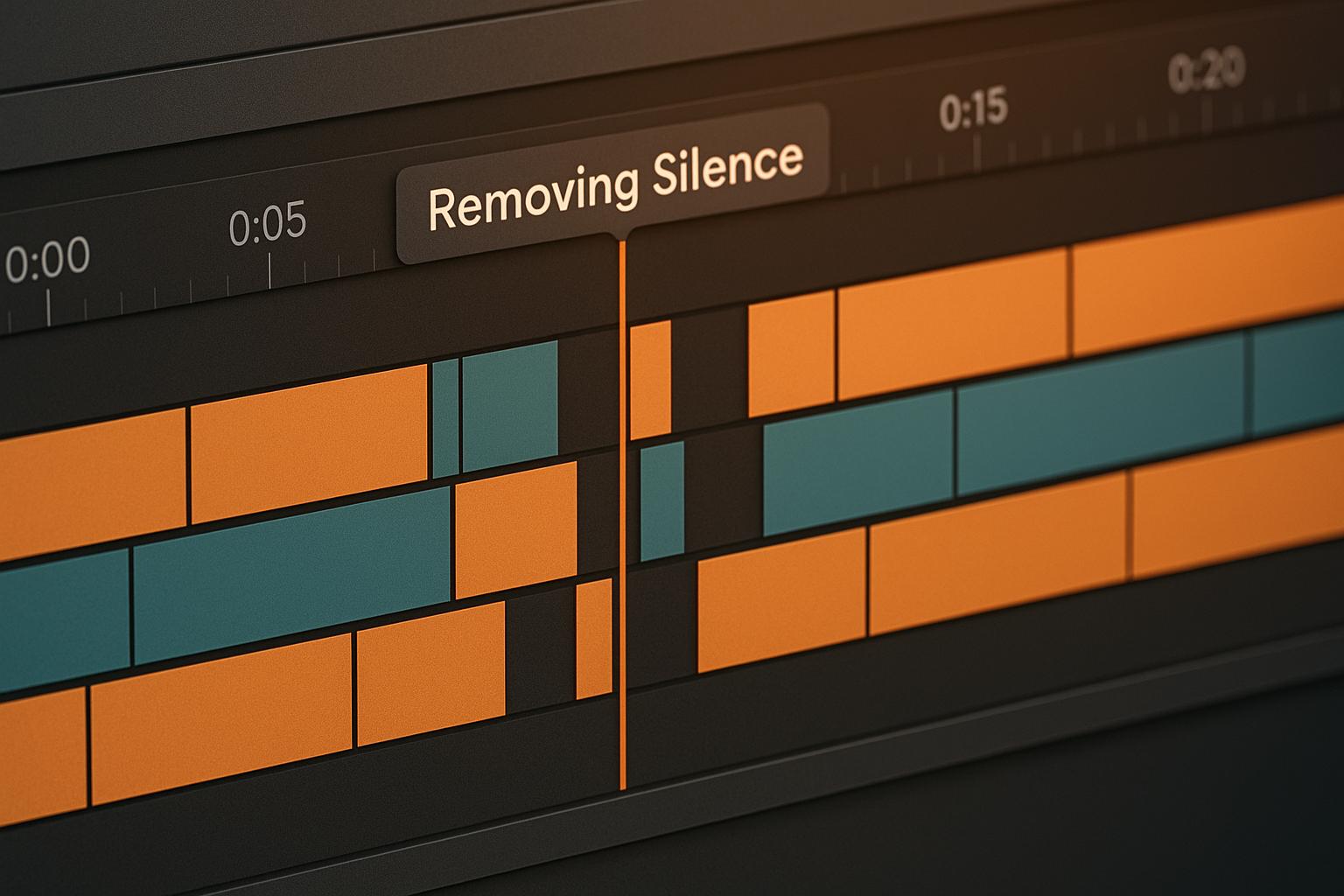
Editing videos can be time-consuming, especially when dealing with awkward pauses or silent sections. Luckily, several tools now automate this process, helping creators save time and improve video flow. Here’s a quick rundown of the top 7 tools for removing silence from videos:
- OpenClip: AI-powered, web-based tool for silence removal and creating social media clips. Pricing starts at $9/month.
- Kapwing: Browser-based editor with AI silence detection (Smart Cut). Pro plans start at $16/month.
- Descript: Text-based editing with silence removal and transcription. Plans start at $12/month.
- Timebolt: Desktop tool focused on silence trimming. One-time purchase available for $347.
- Gling: AI-driven editing for podcasts and interviews. Plans start at $5/month.
- Shotcut: Free, open-source editor for manual silence removal.
- Filmora: User-friendly editor with a silence detection add-on. Annual subscription is $49.99.
Quick Comparison
Tool Platform Starting Price Silence Removal Type Key Features OpenClip Web-based $9/month AI-powered Social media clip creation, scheduling tools Kapwing Web-based $16/month AI-powered (Smart Cut) Browser-based, collaborative editing Descript Windows/macOS $12/month Text-based editing Transcription, voice cloning Timebolt Windows/macOS $347 (lifetime) AI-powered Batch processing, XML export Gling Web-based $5/month AI-powered Auto bad-take removal, captions Shotcut Windows/macOS/Linux Free Manual Open-source, full editor Filmora Windows/macOS $49.99/year AI-powered add-on Adjustable settings, easy interfaceEach tool caters to different needs, from casual creators to professionals. Whether you’re looking for free options, advanced AI features, or simple interfaces, there’s a solution for you.
How I Edit My Tutorials FAST! (Automatic Silence Remover)
1. OpenClip
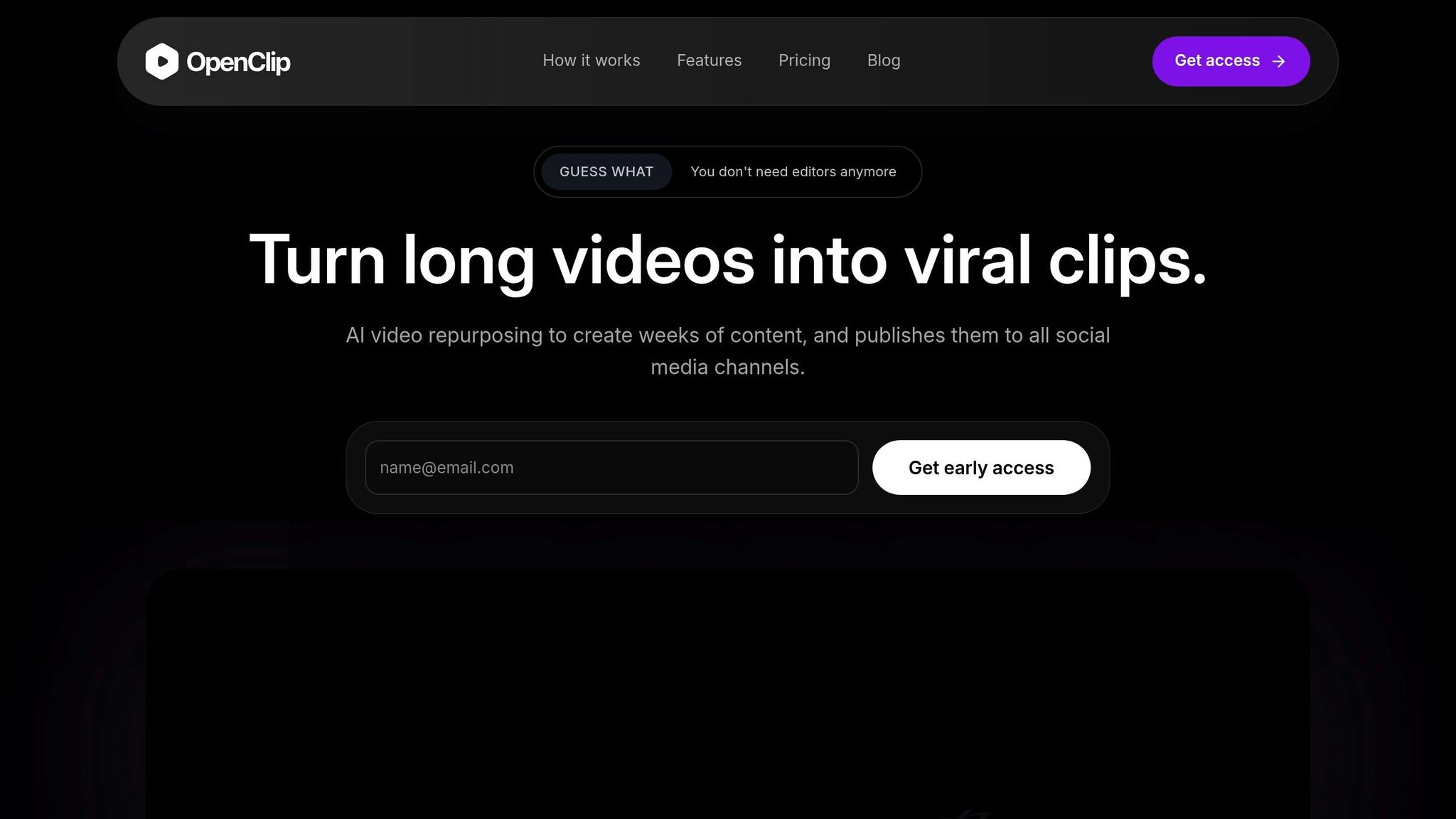
OpenClip stands out as a versatile tool designed to turn lengthy videos into engaging social media clips by smartly cutting out silence. This AI-powered platform simplifies the process of repurposing long-form content into short, attention-grabbing videos perfect for platforms like TikTok and Instagram Reels.
Smart Silence Detection
OpenClip uses AI to identify and remove pauses, filler words, and silent segments. What sets it apart is its smart clip scoring system, which highlights sections with the highest potential for engagement while maintaining the natural flow of speech. This approach ensures that your edited clips remain captivating and easy to watch. All of this happens on an intuitive, web-based platform that’s accessible from virtually any device.
Broad Platform Compatibility
This tool is built to handle long-form talking-head videos, such as webinars, interviews, and tutorials. Once uploaded, OpenClip reformats your content for popular social media dimensions - 9:16, 1:1, and 16:9 - making it ready for platforms like TikTok, Instagram Reels, and YouTube Shorts. To make things even more convenient, it includes scheduling tools for platforms like TikTok, Reels, Shorts, X, and LinkedIn.
Pricing (USD)
OpenClip offers several pricing plans to suit different needs:
Plan Monthly Price Processing Minutes Key Features Free $0 30 minutes 1 brand profile, watermark on exports, standard queue Pro $9 180 minutes Up to 3 brand profiles, no watermark, priority queue Business $29 360 minutes Unlimited brand profiles, team invites, highest priority queueThe Free plan is a great way to try out its AI-powered silence removal, offering 30 minutes of editing each month.
Extra Features
Beyond silence removal, OpenClip includes tools like automatic transcription, speaker detection to maintain context, and text-based editing for precise tweaks. It also supports team collaboration with priority processing. Once you’ve removed the silence, the platform can automatically generate clips tailored for various social media formats, saving you time and effort.
2. Kapwing
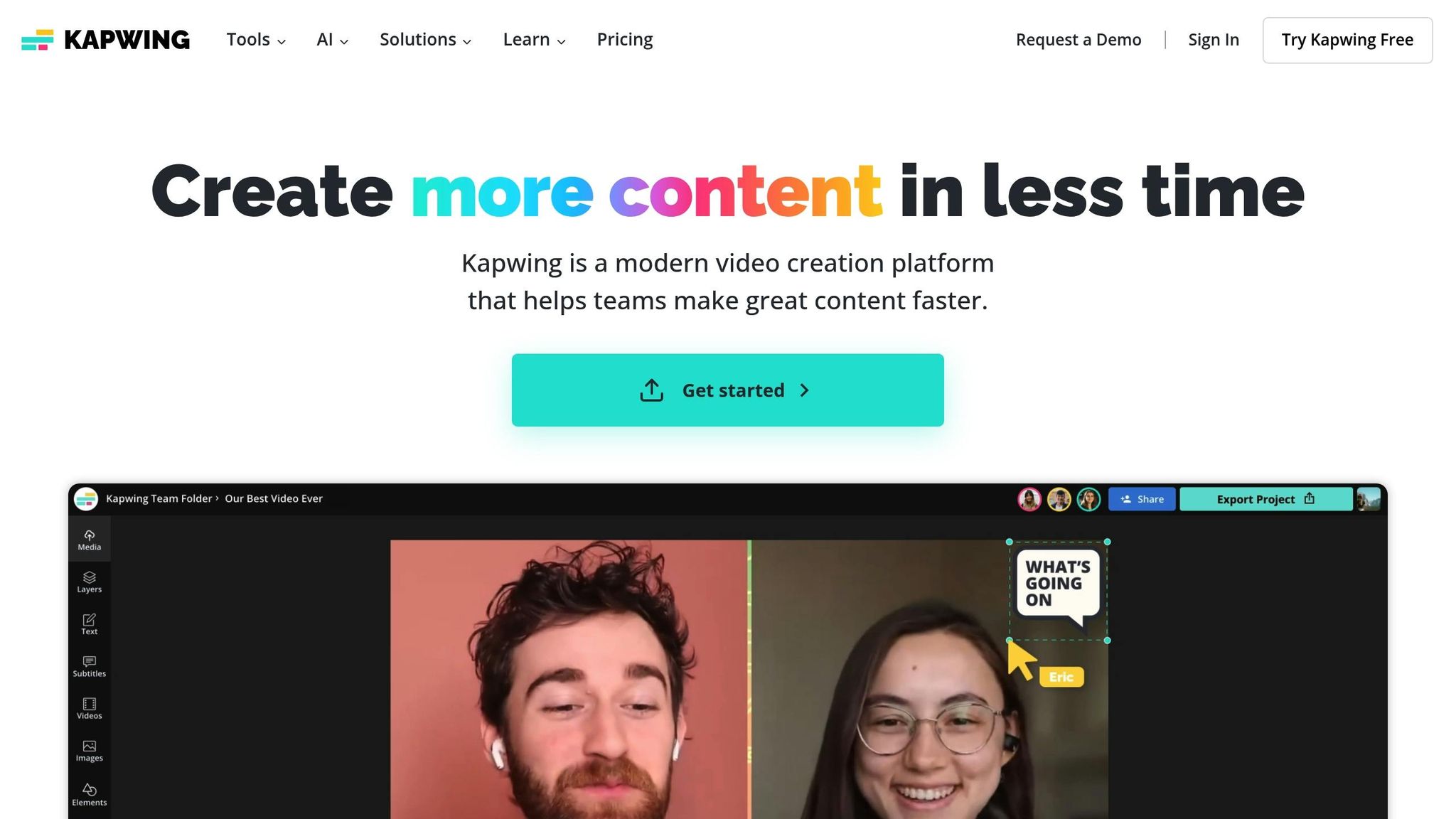
Kapwing is a browser-based video editor that includes a standout feature: an AI-powered silence detector called Smart Cut. This tool automatically spots and removes long pauses in videos, podcasts, and vlogs - all without leaving your browser. By streamlining the editing process, it helps improve the flow of your content while saving you time.
AI-powered silence detection
Smart Cut is built right into Kapwing's online editor and can be activated with just one click. It also comes with an adjustable sensitivity slider, allowing you to customize what qualifies as silence based on your preferences. The process is straightforward: upload your video, activate Smart Cut, adjust the slider, and then review or restore any segments as needed. Like other advanced video editing tools, Kapwing uses automation to make editing faster and more efficient.
Platform compatibility
Kapwing operates entirely in your browser, meaning it works effortlessly across different operating systems. There's no need to install additional software.
Pricing (USD)
Kapwing offers flexible pricing options:
- Free Plan: Includes basic editing tools but adds a watermark to exported videos.
- Pro Plan: Starting at $16 per month (billed annually), this plan includes features like watermark-free exports and access to Smart Cut.
- Enterprise Plan: Offers custom pricing, available through Kapwing's sales team.
Keep in mind that the Smart Cut feature is only available to Pro plan subscribers.
Additional features
Kapwing goes beyond just competitive pricing by offering a full suite of editing tools in one place. Its video editor allows users to work on audio tracks and videos within the same interface. Smart Cut is just one piece of this efficient editing workflow. After using the automated tools, you can fine-tune your project to ensure the pacing and narrative align with your creative vision. This combination of automation and manual control makes it easier to produce polished, professional content.
3. Descript
Descript changes the game for video editing by turning your content into text, making it easy to remove silences and unwanted sections with just a few clicks.
AI-Powered Silence Detection
With its automatic transcription tool, Descript creates a text version of your video that syncs perfectly with both the audio and visuals. By simply deleting parts of the transcript, the corresponding sections of the video are removed as well. This text-based editing approach is a quick way to cut out awkward pauses, long silences, and filler words, streamlining your content.
Pricing (USD)
Descript offers several pricing plans to fit different needs (pricing details based on):
- Free Plan: Includes limited features and watermarked exports.
- Hobbyist Tier: $16/month (billed annually) or $24/month (billed monthly). Includes 10 transcription hours per month, 20 basic AI actions, 1080p watermark-free exports, and 30 minutes of AI speech.
- Creator Tier: $24/month (billed annually) or $35/month (billed monthly). Includes 35 transcription hours per month, unlimited AI features, 4K watermark-free exports, 2 hours of AI speech, unlimited access to a royalty-free stock library, and 10 minutes of AI avatars.
- Business Tier: $50/month (billed annually) or $65/month (billed monthly). Includes 40 transcription hours per month, team access to Brand Studio, priority support, unlimited pro AI features, 5 hours of AI speech, and 30 minutes of AI avatars.
Additional Features
Descript goes beyond basic editing with advanced tools like AI voice cloning and the ability to create AI avatars for video content. The platform also provides access to a built-in stock media library and supports collaborative editing, allowing multiple users to work on the same project at the same time. These features make it a powerful tool for anyone looking to simplify and elevate their content creation process.
Next, we’ll take a closer look at another top tool to streamline your editing workflow.
4. Timebolt
Timebolt is a desktop tool that simplifies editing by trimming lengthy videos while keeping your content's flow intact. It ensures your videos feel natural and uninterrupted, even after editing.
AI-Powered Silence Detection
Timebolt uses smart algorithms to automatically identify and cut out silent sections from your videos. You can fine-tune its settings to decide how long a pause should be before it's removed. On top of that, it features a clip acceleration option that slightly speeds up the remaining parts, helping maintain a smooth and engaging rhythm in your content.
Platform Compatibility
Timebolt integrates easily with your existing editing setup. It works as a desktop application for both Windows and Mac, making it accessible regardless of your operating system. The software generates an Edit Decision List (EDL) compatible with most major video editing tools and supports both XML and Plugin Export. This flexibility allows you to use Timebolt to handle silence trimming before diving into more detailed editing tasks.
Pricing (USD)
Here’s a breakdown of Timebolt’s pricing options:
- Free Version: Limited functionality, including video rendering only, watermarked exports, and no XML export.
- Pro Version: $17/month, offering unlimited video and audio processing, XML and Plugin Export, and access to the pay-per-use "Umcheck" feature.
- One-Time Purchase: $347 for lifetime access.
- Enterprise Bundle: Custom pricing with features like multi-key management, team member controls, and all Pro-level benefits.
One happy user sums it up perfectly:
"Yes, it costs money. Yes, it is worth it. This saves me hours out of my day." - Michael M.
Additional Features
Timebolt goes beyond silence removal. It also supports bulk transitions and can automatically export your trimmed videos to your preferred platform. Designed for creators working on long-form content, it’s especially useful for podcast editors, YouTubers, and anyone handling interviews or extended recordings. By focusing on cutting unnecessary pauses while keeping the content flow intact, Timebolt helps streamline the editing process and save time.
Next up, take a look at another tool that can boost your editing workflow.
sbb-itb-5598afd5. Gling
Gling simplifies editing for podcasts, interviews, and vlogs by automating the tedious task of manual editing. With its AI-driven capabilities, it identifies and removes silences and unnecessary pauses, allowing creators to focus on the creative aspects of their work. It's particularly handy for producers aiming to fine-tune content for social media.
AI-Powered Silence Detection
Gling's AI engine is designed to detect and remove silences and awkward pauses in videos, making it a go-to tool for content creators working with podcasts, interviews, or vlogs. While the AI does most of the heavy lifting, manual review might still be necessary to preserve intentional pauses. This feature is especially helpful for creators managing large amounts of content.
Platform Compatibility
As a cloud-based platform, Gling works seamlessly across devices, eliminating the need for high-end hardware. It supports popular video formats and integrates easily into existing workflows. However, some users have noted a drop in video quality after downloading the final product.
Pricing (USD)
Gling offers three pricing plans tailored to different needs:
- Free Version: Process up to 1 hour of video, with unlimited watermarked exports and access to basic features.
- Plus Version: $20/month for up to 10 hours of video processing, unlimited unwatermarked exports, speech audio enhancement, and basic features.
- Pro Bundle: $40/month for up to 30 hours of video processing, unlimited unwatermarked exports, and premium support.
The free plan is a good way to explore Gling's capabilities, though it may not meet the demands of regular content creators.
Additional Features
Gling goes beyond silence removal. It filters out filler words, removes poor takes, reduces background noise, and even auto-generates captions. Its user-friendly interface and quick processing make it a favorite among podcast editors and YouTubers. While its automation is impressive, some manual adjustments might still be needed to achieve the best results.
This tool is especially effective for podcasts, interviews, and tutorials where maintaining a smooth flow and professional finish is key.
6. Shotcut
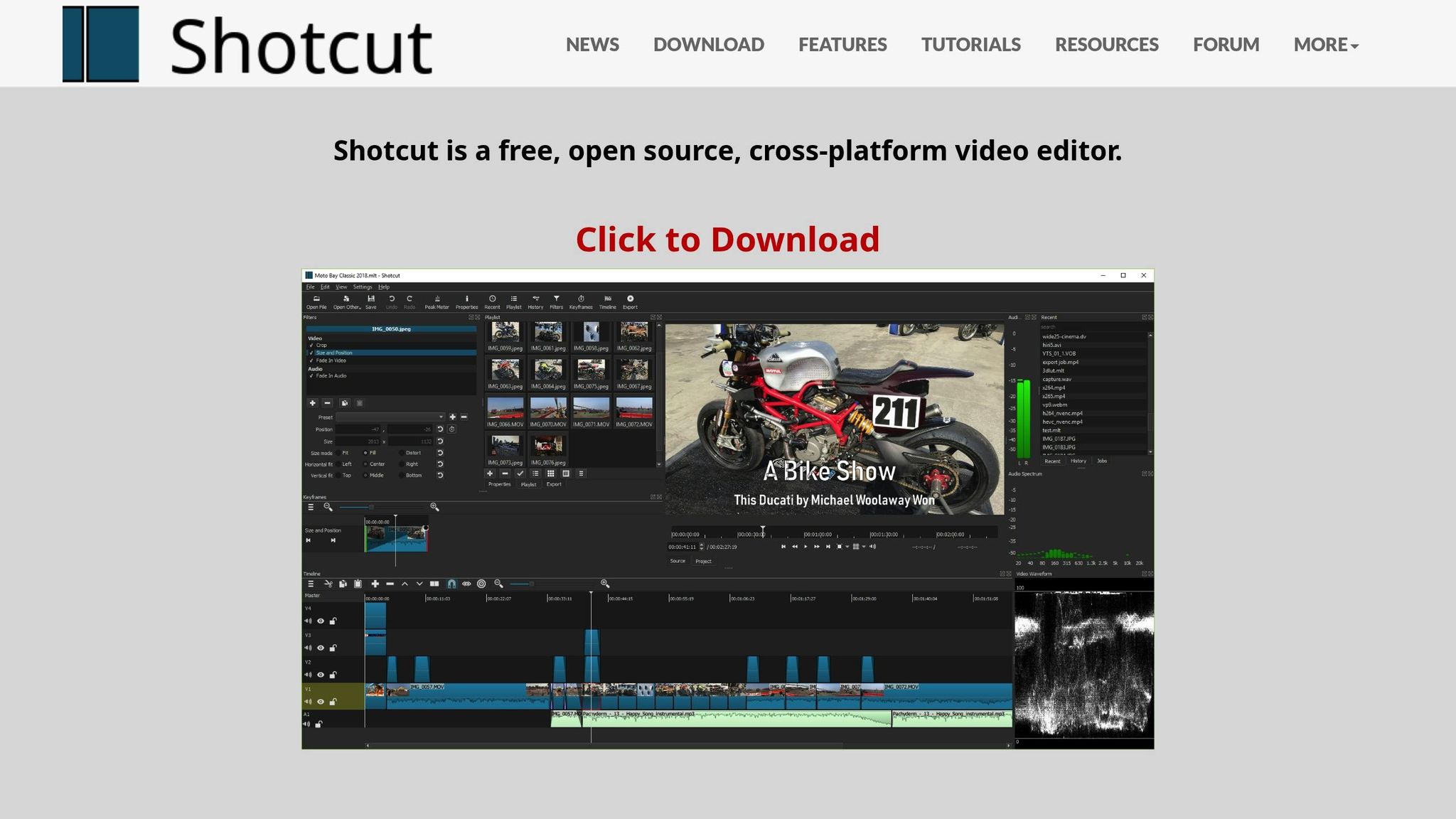
Shotcut is a free, open-source video editing tool that allows users to manually remove silent segments from their videos. For creators who enjoy having detailed control over every aspect of their edits, this hands-on approach can be a great fit. It’s especially useful when you want to fine-tune your edits without relying on automation.
Up next, we’ll look at a tool designed to automate silence removal, offering a smoother, faster editing experience.
7. Filmora

Wondershare Filmora wraps up our list with a silence detection add-on designed for ease of use and speed. While it requires a separate download from the main software, it streamlines the process of removing silent segments without needing intricate adjustments.
Platform Compatibility
The silence detection add-on is compatible with both Windows and macOS, supporting macOS 10.14 and newer versions. However, it works exclusively within the Filmora ecosystem, meaning it’s not usable with other video editing software. Both Windows and Mac users can explore the tool with a 7-day free trial before deciding on a purchase. This setup ensures a smooth experience from installation to functionality.
Pricing (USD)
Filmora provides two simple pricing plans:
- Annual Subscription: $49.99 per year
- Perpetual License: $79.99 for a one-time purchase
These options make Filmora a budget-friendly choice for creators who need an efficient silence removal tool.
Additional Features
The silence detection add-on is easy to use and offers adjustable settings for threshold, buffer, and duration, giving users control over how silence is detected. Many users appreciate its speed and straightforward interface, though some have noted that it can be memory-intensive and may not match the power of some competing tools. Despite these limitations, the add-on performs well once installed, making it a solid pick for creators who prioritize simplicity and speed. For more details, check out the feature and pricing comparison in the next section.
Feature and Price Comparison
Here’s a breakdown of the features, pricing, and limitations of seven silence removal tools:
Tool Platform Pricing (USD) Key Strengths Main Limitations OpenClip Web-based Free: $0/monthPro: $9/month
Business: $29/month • AI-powered video repurposing
• Multi-format clip creation
• Auto-scheduling to social platforms
• Team collaboration features • Processing time limits
• Watermark on free plan Kapwing Web-based Free plan available
Pro plans start at $16/month • Browser-based accessibility
• No software installation required
• Collaborative editing features
• Simple drag-and-drop interface • Requires stable internet connection
• Limited offline capabilities Descript Windows, macOS Free plan available
Creator: $12/month
Pro: $24/month • Text-based video editing
• Advanced transcription accuracy
• Overdub voice cloning feature
• Screen recording capabilities • Steep learning curve
• Resource-intensive processing Timebolt Windows, macOS One-time purchase: $347 • Dedicated silence removal focus
• Fast processing speeds
• Batch processing capabilities
• No subscription required • Limited additional editing features
• Single-purpose tool only Gling Web-based Subscription-based pricing
Plans start at $5/month • AI-powered editing decisions
• Automatic bad take removal
• YouTube integration
• Fast processing • Limited customization options
• Primarily for talking head videos Shotcut Windows, macOS, Linux Completely free
Open-source • No cost barrier
• Full-featured video editor
• Regular community updates
• Extensive format support • Manual silence removal process
• Requires technical knowledge Filmora Windows, macOS Annual: $49.99/year
Perpetual: $79.99 one-time • User-friendly interface
• Adjustable detection settings
• 7-day free trial
• Fast processing speeds • Memory-intensive operation
• Requires separate add-on download
Recommendations Based on User Needs
For budget-conscious creators, Shotcut stands out as a completely free option. While it requires manual editing, it offers a full suite of video editing tools without any cost.
Professional content creators seeking advanced capabilities should look at Descript. Its robust editing features, such as text-based editing and voice cloning, cater to high-level creative needs.
If simplicity is your priority, Gling and Filmora are excellent options. Gling’s automated editing decisions and Filmora’s intuitive interface make them perfect for quick, hassle-free edits.
Prefer a one-time purchase? Timebolt and Filmora’s perpetual license options let you avoid monthly subscriptions. Timebolt is ideal if you need a tool focused entirely on silence removal, while Filmora offers broader editing capabilities for a lower one-time fee.
Each tool's pricing reflects its level of automation and features. The best choice depends on your workflow and editing requirements.
Conclusion
Automated silence removal tools have transformed video editing, making it easier and faster to cut out unwanted pauses and focus on the heart of your story.
Tasks that used to take hours can now be completed in minutes, thanks to AI-powered detection. This efficiency can be a game-changer, especially for creators producing content for fast-paced platforms like social media.
When deciding on the right tool, it’s all about what fits your workflow. If you’re juggling content across multiple platforms and need a robust repurposing solution, OpenClip offers an AI-powered platform at just $9 per month with its Pro plan. On the other hand, if your priority is simply removing silence, there are plenty of dedicated tools - ranging from free, open-source options to one-time purchase software - that might suit you better.
Your choice should also align with your technical preferences. For ease of use, web-based platforms like OpenClip are a great option. If you’re looking for advanced editing features, desktop apps such as Descript might be the way to go.
FAQs
What should I look for in a tool to remove silence from videos?
When picking a tool to remove silence from videos, it’s important to focus on a few critical aspects to make sure it fits your needs. Accuracy should be a top priority - go for a tool that can tell the difference between intentional pauses and unnecessary silences. Another key factor is ease of use; a simple, user-friendly interface can save you time and headaches.
You’ll also want to think about processing speed - faster tools can make your editing process much more efficient. Look for customization options too, so you can control how aggressively the tool removes silences to suit your style. Lastly, make sure the tool integrates smoothly with your current workflow to keep your editing process seamless.
How can AI-powered tools like OpenClip make video editing faster and easier?
AI-driven tools like OpenClip simplify video editing by handling tedious tasks like cutting out silences automatically. This can save editors countless hours of manual work while delivering a smooth, professional-looking video.
On top of that, OpenClip offers features like transcription and speaker detection, which make it easier to fine-tune content and produce engaging clips. These capabilities turn lengthy videos into polished, shareable pieces with very little effort required.
Are there free tools for removing silence from videos, and how do they compare to paid options?
Free tools for removing silence from videos are a handy starting point, offering basic features that work well for straightforward edits. But if you're after more precision and efficiency, paid tools often step up the game. They typically include perks like AI-driven automation, better accuracy, and smoother performance. Plus, they often come with dedicated customer support and extra features that can streamline your editing process and enhance the final output.
For those aiming for polished, professional results or tools that seamlessly fit into social media workflows, opting for a paid solution might be a smart move.
Turn one video into a week of content.
Try OpenClip free