By Mees de Beukelaar
Video Marketing FAQ: Common Creator Questions
Learn how to effectively utilize video marketing, choose the right platforms, and create engaging content that boosts your brand's online presence.
Originally published November 24, 2025
In this article
Video marketing is one of the most effective ways to grow your brand, connect with your audience, and boost your online presence. Here's what you need to know:
- Why It Works: Videos drive higher engagement than images, improve search rankings, and help move viewers through the buyer's journey.
- Choosing Platforms: Focus on where your audience spends time. YouTube is ideal for long-form content, TikTok for short trends, and LinkedIn for professional topics.
- Formats Matter: Use vertical videos (9:16) for TikTok and Reels, horizontal (16:9) for YouTube, and captions for silent viewing.
- Creating Impactful Videos: Hook viewers immediately, structure content clearly, and always include a call to action.
- Repurposing Content: Maximize reach by creating clips for different platforms using tools like OpenClip.
- AI Tools: Save time with AI for editing, captioning, and scheduling, making video creation more efficient.
Start small, focus on one platform, and track metrics to refine your strategy. Video marketing can help you stand out and achieve measurable results.
6 FAQs about Video Content Marketing (for businesses)
Picking the Right Platforms and Video Formats
Choosing the right platforms to publish your videos is a game-changer. With 5.41 billion social media users worldwide - representing 65.5% of the global population - the potential reach is enormous. But success doesn’t come from trying to be everywhere. Instead, focus on platforms where your audience spends their time and where your content naturally fits. Here's how to make those decisions and tailor your video formats for maximum impact.
How to Pick the Best Platforms for Your Audience
Start with your goals, not platform popularity. Each platform serves a different purpose. For example, YouTube reached an advertising audience of 2.53 billion in 2025, making it ideal for creators focused on long-form educational videos and ad revenue. On the other hand, TikTok, with 825.5 million downloads in 2024, is perfect for trend-driven, short-form content that appeals to younger audiences.
Demographics can guide your choice. LinkedIn, with over 1.2 billion members and $17.8 billion in revenue in fiscal year 2025, is the go-to platform for professional and B2B content. Meanwhile, TikTok has become a favorite for Gen Z, with 48% of this group preferring to discover products through short-form videos and 72% using the platform in the last three months.
Match your content to the platform’s strengths. For how-to or educational videos, YouTube’s status as the second-largest search engine makes it unbeatable. For quick, engaging snippets or behind-the-scenes looks, Instagram Reels and TikTok shine with their discovery-friendly algorithms.
Pinterest is another strong contender if your niche involves lifestyle, DIY, or visual inspiration. With 70% of Pinterest users being women and 96% of top searches unbranded, it’s a platform where users actively look for new ideas and products. This makes it especially effective for creators in areas like food, fashion, home decor, or wellness.
Don’t spread yourself too thin. The creator economy is valued at over $250 billion and is expected to double by 2027. Instead of trying to maintain a mediocre presence on multiple platforms, focus on excelling at one or two where your audience is most active.
Adjusting Video Formats for Each Platform
Every platform has its own technical quirks, and meeting these requirements can dramatically impact your content’s performance. Vertical videos with a 9:16 aspect ratio dominate mobile-first platforms like TikTok, Instagram Reels, and YouTube Shorts. This format creates an immersive, full-screen experience and boosts completion rates by 90% compared to other orientations.
YouTube requires different formats depending on the content. Traditional YouTube videos work best in a horizontal 16:9 layout, while YouTube Shorts demand a vertical 9:16 format. To maximize reach, you may need to create multiple versions of your content.
Square videos (1:1 aspect ratio) are another versatile option, particularly for Instagram and Facebook feeds. They take up more screen space on mobile devices than horizontal videos, making them great for product showcases, quote cards, or visually impactful content.
File size limits vary across platforms. For example, TikTok caps uploads at 72MB on Android, while YouTube allows up to 256GB for verified accounts. To maintain quality while managing file size, use MP4 files with H.264 compression.
Captions are non-negotiable. Around 85% of Facebook users and 80% of LinkedIn users watch videos without sound. Adding captions can increase view time by 12% and overall video views by 7.32%. While platforms offer automatic captioning tools, editing these captions for accuracy can make a big difference.
Design for mobile-first viewing. Since 59% of social media usage happens on smartphones, keep key text and visuals centered in your frame. For vertical videos, avoid placing important elements in the top 14% or bottom 20% of the frame, as they may get obscured by platform overlays.
Making Videos That Get Results
Creating videos that grab attention and keep viewers engaged isn’t just about pressing the record button. The real difference between a video that gets ignored and one that keeps people watching lies in understanding how your audience consumes content and what holds their interest. With viewers making split-second decisions, every second of your video needs to work hard to maintain their attention. Here’s how to craft videos that captivate from the very first frame.
How to Hook Viewers Immediately
The opening seconds of your video are make-or-break. Viewers decide almost instantly whether to keep watching or scroll away, so your hook has to deliver value right out of the gate.
- Start with the payoff. Skip the drawn-out introductions and dive straight into the good stuff. For instance, if you’re sharing tips to grow Instagram engagement, lead with an impressive result or an attention-grabbing stat.
- Ask a curiosity-sparking question. Pose a question that makes viewers think, like, “Are you making this common mistake that’s killing your reach?” Questions like this create intrigue and encourage people to stick around for answers.
- Use bold visuals or movement. Quick cuts, bright colors, dynamic text, or unexpected visuals can immediately grab attention and stop the scroll.
- Tease the outcome. Show a sneak peek of the final result - whether it’s a completed recipe or a polished project - to give viewers a reason to stay until the end.
- Break the pattern. Use an unexpected element to disrupt the monotony of scrolling. Start mid-sentence, use an unusual camera angle, or say something surprising. These “pattern interrupts” keep viewers hooked.
Once you’ve captured their attention, the next step is structuring your video to sustain that engagement.
Video Structure and Storytelling Tips
A strong hook is only the beginning. To keep viewers invested, your video needs a clear structure and a narrative that resonates.
- Follow a three-act structure. Even short videos benefit from this classic format: hook your audience with a problem or question, guide them through a journey or solution, and wrap up with a resolution or call to action.
- Use the "problem-agitation-solution" approach. Identify a challenge your audience faces, explain why it matters, and then offer your solution. This technique builds emotional investment and keeps viewers engaged.
- Deliver value early. Share a quick tip or highlight a key takeaway within the first few moments to show viewers the video is worth their time.
- Create curiosity gaps. Don’t reveal everything at once. Use phrases like, “Here’s what most people miss,” to keep viewers intrigued and eager to learn more.
- Build agreement step by step. Start with relatable statements or questions, then gradually introduce your main ideas. This approach makes your message feel natural and convincing.
- Incorporate visuals into your storytelling. Use graphics, text overlays, or visual metaphors - like arrows pointing upward for growth - to reinforce your points and make them easier to remember.
- End with a clear call to action. Guide viewers toward their next step, whether it’s subscribing, visiting your site, or watching another video. Make sure this action feels like a natural extension of the value you’ve just provided.
- Keep the energy high. Vary your tone, pacing, and visuals to avoid monotony. Quick edits, music changes, and different camera angles can help maintain a lively and engaging vibe.
- Use callbacks. Refer to earlier points in your video to create a sense of cohesion. This not only reinforces your message but also rewards viewers who’ve stayed engaged.
Getting More From Your Videos With Repurposing
Stretch the value of your video content by repurposing it for multiple platforms. By reformatting a single video into various forms, you can reach different audiences and amplify your content's impact. Repurposing isn’t just a time-saver - it’s a way to ensure your message resonates across diverse spaces.
What Video Repurposing Is and Why It Works
Video repurposing involves taking existing content and reshaping it to fit the unique demands of different platforms. Each platform has its own style and audience habits, and tailoring your content accordingly can significantly boost visibility and engagement. Social media algorithms often reward these tailored efforts, making your content more likely to be seen.
For example, a single 30-minute podcast interview can be transformed into multiple pieces of content, each crafted to serve a specific purpose and audience segment. Considering that over 75% of people watch short-form videos on their mobile devices, optimizing repurposed content for mobile is a must. This includes ensuring fast load times, mobile-friendly formatting, and subtitles that are easy to read on smaller screens.
It’s also important to recognize that different platforms cater to varied audience preferences. A professional network might favor in-depth, detailed content, while platforms designed for quick consumption thrive on short, snappy clips. By adapting your content to these preferences, you can connect with a broader range of viewers.
How to Turn Long Videos Into Short Clips
To create short clips from longer videos, focus on moments that pack a punch - whether it’s a surprising statistic, a practical tip, or a compelling story. Each clip should stand alone, delivering value without requiring additional context. Adjust its length, format, and style to align with the norms of the platform you’re targeting. Uploading videos directly to each platform can also improve their performance and engagement rates.
Another way to extend your content’s reach is by using video transcripts to create blog posts, social media captions, or other written materials. This approach reinforces your message across multiple channels while maximizing the value of your original video.
For a more streamlined process, tools like OpenClip can be incredibly helpful. These tools use AI to identify high-impact moments in your videos, making it easier to create optimized clips for various platforms. They save you hours of manual editing while ensuring your repurposed content is engaging and effective.
When optimizing clips for mobile, focus on clear visuals, crisp audio, easy-to-read text, and subtitles. These small tweaks can make a big difference in how your content is received on smaller screens.
Using AI Tools for Video Marketing
Creating videos for multiple platforms can be a time-consuming task. AI tools simplify this process by automating editing, formatting, and scheduling, so you can spend more time crafting engaging content and connecting with your audience.
How AI Tools Simplify Video Production
AI is particularly effective at handling repetitive tasks in video creation. For instance, automatic transcription makes it easier to add captions and subtitles, while speaker detection can differentiate voices in podcasts, interviews, or group discussions. AI can also identify key moments in your videos, making it simple to create shorter, impactful clips.
These features make tools like OpenClip a valuable addition to your workflow.
Using OpenClip for Social Media Videos
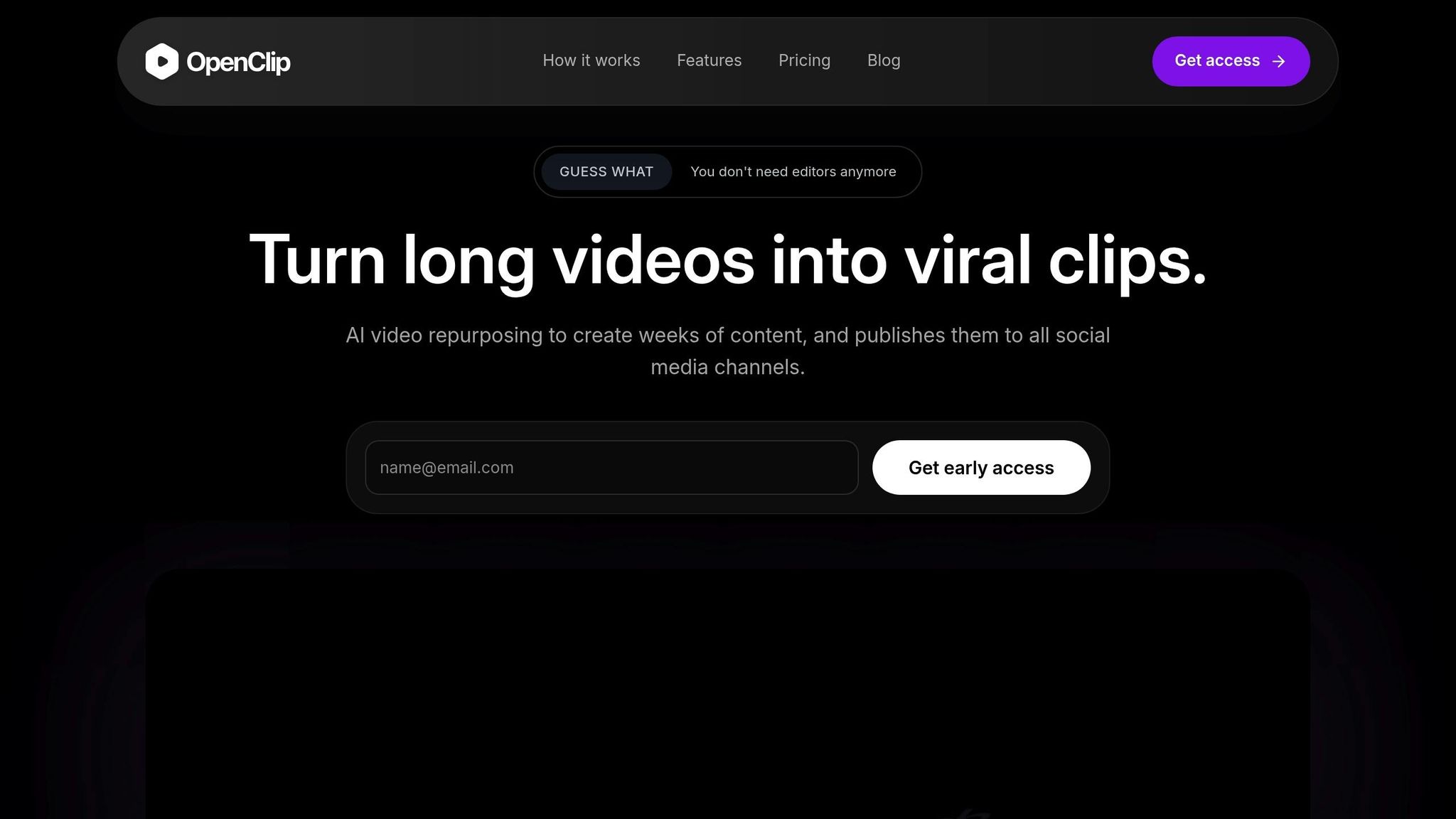
OpenClip takes these AI capabilities a step further by focusing on repurposing videos for social media. When you upload a video, the platform uses AI to find the most impactful moments and generates multiple clip options tailored to different social platforms. It even ranks these clips based on their potential performance.
The platform automatically reformats videos to match the specifications of various platforms - 9:16 for TikTok and Instagram Reels, 1:1 for Instagram posts, and 16:9 for YouTube Shorts and LinkedIn. Text-based editing tools remove filler words and pauses, ensuring a polished final product.
With OpenClip, you can automate the entire repurposing process, making it easier to create concise, engaging content. Its auto-scheduling feature connects directly to your social media accounts, allowing you to queue posts for TikTok, Instagram Reels, YouTube Shorts, X, and LinkedIn. This means you can batch-create content during focused sessions and maintain a steady posting schedule without the hassle of daily uploads.
The platform also includes collaboration tools for team reviews and approvals, as well as priority queues to ensure efficient processing, even during busy periods.
OpenClip offers flexible pricing options to suit various needs. The free plan includes 30 minutes of processing per month with watermarked exports. For $9 per month, the Pro plan removes watermarks and provides 180 minutes of processing. The Business plan, priced at $29 per month, offers 360 minutes of processing and unlimited brand profiles, making it ideal for larger teams or operations.
Key Points for Video Marketing Success
To make your video marketing efforts count, it’s essential to have a clear strategy that ties back to your business goals and engages your audience effectively. Every video you produce should have a specific purpose - whether that’s to generate leads, boost brand awareness, or drive sales. This way, your videos contribute to tangible results rather than superficial metrics like views or likes.
Understanding your audience is crucial. Go beyond basic demographics and dig into their social media habits, favorite types of content, and challenges they face. Do they gravitate toward how-to guides, or are they drawn to entertaining and lighthearted videos? These insights will help you craft content that connects with your viewers and encourages meaningful engagement.
It’s also important to focus on the platforms where your audience is most active. Tailor your videos to match the style and preferences of those platforms for maximum impact.
Optimization plays a big role in your content’s success. Use targeted keywords, relevant hashtags, and closed captions to improve your video’s discoverability and make it easier for viewers to find your content.
Consistency is another critical factor. Posting regularly not only keeps your audience engaged but also works in your favor with platform algorithms, making your content more likely to appear in feeds.
Finally, data is your best friend when it comes to improving your strategy. Track metrics like impressions, engagement rates, click-through rates, and website traffic. Use this data to refine your approach through analysis and A/B testing, ensuring your videos continue to perform better over time.
Next Steps for Creators
To avoid feeling overwhelmed, start small by focusing on one strategy at a time. Begin with a deep dive into audience research and select platforms that align with where your viewers spend their time. Once you’ve nailed that, you can gradually incorporate optimization techniques and even use tools like OpenClip to simplify your workflow.
Make sure your content creation process is sustainable. Pick a schedule and strategy you can stick to long-term, and measure the metrics that align with your specific goals. For instance, if your main goal is lead generation, prioritize tracking click-through rates and conversions over simple view counts. By combining these steps with the platform strategies and repurposing tactics discussed earlier, you’ll be able to identify the formats and content types that resonate most with your audience - and drive measurable results.
FAQs
How do I pick the best video platform to connect with my audience?
To pick the right video platform, start by pinpointing your marketing objectives and figuring out where your audience spends their time online. Are they drawn to quick, engaging clips or longer, more detailed videos? Understanding their preferences will help you craft a strategy that resonates with them.
You’ll also want to think about the type of videos you produce and assess your team’s ability to create content suited for each platform. Some platforms demand frequent uploads or specific formats, so it’s crucial to ensure you can keep up with those requirements. By blending audience insights with your team's resources, you can choose the platform that delivers the best results for your content.
What are the best ways to repurpose video content for different social media platforms?
Repurposing video content is a smart way to expand your reach while cutting down on effort. The key is to adapt your videos to fit the style and audience of each platform. For instance, vertical videos are ideal for Instagram Reels and TikTok, while horizontal videos are better suited for YouTube.
Make sure to edit your videos to meet the time limits of each platform. You can break down longer videos into short, engaging clips for platforms like Instagram or X (formerly Twitter). Another approach is to create teaser clips that direct viewers to the full video on YouTube. Don’t forget to add captions - many people watch videos with the sound off, and captions ensure your message still gets across.
You can also breathe new life into your content by updating visuals, tweaking titles, or adding fresh context to make it feel current. By tailoring your videos to each platform, you’ll not only extend their shelf life but also increase their effectiveness.
How can AI tools like OpenClip simplify video creation and marketing?
AI tools such as OpenClip streamline video creation and marketing by taking over tedious tasks and improving the overall quality of the content. These tools can turn text prompts into eye-catching videos in no time, customize content to align with trending topics, and even produce multiple ad variations to cater to various audience segments.
With AI, creators can fine-tune their videos to meet the specific needs of different platforms, ensuring they comply with each channel's unique standards. This approach not only saves valuable time but also boosts reach and engagement, freeing up creators to concentrate on crafting content that truly makes an impact.
Turn one video into a week of content.
Try OpenClip free