By Mees de Beukelaar
5 AI Tools for Scheduling TikTok Posts
Compare five AI tools that auto-create, edit, and schedule TikTok posts to save time, stay consistent, and boost engagement.
Originally published April 11, 2026
In this article
TikTok creators post 272 videos every second, and users spend an average of 44 hours per month on the app. To stand out, consistency is key - posting 3–5 times weekly can boost engagement by 2–3x. AI scheduling tools simplify this process by automating post timing, generating captions, and analyzing trends. Here are five tools to streamline your TikTok content strategy:
- OpenClip: Automatically creates and schedules clips from long videos. Plans start at $9/month.
- PostEverywhere.ai: Batch-schedule months of content with AI-generated captions. Starts at $19/month.
- quso.ai: Converts long-form content into TikTok-ready clips with bulk scheduling for up to 300 posts. Plans start at $19/month.
- Sked Social: Designed for teams, it offers multi-platform scheduling and auto-publishing. Pricing varies, with a free trial available.
- Later: A visual calendar for scheduling TikTok and other platforms, starting at $25/month.
Quick Comparison:
Tool Starting Price Key Features Platforms Supported OpenClip $9/month AI clip creation, auto-scheduling, analytics TikTok, Instagram, YouTube, X PostEverywhere.ai $19/month Batch uploads, AI captions, multi-platform TikTok, Instagram, YouTube, X quso.ai $19/month Long-form to clips, bulk scheduling TikTok, Instagram, YouTube Sked Social Varies Team tools, drag-and-drop calendar TikTok, Instagram, Facebook Later $25/month Visual calendar, analytics, multi-platform TikTok, Instagram, PinterestThese tools save time, ensure consistency, and optimize content for better engagement. Choose one based on your workflow, budget, and posting needs.
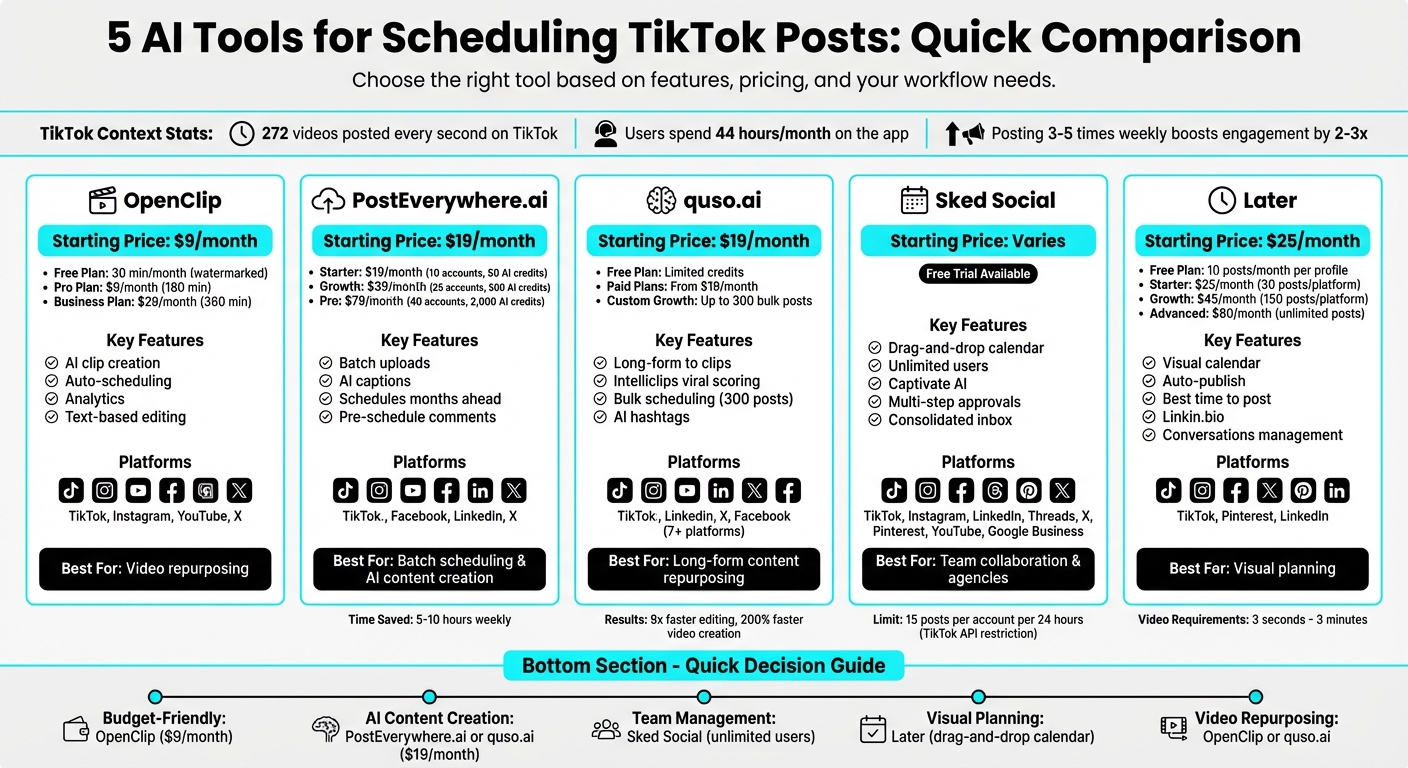
AI TikTok Scheduling Tools Comparison: Features and Pricing
How to Automate your Social Media Posts with AI | Save weekly auto scheduling post
1. OpenClip
OpenClip simplifies the process of turning long videos into shareable, engaging clips. Instead of spending hours combing through footage, its AI pinpoints standout moments - like viral hooks or punchlines - and packages them into ready-to-post clips.
TikTok Auto-Scheduling
OpenClip takes raw footage and transforms it into scheduled content with minimal effort. Here’s how it works: After uploading your video, the AI transcribes it, identifies speakers, cleans up the audio, and suggests clips that are ready for approval. What used to take 30–60 minutes can now be done in seconds. Once approved, the clips are automatically resized into a 9:16 vertical format, ensuring faces are centered and captions stay within TikTok's "safe zones." You can even schedule posts to go live at the best times, making the entire process hands-off.
Multi-Platform Support
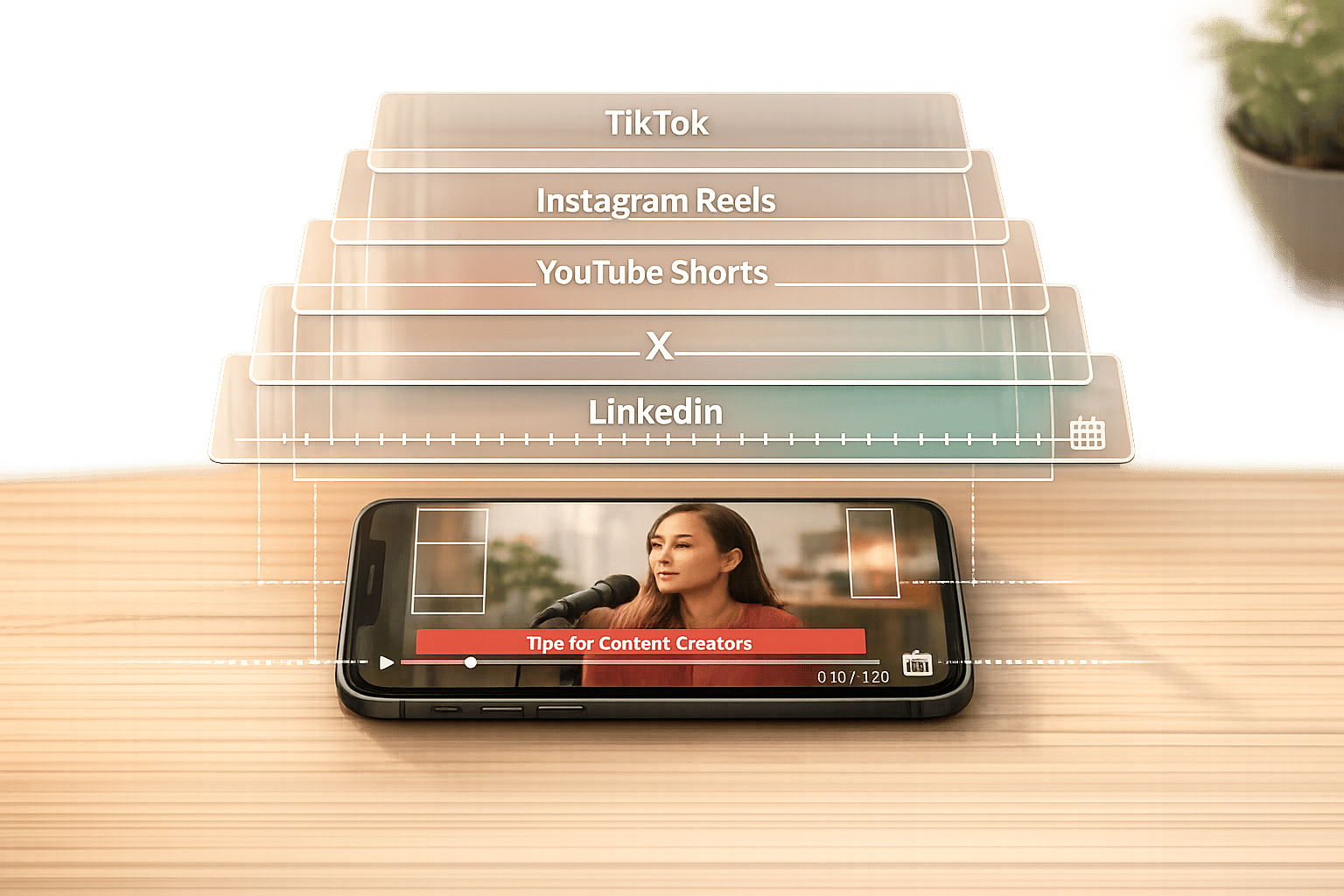
From one dashboard, you can prepare and schedule content for TikTok, Instagram Reels, YouTube Shorts, X, and LinkedIn. No need for additional tools or reformatting - OpenClip handles it all.
AI-Powered Video Editing and Analytics
Editing is streamlined with text-based tools that let you trim videos by simply highlighting sections of the transcript. It also removes filler words and awkward pauses automatically. For those on the Business plan, you’ll gain access to advanced analytics, team collaboration tools, and API integration.
Pricing and Scalability
OpenClip offers three pricing options:
- Free Plan: Includes 30 minutes of processing per month, but exports come with watermarks.
- Pro Plan: For $9 per month, watermarks are removed, and processing time increases to 180 minutes.
- Business Plan: At $29 per month, it provides 360 minutes of processing, unlimited brand profiles, and advanced collaboration features.
2. PostEverywhere.ai
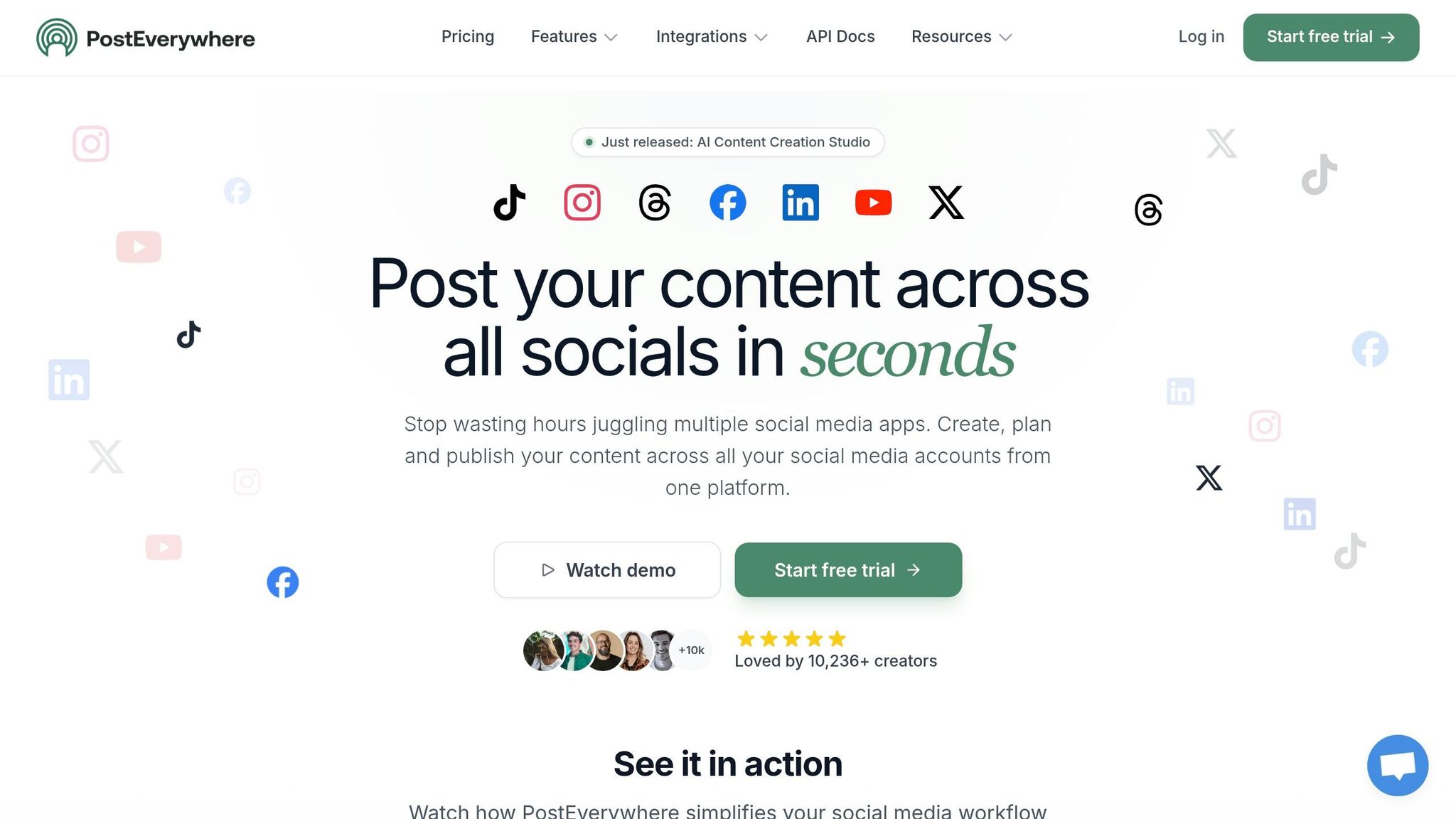
PostEverywhere.ai breaks past TikTok's 10-day scheduling limit. By leveraging the official TikTok API, it allows you to schedule content months in advance. This makes it possible to map out entire campaigns and let the platform handle the heavy lifting.
TikTok Auto-Scheduling
With PostEverywhere.ai, you can batch upload 10–20 videos at a time, saving hours compared to TikTok Studio's one-by-one upload method. The platform claims that consistent creators can save between 5 and 10 hours weekly through batch scheduling. For instance, you can film 8–15 videos, upload them all at once, and schedule two weeks' worth of content in under 30 minutes. It also lets you pre-schedule first comments, which is perfect for adding links or calls-to-action (CTAs). Since TikTok doesn’t penalize links in comments, this feature is a game-changer for driving engagement. The streamlined process also simplifies sharing content across multiple platforms.
Multi-Platform Support
PostEverywhere.ai makes it easy to upload videos once and distribute them across TikTok, Instagram Reels, YouTube Shorts, Facebook Reels, LinkedIn, and X. You can even customize captions and hashtags for each platform. For teams posting five or more times a week, this feature can save between 15 and 20 hours.
AI-Powered Video Editing and Analytics
The platform uses AI to generate captions, viral hooks, and trending hashtags, helping you optimize your content for better engagement. It also provides unified analytics with UTM tracking, so you can see how the same video performs across different platforms. The visual content calendar, paired with timezone-aware scheduling, makes managing global campaigns much easier.
Pricing and Scalability
PostEverywhere.ai offers three pricing plans to fit different needs:
- Starter Plan: $19/month for 10 social accounts, 1 team member, and 50 AI credits.
- Growth Plan: $39/month for 25 social accounts, 3 team members, and 500 AI credits.
- Pro Plan: $79/month for 40 social accounts, 10 team members, and 2,000 AI credits.
All plans include unlimited posts and come with a 7-day free trial. Opting for annual billing gives you a 20% discount, making it even more budget-friendly for long-term use.
3. quso.ai
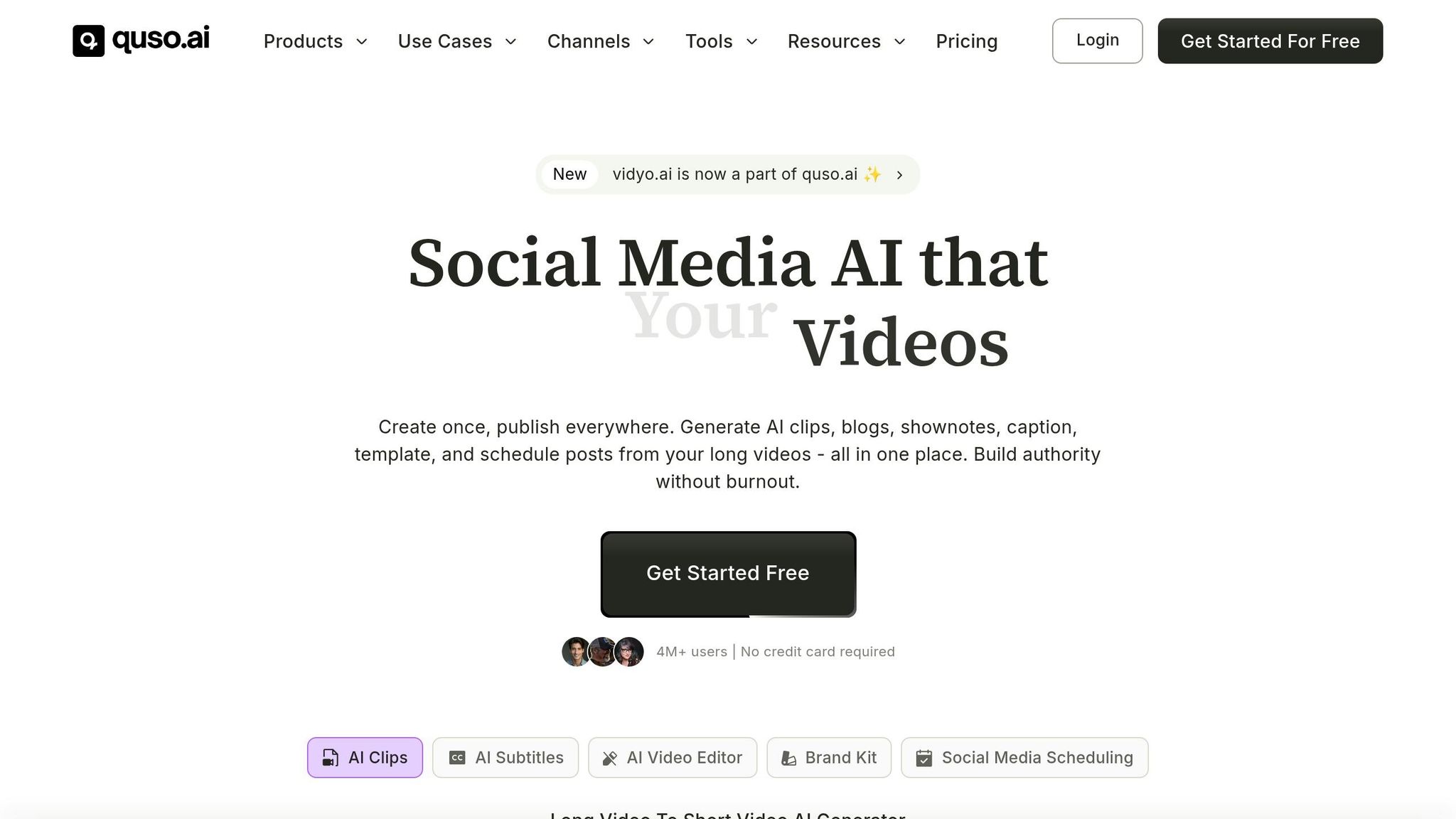
quso.ai stands out among AI scheduling tools by combining content creation and scheduling into one streamlined platform.
Instead of merely managing pre-made videos, quso.ai transforms long-form content - like podcasts, webinars, or YouTube videos - into TikTok-ready clips. The AI pinpoints captivating moments, adds captions, resizes videos to the 9:16 aspect ratio, and schedules them automatically. It’s an all-in-one solution for creators looking to save time and maximize output.
TikTok Auto-Scheduling
With quso.ai, you can schedule up to 300 TikTok videos in one batch, complete with descriptions and hashtags. This feature drastically cuts editing time - up to nine times faster, as demonstrated by Ree Hurkan, who reduced her monthly editing workload from 200 hours to just 80 hours. The platform also ensures your content is posted at the best times for engagement, even if you’re offline. Its drag-and-drop calendar makes managing your content strategy smoother and more efficient.
"quso.ai has increased my output and productivity by 7x." - Seth Green, Online Fitness Coach
Multi-Platform Support
Beyond TikTok, quso.ai supports Instagram, YouTube, LinkedIn, X, Facebook, and more - over seven platforms in total - all accessible through a single dashboard. Its "Intelliclips" tool evaluates clips for their viral potential, helping you choose the most impactful content to share. For instance, Alessandro Cecere, Marketing Manager at Luxor, leveraged the platform to grow YouTube subscribers from 6,000 to 15,000 in just a few months by repurposing content. Additionally, the AI hashtag manager analyzes your videos and suggests the best tags to boost visibility.
Pricing and Scalability
quso.ai offers a free plan with limited AI clipping and scheduling credits. Paid plans start at $19/month, with a Custom Growth plan tailored for high-volume creators, allowing up to 300 posts to be scheduled in bulk. Users report impressive results, including 200% faster video creation and viewership increases of up to 2,000X through its AI-powered strategies.
sbb-itb-5598afd4. Sked Social
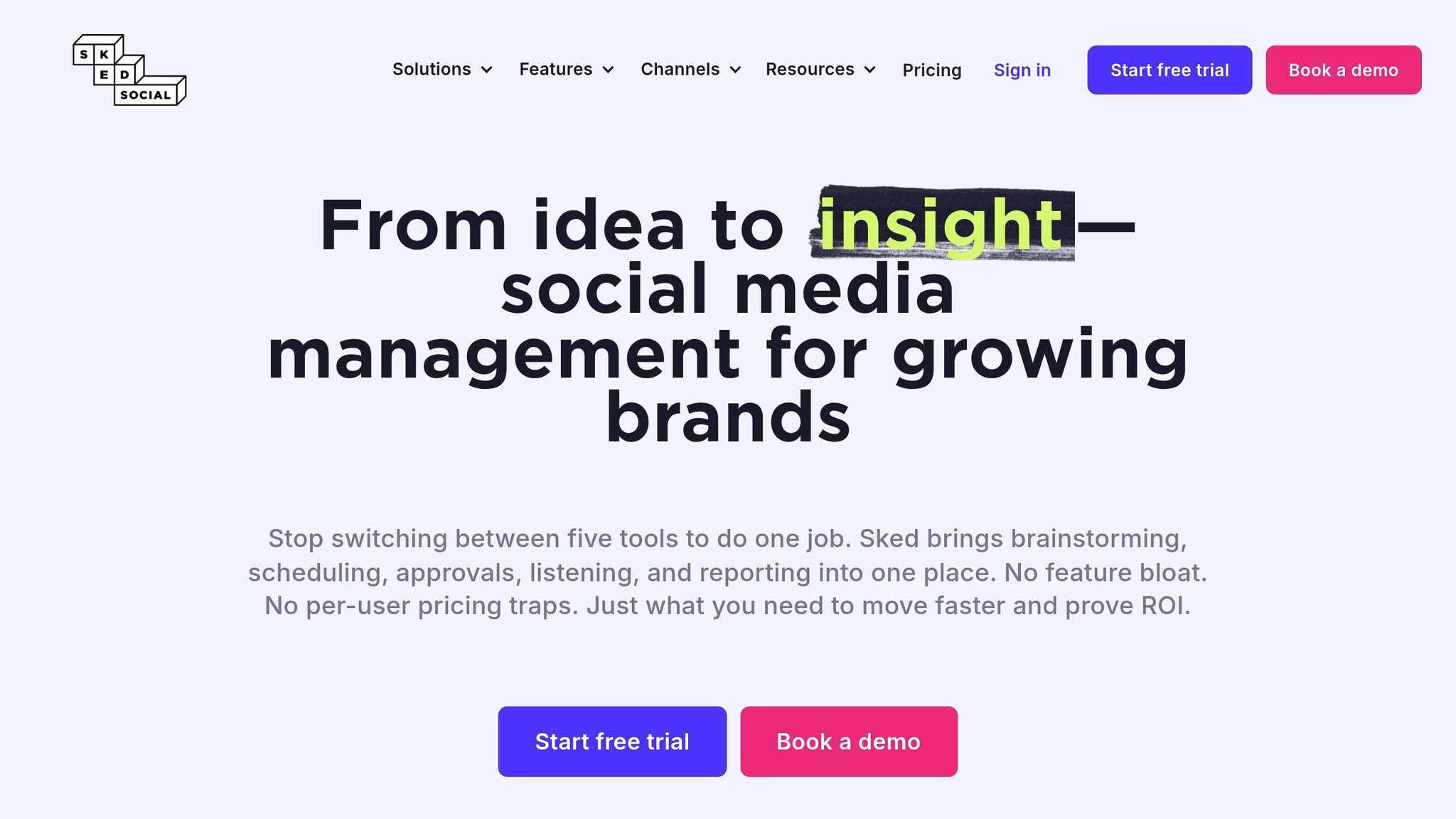
Designed for teams and agencies juggling multiple TikTok accounts, Sked Social simplifies content management with true auto-publishing for TikTok videos and carousel posts. Your content can go live automatically without manual intervention.
TikTok Auto-Scheduling
With Sked Social's drag-and-drop calendar, you can plan TikTok posts well in advance - whether it's days, weeks, or even months ahead. The bulk scheduling feature allows you to queue multiple posts in one go, keeping your content pipeline consistently flowing. Plus, its "Captivate AI" tool helps streamline your workflow by generating captions, hashtags, and emojis that align with your brand. Keep in mind, TikTok's API restricts all third-party tools to a maximum of 15 posts per account within a rolling 24-hour period.
Multi-Platform Support
Sked Social doesn’t stop at TikTok. It lets you schedule content across Instagram (including Reels and Stories), Facebook, LinkedIn, Threads, X, Pinterest, YouTube, and Google Business Profile - all from a single dashboard. You can even cross-post TikTok videos to these platforms, saving time and effort. To top it off, its consolidated inbox allows you to manage comments and messages from TikTok, Instagram, Facebook, and LinkedIn in one place. Integration with tools like Canva, Google Drive, and Dropbox makes creating and storing content a breeze.
AI-Powered Video Editing and Analytics
Sked Social's AI tools go beyond scheduling. They provide actionable insights into your social media performance, helping you understand engagement trends and identify new content opportunities. The analytics dashboard tracks key metrics like engagement rates, follower growth, and the best times to post. You can also create one-click PDF reports for clients or stakeholders. A visual feed preview ensures your posts align with your brand’s look and feel before they go live.
Pricing and Scalability
Sked Social accommodates teams of all sizes with unlimited user seats on most plans. It offers a free trial (7 or 14 days) without requiring a credit card, and its pricing structure suits small businesses, mid-sized companies, agencies, and large enterprises. Features like multi-step approval workflows and role-based permissions make it easy to scale while staying organized and compliant.
"Possibly the biggest game-changer is Sked's approvals flow. My clients have been on a tour of approvals processes with me and we all agree, Sked's approvals process is the most user-friendly and best for team collaboration." - Jenessa S., Small-Business
5. Later
Later, a trusted TikTok Content Marketing Partner, provides auto-publishing for both Personal and Business accounts. Its scheduling system combines ease of use with tools for managing content and analyzing performance.
TikTok Auto-Scheduling
With Later, you can upload videos, organize them on a visual calendar, crop them to TikTok’s 9:16 format, and set your desired publish date and time. The platform offers two posting options: Auto Publish, which handles posting for you, and Notification Publishing, which allows you to manually add trending sounds (since auto-publishing only supports original audio). Videos must be between 3 seconds and 3 minutes long. Later also provides insights on the "Best Time to Post", helping you schedule content when your audience is most active. This functionality fits seamlessly into Later’s broader multi-platform management tools.
In 2021, Kate Talcott, the founder of Splatter & Bloom, utilized Later’s auto-publish feature to maintain a consistent TikTok presence while balancing her business and family life. She found the analytics particularly helpful in identifying the best times to post across all her social platforms.
"Later's TikTok auto publish is a game-changer. With two kids, I could never sneak in time to post. Now I can reliably post at peak times - PLUS, Later's analytics allows me to reach peak viewership across all my platforms." - Kate Talcott, Founder, Splatter & Bloom
Multi-Platform Support
Later makes it easy to manage TikTok alongside Instagram, Facebook, X (formerly Twitter), Pinterest, and LinkedIn, all from one dashboard. The "multi-profile post" feature lets you schedule the same content across multiple platforms simultaneously, while the centralized Media Library organizes clips for repurposing. Its drag-and-drop visual calendar provides a clear overview of your entire social media strategy. Additionally, the customizable "Linkin.bio" tool enhances Instagram and TikTok profiles, driving external traffic more effectively.
AI-Powered Video Editing and Analytics
In addition to scheduling, Later includes tools for refining your TikTok content. You can crop and trim videos to fit TikTok’s 9:16 format, ensuring they’re optimized for the platform. The "Conversations" feature on the desktop app allows you to reply to, like, or hide comments, improving engagement and boosting algorithm performance. Dr. Alisha Reed (@theselfcarepharmacist) uses this feature to manage her community more efficiently. By responding to messages and comments through the centralized dashboard, she has grown her audience while cutting down on time spent managing her accounts.
Pricing and Scalability
Later offers a Free Plan, which allows for 10 posts per month per social profile. Paid plans start at $25/month for the Starter plan (30 posts per platform), $45/month for the Growth plan (150 posts per platform with advanced analytics), and $80/month for the Advanced plan (unlimited posts and full team features). A 14-day free trial is available for paid plans. The pricing structure is designed to accommodate everyone from individual creators to larger teams and agencies, with the Advanced plan supporting up to six social sets.
Feature and Pricing Comparison
Finding the right tool depends on your budget and the features you need. The tools discussed here range from free options to around $80 per month, with differences in processing limits, team collaboration features, and platform support.
Here’s a quick breakdown of each tool's features and pricing:
- OpenClip focuses on video repurposing. Its Free plan includes 30 minutes of processing per month (with a watermark). The Pro plan costs $9/month, offering 180 minutes across up to 3 brand profiles, while the Business plan at $29/month provides 360 minutes, unlimited profiles, and team collaboration.
- PostEverywhere.ai starts at $19/month, supporting 3 accounts and specializing in AI-driven caption creation and cross-platform scheduling.
- quso.ai also begins at $19/month, includes a free tier, and stands out with its Intelliclips scoring feature, which is tailored for long-form video repurposing.
- Sked Social offers unlimited users on all plans, making it ideal for teams managing multiple TikTok accounts.
- Later has plans priced at $16.67/month (30 posts per profile, billed annually), $30/month (150 posts), and $53.33/month (unlimited posts).
All tools comply with TikTok's 15 posts-per-account-per-day limit. However, keep in mind that per-user pricing can increase costs for larger teams. Most modern schedulers now support auto-publishing to platforms like Instagram Reels, YouTube Shorts, and Facebook Reels. However, some still rely on mobile notifications for posts using trending sounds.
Each tool caters to different needs: OpenClip and quso.ai shine at turning long videos into TikTok-friendly clips; PostEverywhere.ai combines AI content creation with scheduling; Sked Social is perfect for collaborative teams; and Later emphasizes visual planning with its drag-and-drop calendar. Free trials are a great way to explore their capabilities and identify any gaps.
Conclusion
Choosing the right scheduling tool means finding one that aligns with your content workflow and priorities. Each tool has its own strengths, whether it’s geared toward video repurposing, team collaboration, or visual planning. For a deeper dive into features, check out the earlier sections for side-by-side comparisons.
Budget matters. Take a look at the pricing breakdown in the Feature and Pricing Comparison section to see what fits your financial plan.
Your posting frequency is another important factor. If you post frequently or need specific content features, make sure the tool you choose can handle those needs seamlessly.
Many tools offer free trials, so you can test the interface and see if it works for you. Pay close attention to auto-publishing features during your trial period - they can save you loads of time. Ultimately, pick the tool that supports your top priority, whether it’s managing a tight budget, collaborating with a team, or creating visually dynamic content. Remember, staying consistent on TikTok is what truly drives results.
Take a look at the detailed sections above, start a free trial, and find the tool that’s just right for you!
FAQs
Will scheduling TikTok posts hurt my reach?
Using scheduling tools for TikTok posts doesn’t automatically hurt reach or engagement. Some users might notice a dip in performance when using third-party tools, but this is usually tied to issues like posting at times when their audience isn’t active or failing to generate strong early engagement. TikTok’s algorithm heavily relies on initial signals, such as watch time and interactions, to determine a post’s reach. When used wisely - by posting consistently and timing posts for peak audience activity - scheduling can actually help sustain visibility and support account growth.
Can I schedule posts with trending sounds?
Yes, you can schedule TikTok posts that feature trending sounds by using AI-powered tools like OpenClip. These tools simplify the process by allowing you to create, approve, and schedule videos efficiently. However, because of TikTok's API restrictions, you might need to manually add the trending sounds within the TikTok app after scheduling your content. These tools are designed to help you plan and post at the best times to maximize engagement.
How do I choose the best time to post?
To figure out the best time to post on TikTok, take a close look at your audience's activity patterns and engagement trends. The ideal posting times often depend on the day and your audience's routines, but popular windows include 6-9 a.m., 12-3 p.m., and 7-11 p.m..
You can also use AI-powered tools to get tailored recommendations for your account. These tools analyze your data to help boost visibility and interactions. Don't be afraid to experiment with different posting times to see what resonates most with your audience.
Turn one video into a week of content.
Try OpenClip free