By Mees de Beukelaar
Batch Processing for TikTok, Reels, and Shorts
Save hours by turning long-form videos into dozens of TikTok, Reels, and Shorts using AI-powered batch editing, auto-formatting, and scheduling.
Originally published March 7, 2026
In this article
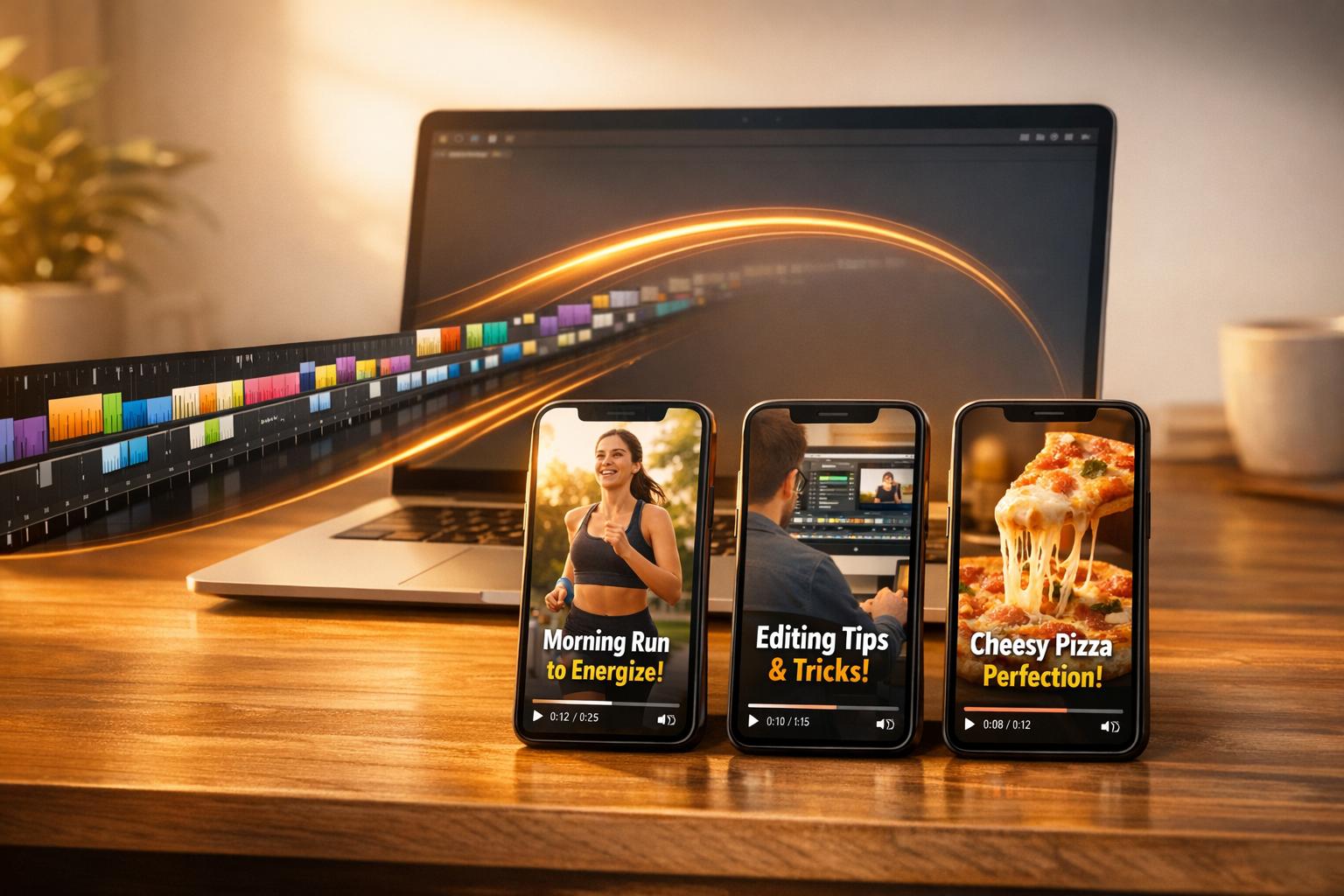
Batch processing helps creators save time and produce more content by turning long-form videos into multiple short clips for TikTok, Instagram Reels, and YouTube Shorts. Instead of editing videos one by one, tasks like planning, filming, editing, and scheduling are grouped into focused sessions. This method increases efficiency, allowing creators to generate 30–50 clips from a single video while maintaining consistent posting schedules.
Key Benefits of Batch Processing:
- Saves 10–15 hours per month by reducing task-switching.
- Cuts editing time per video from 30–60 minutes to under 3 minutes with tools like OpenClip.
- Boosts productivity by up to 30% and allows for consistent posting, which improves engagement.
Why Short-Form Video Matters:
- 73% of content consumed is under 90 seconds.
- Short videos generate 2.5x more engagement than longer ones.
- Platforms like TikTok and YouTube Shorts prioritize content with good hooks, regardless of follower count.
How OpenClip Simplifies This Process:
- Upload: Add a long-form video (e.g., podcast or webinar).
- AI Analysis: Automatically generate clips with confidence scores based on engaging moments.
- Edit & Schedule: Use tools to refine clips, apply branding, and schedule posts across platforms.
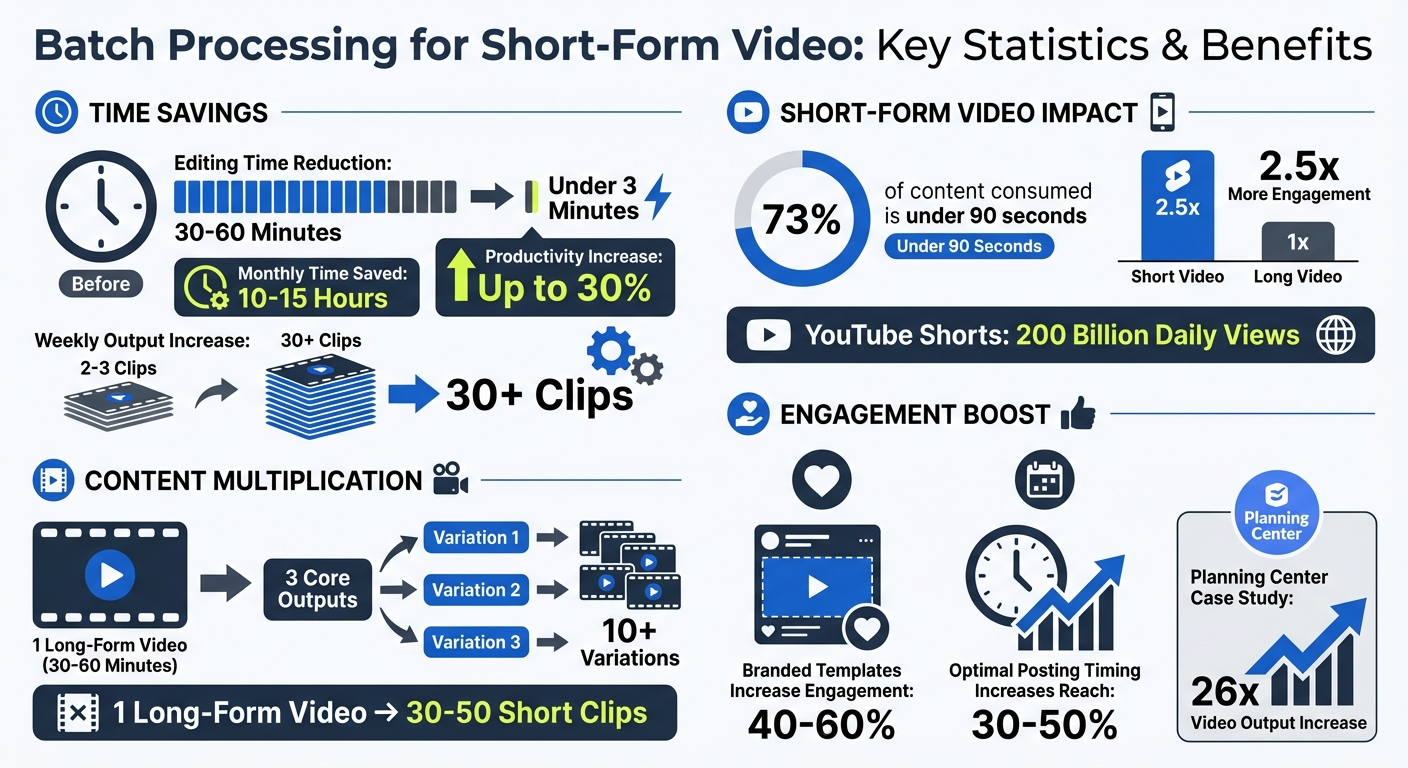
Batch Processing Statistics: Time Savings and Engagement Benefits for Short-Form Video
OpenClip Features for Batch Processing
OpenClip offers a set of tools designed to make batch processing of videos easier, helping creators churn out high-quality, repurposed content quickly and efficiently.
AI-Powered Video Repurposing
OpenClip uses AI to analyze long-form videos and extract the most compelling moments. For example, when you upload a 30–60 minute video, the platform transcribes it, identifies speakers, and highlights attention-grabbing sections automatically [15, 16]. Each suggested clip comes with a confidence score, showing its potential to perform well and explaining why it was chosen [16, 18]. This scoring system allows you to evaluate multiple clips in just minutes, cutting down what would otherwise take hours. After selection, OpenClip seamlessly converts these clips into formats optimized for different platforms.
Multi-Format Clip Creation
OpenClip simplifies the reformatting process by automatically adjusting clips to fit 9:16, 1:1, or 16:9 aspect ratios. It ensures that faces remain centered and captions stay within safe zones, avoiding any awkward cropping. This automation eliminates the need for manual resizing, saving you significant time.
Automation Tools That Save Time
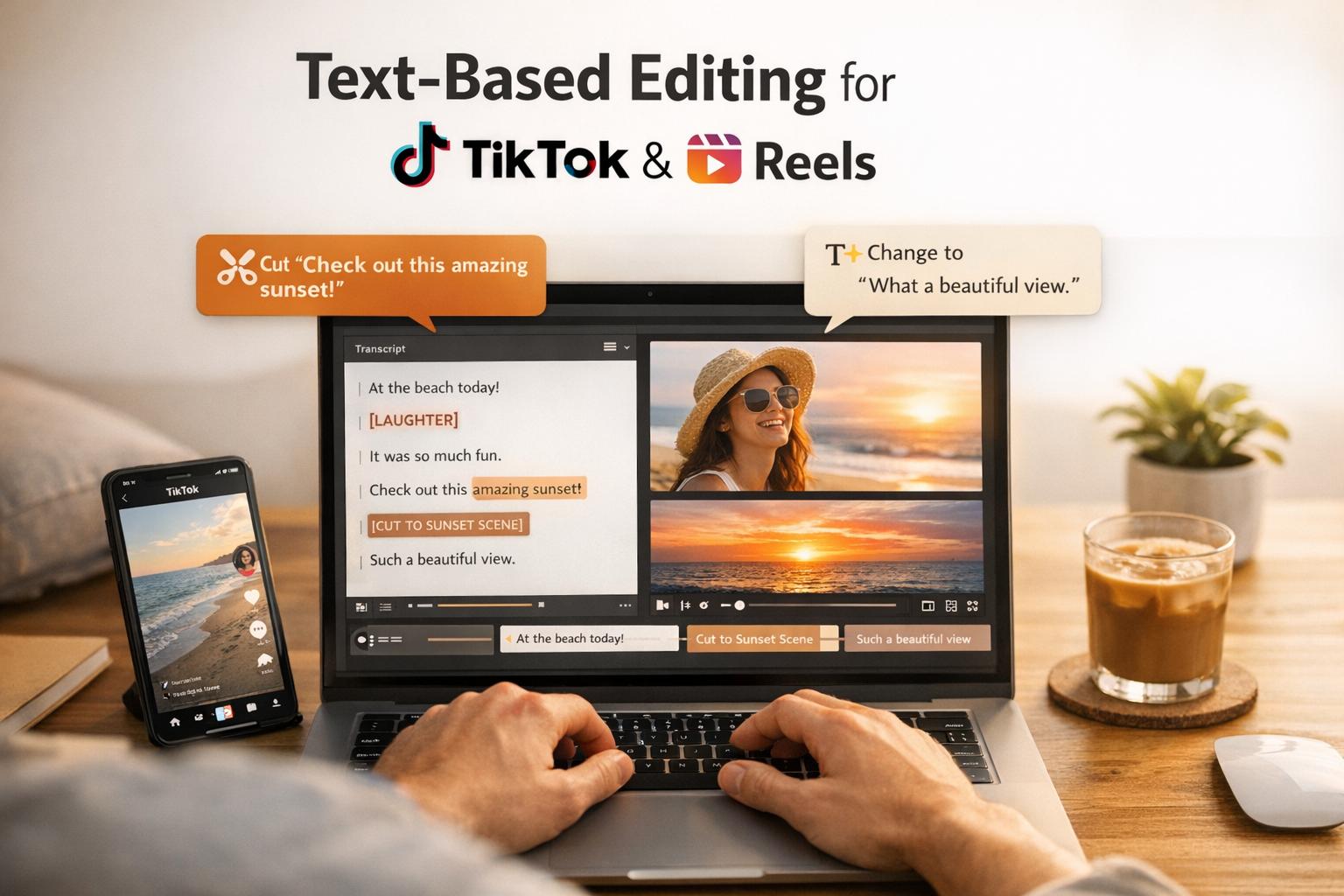
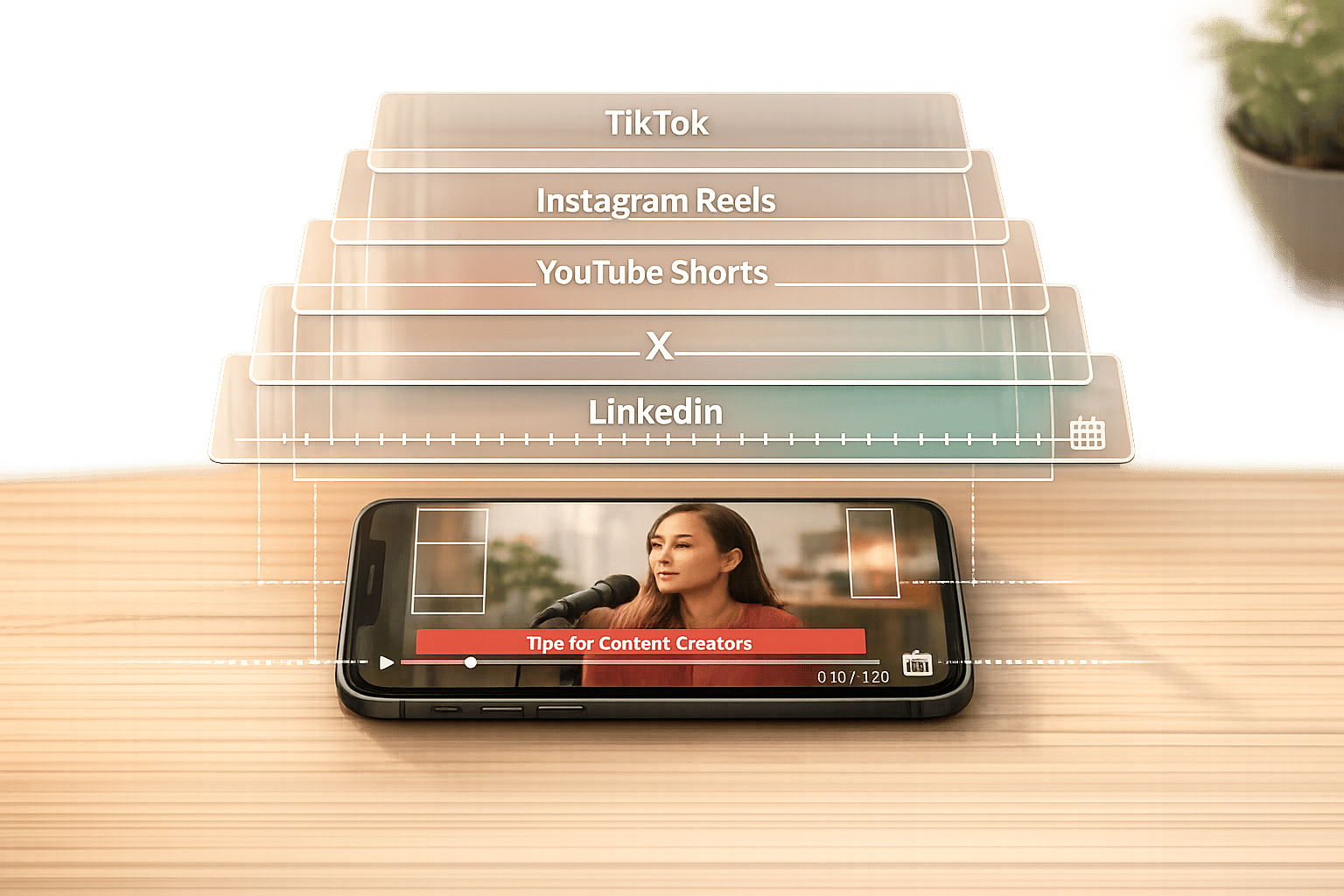
The platform’s text-based editing feature lets you tweak your video by directly interacting with its transcript. This makes it easy to locate and remove unwanted sections. Additionally, one-click tools can automatically clean up your clips by removing silences and filler words, streamlining the editing process even further. Once your edits are complete, OpenClip’s scheduler allows you to post batches of clips across platforms like TikTok, Reels, Shorts, X, and LinkedIn simultaneously. Thanks to these automation tools, the time spent editing a single video drops from 30–60 minutes to under 3 minutes. This means creators can go from producing just 2–3 clips per week to over 30 [16, 18].
sbb-itb-5598afdHow to Batch Process Videos with OpenClip
OpenClip simplifies video repurposing into three straightforward steps, allowing you to focus on approving and scheduling content rather than wrestling with complicated editing tools. Here's how you can make the most of its streamlined process.
Step 1: Upload Long-Form Videos
Start by uploading your long-form videos - whether it's a 30-minute podcast, a webinar, or a YouTube recording. OpenClip takes it from there, automatically transcribing and cleaning up your content without requiring any extra setup . The platform supports uploads from a variety of sources, including YouTube, Instagram, LinkedIn, and podcast feeds.
Step 2: Generate and Edit Clips
Once your video is processed, OpenClip provides a selection of suggested clips, each accompanied by a confidence score and an explanation of its selection - often based on viral hooks or engaging moments. Editing is a breeze. Use one-click tools to refine clips directly through the transcript by removing filler words or silences. The clips are automatically resized and formatted, saving you the tedious task of manual adjustments. In just minutes, you’ll have polished, ready-to-post clips.
Step 3: Export and Schedule Posts
After approving your clips, export them using OpenClip's built-in scheduler to post across platforms like TikTok, Instagram Reels, YouTube Shorts, X, and LinkedIn . For TikTok, you can either post directly to your account or send the clip to your mobile app via the TikTok Inbox, allowing you to add native music or filters before publishing. Scheduling ensures consistent posting, and the entire process - from uploading to scheduling - takes under 3 minutes per video, a major improvement over the typical 30–60 minutes of manual editing.
Batch Processing Strategies for Short-Form Video
Film Once, Repurpose Multiple Times
Recording a single 30–60 minute video can produce 30–50 short clips, giving you weeks of content from one session. To make this process smoother, plan natural pauses between key points. This simple adjustment can speed up the editing process by up to three times. It's a smart way to maximize your efforts while sticking to efficient batch processing methods.
Here's a handy framework to follow: the "1 → 3 → 10" approach. Start with one anchor video, like a podcast or webinar. From that, create three core outputs - short clips, text posts, and visual stills. Then package those into 10+ variations.
Louis Vick, a content creator, sums it up well: "Batching changed my content game completely. Instead of the daily scramble to post, I dedicate one afternoon each week to repurposing and scheduling everything. It's like meal prep, but for content."
Streamlining this process even further is possible by using standardized templates.
Use Templates for Faster Editing
Templates save time and ensure your content feels cohesive. A great example is Planning Center, which transitioned to automated templates in 2025. This shift boosted their video output by 26 times. The trick is to create modular templates with self-contained elements, like a quick 5-second intro, a 15-second showcase, and a 5-second call-to-action. These pieces can be rearranged or tailored for different platforms.
Branded templates also make a noticeable impact. Videos with consistent branding - colors, fonts, and logos - can increase engagement by 40% to 60%. Tools like OpenClip simplify this by letting you apply your branding across all clips with a single click. This ensures every video reinforces your visual identity.
Maintain a Consistent Posting Schedule
Once you've streamlined production and editing, the next step is building a consistent posting strategy. Batch processing makes it easier to schedule content weeks in advance, freeing you from the stress of daily posting while still allowing room for timely updates. Platforms like TikTok reward daily posting with better visibility, and batching helps you meet this demand without burning out.
Timing matters, too. Posting at the right times can boost your reach by 30–50%. Use tools like OpenClip's scheduler to strategically space out your clips over several weeks. For instance, instead of posting all clips from one video at once, spread them out over 1–3 weeks to keep your content fresh and engaging. To stay organized, track your posted videos in a spreadsheet to avoid repeating content.
Conclusion
Key Takeaways
Batch processing is revolutionizing how creators produce content for TikTok, Reels, and Shorts. Tools like OpenClip reduce editing time to less than 3 minutes, saving creators more than 10 hours weekly and increasing output from just 2–3 clips a week to over 30. These numbers highlight how batch workflows can reshape your content strategy.
The stats speak for themselves: short-form videos drive 2.5 times more engagement than image posts, and by 2026, 73% of content consumption will happen in formats under 90 seconds. With YouTube Shorts alone generating 200 billion daily views, the appetite for vertical videos is immense. OpenClip’s AI simplifies the process - finding viral moments, auto-creating captions, and reformatting clips for 9:16, 1:1, and 16:9 ratios - so you can focus on strategy instead of spending hours editing.
Plus, multi-platform automation lets you schedule posts for TikTok, Reels, Shorts, X, and LinkedIn from a single dashboard. This ensures you stay consistent with your posting schedule without the daily grind, making content deployment smooth and stress-free.
Getting Started with OpenClip
Curious to see how it works? OpenClip offers a Free plan that includes 3 uploads, 720p exports, and AI-generated clips - no credit card required. For a limited time, new accounts get 20 free clips as a bonus. Need more? The Pro plan, starting at just $9/month, includes unlimited uploads, 4K exports, and auto-scheduling. For teams, the Business plan adds brand kits, analytics, and collaboration tools for $29/month.
Head over to https://openclip.app to upload your first long-form video and discover how easy it is to create a month’s worth of short-form content.
FAQs
How long should my original video be to batch into Shorts?
When creating original videos for platforms like TikTok, Reels, and YouTube Shorts, keep the duration between 30 seconds and 3 minutes. Videos over 60 seconds are typically considered long-form unless specifically repurposed as Shorts. Focus on making your content concise and engaging to capture attention and boost its impact.
How do I choose which AI-suggested clips to post first?
To get the most out of your content, focus on AI-suggested clips that are likely to resonate with your audience. Each platform has its own style, so tailor your choices accordingly. For instance, TikTok thrives on personality-driven content that feels authentic and relatable, while YouTube Shorts often excels with short, punchy clips that grab attention immediately.
When selecting clips, prioritize those with strong hooks, engaging storytelling, or emotional appeal - these elements tend to drive higher engagement. Tools like OpenClip can help you analyze how well a clip fits the platform and predict its potential for interaction. Once you've identified the top-performing options, post them first to make the biggest impact.
Will my captions and branding stay safe on TikTok and Reels?
To protect your captions and branding on TikTok and Reels, it's important to stick to the platform's specific guidelines. One key tip is to use the native editing tools provided by each platform. These tools not only help you align with their algorithms but also make your content more likely to perform well.
Avoid using videos with visible watermarks or third-party logos. Many platforms, including TikTok and Instagram, tend to downrank such content, which can hurt your visibility. By using the platform's built-in features for captions, effects, and edits, you can ensure your content stays compliant with their policies. This approach helps maintain your branding integrity while reducing the risk of your posts being flagged or demoted.
Turn one video into a week of content.
Try OpenClip free