By Mees de Beukelaar
AI Tools for Turning Emotional Moments into Viral Clips
Learn how AI finds emotional highs, auto-edits and formats long-form videos into platform-ready short clips to boost engagement and save time.
Originally published January 23, 2026
In this article
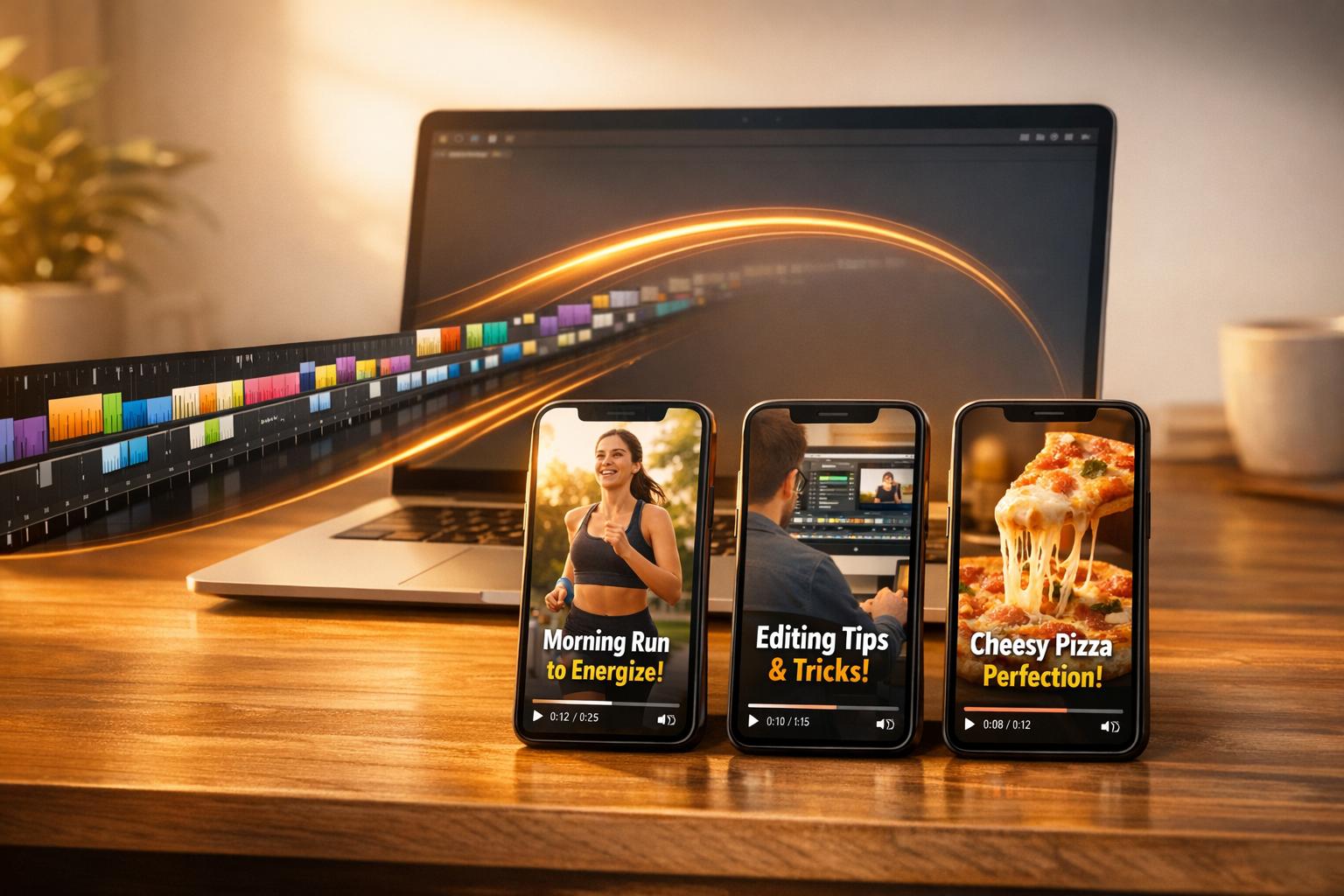
AI tools are changing how creators turn long-form content like podcasts and webinars into short, shareable clips. These tools use AI to find emotional highs, analyze tone, and create platform-ready videos in minutes. They save time, boost engagement, and optimize content for platforms like TikTok, Instagram Reels, and YouTube Shorts. Key features include automated transcription, emotion detection, clip formatting, and scheduling. Popular tools like OpenClip, Goldcast, OpusClip, CapCut, quso.ai, Podsqueeze, and Reap offer free and paid plans to suit different needs.
Highlights:
- Efficiency: Reduce production time by up to 90%.
- Engagement: Increase social media engagement by over 50%.
- Features: Auto-captions, clip resizing, and multi-platform scheduling.
- Pricing: Free plans available; paid options start as low as $9/month.
These tools are essential for creators looking to maximize content reach with minimal effort.
1. OpenClip
Emotion detection and analysis
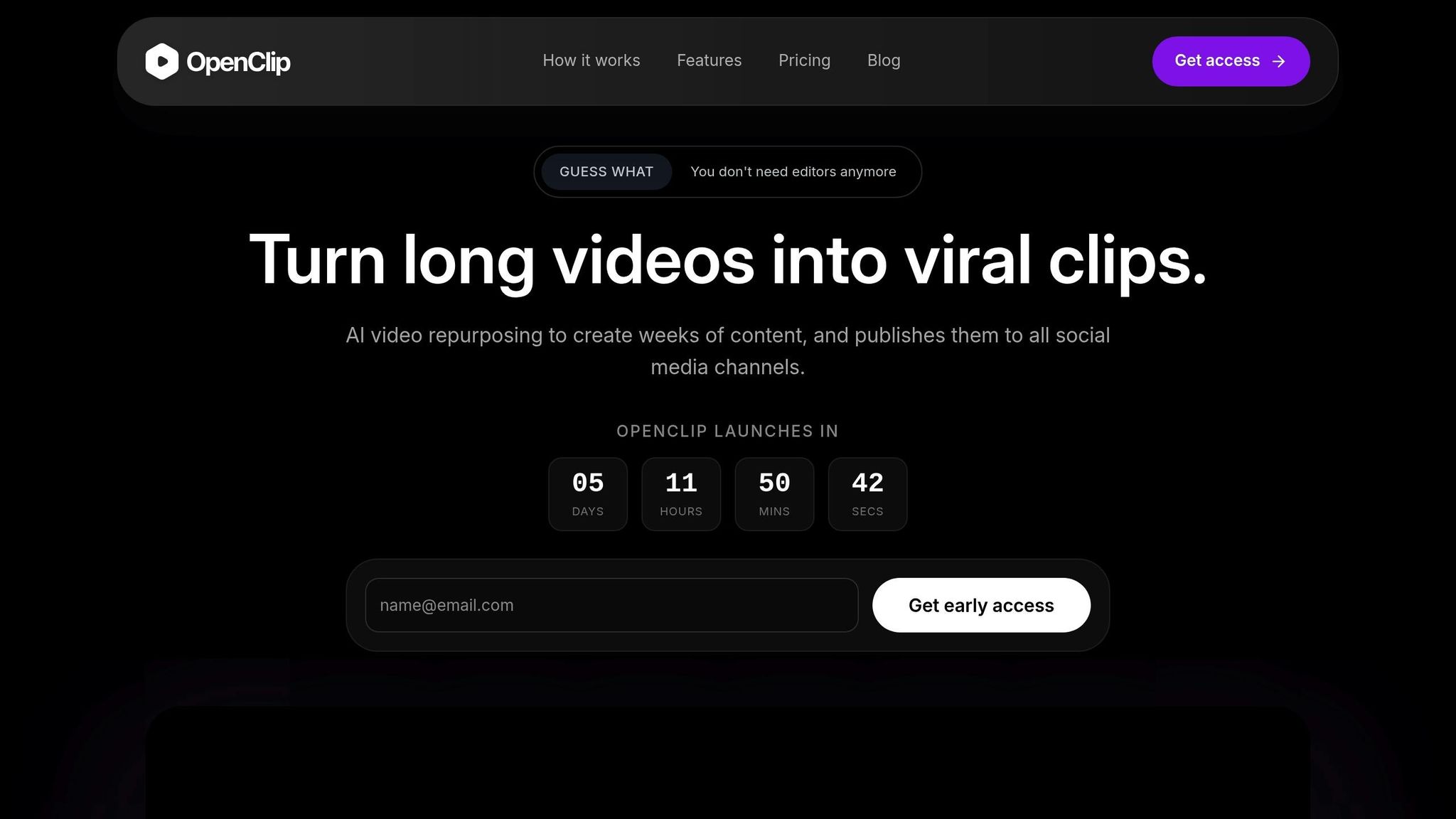
OpenClip uses an AI-powered Smart Clip Scoring system to pinpoint moments in your long-form videos that are likely to go viral. Each suggested clip comes with a confidence score and an explanation of why it was flagged, making it easier to approve impactful segments quickly. The platform also offers automated transcription and speaker detection, providing a thorough breakdown of your video. This level of precision lays the groundwork for seamless clip formatting.
Automation of clip creation and formatting
After identifying key moments, OpenClip's Smart Reframe tool automatically generates clips in popular aspect ratios like 9:16, 1:1, and 16:9. It ensures faces stay centered and captions remain easy to read. With text-based editing, you can trim clips by selecting transcript sections, effortlessly cutting out filler words and silences. OpenClip claims this feature can save creators over 10 hours a week. Once your clips are ready, the platform makes multi-platform distribution straightforward.
Multi-platform scheduling and optimization
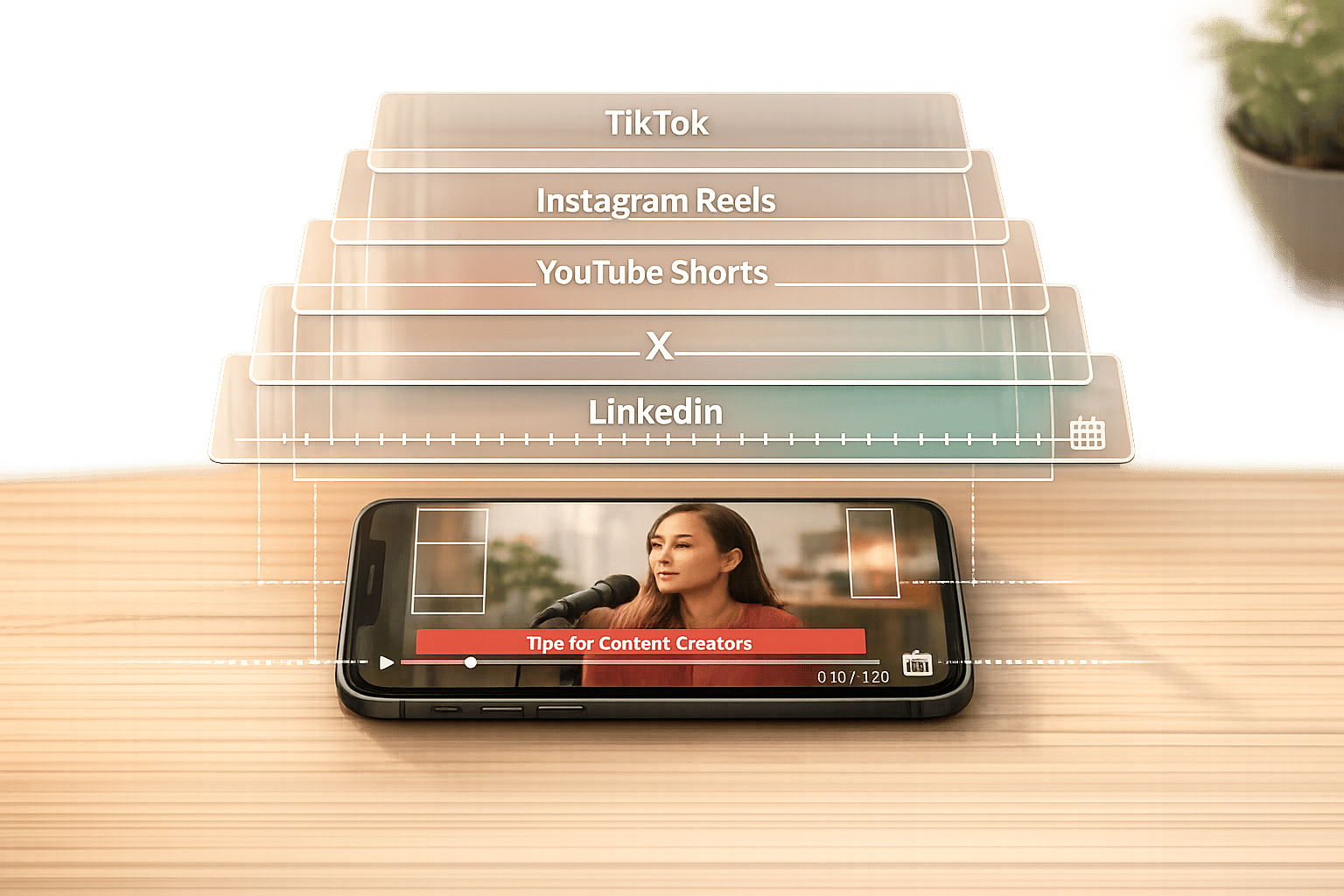
After approval, OpenClip handles the scheduling and publishing of your clips across platforms like TikTok, Instagram Reels, YouTube Shorts, X, and LinkedIn. It drafts captions and prepares clips in formats optimized for each platform, turning a single long-form video into a week's worth of engaging content.
Pricing and scalability for creators
OpenClip offers several pricing options:
- Free: 30 minutes of processing per month with a watermark.
- Pro: $9/month for 180 minutes of processing, no watermarks, and priority processing.
- Business: $29/month for 360 minutes, unlimited brand profiles, and team collaboration.
2. Goldcast AI Video Repurposing Tool
Emotion detection and analysis
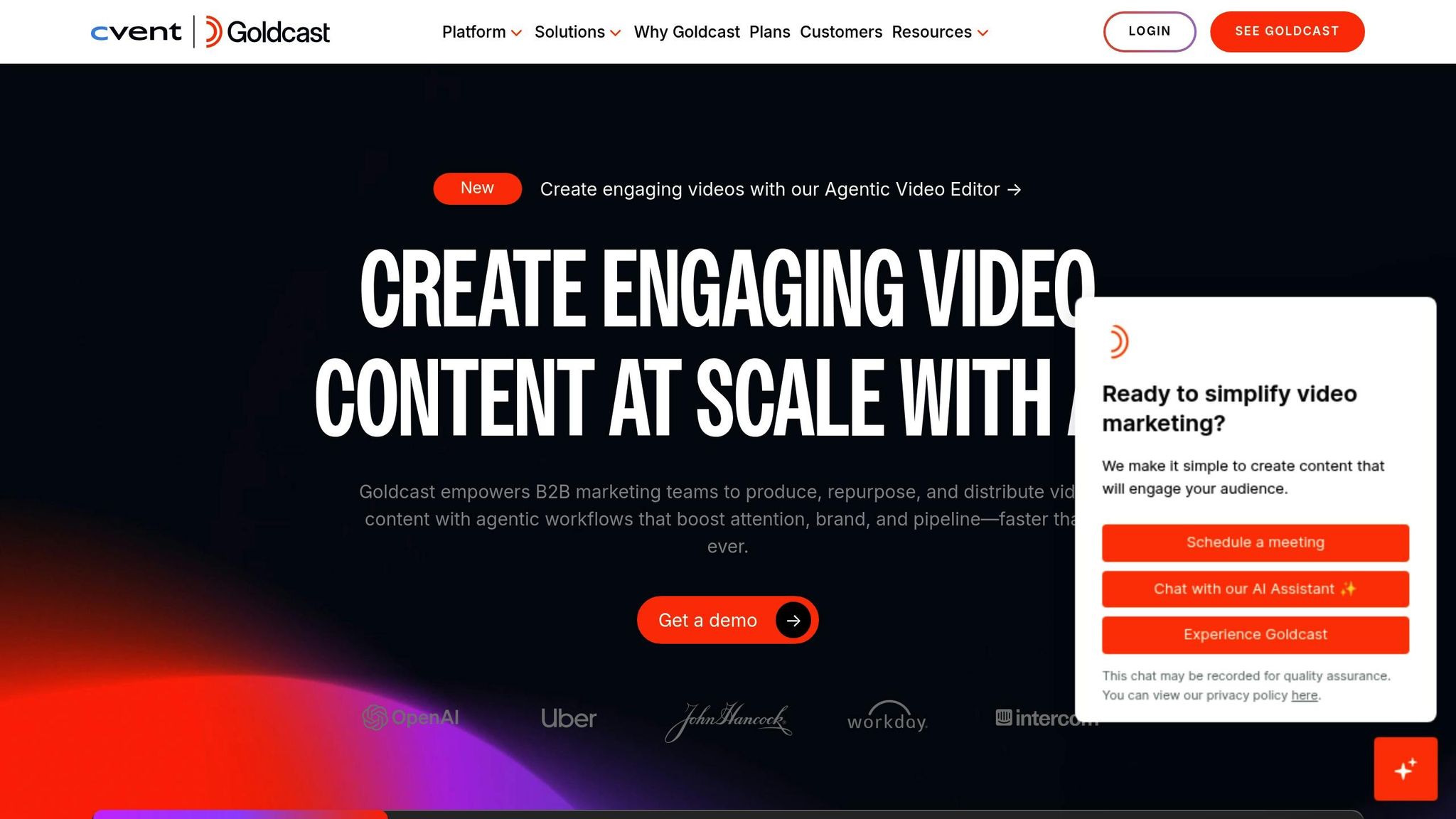
Goldcast Content Lab takes the hassle out of analyzing long-form videos by identifying the most engaging, emotionally impactful moments - no need to rewatch hours of footage. With its facial detection capabilities, it tags speakers with names, titles, and avatars for better organization. By leveraging AWS Transcribe and Deepgram, the tool generates transcripts and scans them for standout quotes, key takeaways, and those viral-worthy hooks. Its AI Search feature lets you dive into your video library to find specific topics or themes, creating clips and social posts tailored to those ideas. Marketing teams using Goldcast have reportedly doubled their video content output thanks to these features. This analysis lays the groundwork for Goldcast's automated clip formatting.
Automation of clip creation and formatting
Once the key moments are identified, Goldcast takes over to streamline the editing process. It can instantly adjust aspect ratios (9:16, 1:1, 16:9) to fit different platforms. You can even trim clips by editing the transcript - delete filler words, and the video updates automatically. Users say this feature alone saves them 2 to 3 hours of editing per video. The tool also enhances low-quality footage, upscaling it to 4K and reducing noise for a polished look. To keep branding consistent, a centralized brand kit applies logos, colors, and custom fonts to every clip. On top of that, Goldcast's AI drafts social media captions that align perfectly with your brand's tone.
Multi-platform scheduling and optimization
Goldcast doesn't just create content - it tailors it for specific platforms, ensuring your clips are ready to shine wherever they're posted. The platform claims it can help generate 20 times more content and deliver assets two weeks faster than traditional workflows.
"The power to use Content Lab to craft a whole social post for you, on brand with video and a caption, is super helpful for our employee advocacy on social"
– Danielle West, Director of Marketing
Pricing and scalability for creators
Goldcast makes its advanced editing tools accessible with a free tier for its Content Lab and AI video features, allowing creators to test the platform without upfront costs. Even better, you don’t need to host events on Goldcast to use these repurposing tools - they’re available as a standalone product. Goldcast also boasts significant cost savings, claiming it can save creators up to $2,000 per video clip compared to traditional editing methods.
3. OpusClip Video Repurposing Tool
Emotion Detection and Analysis
OpusClip takes video editing to the next level with its ability to identify and highlight the most engaging moments of your content. Its ClipAnything Model leverages machine learning to comb through your entire video, pinpointing emotional highs, compelling speech, and striking visuals. By analyzing visual, audio, and sentiment cues, it segments videos into chapters and assigns each segment a Virality Score - a metric that evaluates elements like hook strength, flow, engagement potential, and alignment with trending social media themes. This AI-driven process results in 63% more shareable clips while reducing incoherent content by 57% compared to earlier versions. Plus, the tool adapts its analysis based on the type of video - whether it's a vlog, Q&A, webinar, or podcast - helping creators uncover the moments most likely to go viral in their specific format.
Automation of Clip Creation and Formatting
Once the standout moments are identified, OpusClip’s ReframeAnything feature takes over to format them for various platforms. It automatically resizes videos for platform-specific dimensions - like 9:16 for TikTok and Reels, 1:1 for Instagram, and 16:9 for YouTube. Using AI object tracking, it ensures speakers or moving subjects stay centered in the frame. The tool also adds animated captions with 97% accuracy, emphasizing key phrases and even incorporating emojis. To enhance the clips further, it can automatically include relevant AI-generated B-roll. For creators wanting a cohesive brand presence, OpusClip allows you to save custom Brand Templates, complete with your fonts, colors, logos, and intro/outro sequences. For example, media company Valuetainment used OpusClip to turn long-form content into viral shorts, gaining 512,000 new subscribers in just 90 days.
"It used to take days to create clips. Now it takes us minutes to create them."
Multi-Platform Scheduling and Optimization
OpusClip doesn’t stop at clip creation - it simplifies distribution too. With its Social Post Scheduler, you can publish your clips directly to platforms like TikTok, YouTube Shorts, Instagram Reels, Facebook, LinkedIn, and X, all from one dashboard. The platform processes long-form videos three times faster than its previous version, and clips made with OpusClip have collectively racked up over 60 billion views. Podcaster Joshua W. shared that by producing 3–5 clips daily from his YouTube recordings using OpusClip, he saw a 400% boost in engagement for his website and podcast.
Pricing and Scalability for Creators
Designed with creators in mind, OpusClip offers flexible pricing plans to suit different needs. The free plan gives you 60 minutes of video processing per month, albeit with watermarked exports. The Starter Plan, priced at $15/month, includes 150 credits, watermark-free exports, and access to the Virality Score. For those with larger needs, the Pro Plan costs $29/month (or $10.15/month when billed annually at $121.80) and offers 3,600 credits per year, AI B-roll, a team workspace for two users, and XML export options for Premiere Pro or DaVinci Resolve. Public speaker Karl R. noted that using OpusClip saved him $1,000 a month in production costs and freed up 10 hours of his week by eliminating manual editing.
4. CapCut AI Video Tool
Emotion Detection and Analysis
CapCut's AI meticulously analyzes your videos frame by frame to pick out emotional highs. It focuses on standout visuals like facial expressions - especially smiles - and dynamic movements. It also listens for audio cues such as laughter, cheering, and applause. Beyond visuals and sound, the tool examines speech patterns to spotlight impactful quotes or shifts in conversation topics. Using its AutoCut engine, CapCut identifies scene transitions and emotional highlights, automatically slicing and reassembling the most compelling moments into an engaging sequence. For the best results, ensure your footage includes clear audio cues.
Automation of Clip Creation and Formatting
After pinpointing the key moments, CapCut takes over the formatting process. Its Smart Cropping feature resizes horizontal 16:9 videos into vertical 9:16 clips, keeping the subject in focus - ideal for TikTok and Instagram Reels. The tool also removes awkward silences to improve flow and uses its AI Hook Writer to craft attention-grabbing intros designed to captivate viewers in the first three seconds. Additionally, it generates automated captions in over 20 languages, ensuring your content remains engaging even when muted. You can further refine your clips with AI-generated stickers, filters, and transitions, as well as choose the perfect aspect ratio for a polished, platform-ready look. This automated workflow makes sharing across multiple platforms seamless.
Multi-Platform Scheduling and Optimization
CapCut simplifies the distribution process with one-click publishing to platforms like TikTok, YouTube Shorts, Instagram, and Facebook. Videos can be exported in resolutions up to 1080p and support over 20 languages, making it a great tool for reaching diverse audiences. For businesses and influencers, the Brand Kit feature ensures a consistent visual style across all clips. While the AI does the heavy lifting, it's still wise to review transitions to ensure every emotional beat is captured.
Pricing and Scalability for Creators
CapCut offers a free tier, providing 60 minutes of long-to-short video conversion each month without requiring a credit card. For creators needing more, the Pro tier adds 240 extra minutes, bringing the total to 300 minutes monthly. Core AI features like AutoCut, background removal, and scene detection are included in the free plan, making CapCut a practical option for both individual creators and small businesses looking to scale their content production.
Best AI Video Editing Tools in 2026 (Don't Choose Wrong)
sbb-itb-5598afd5. quso.ai AI Clip Generator
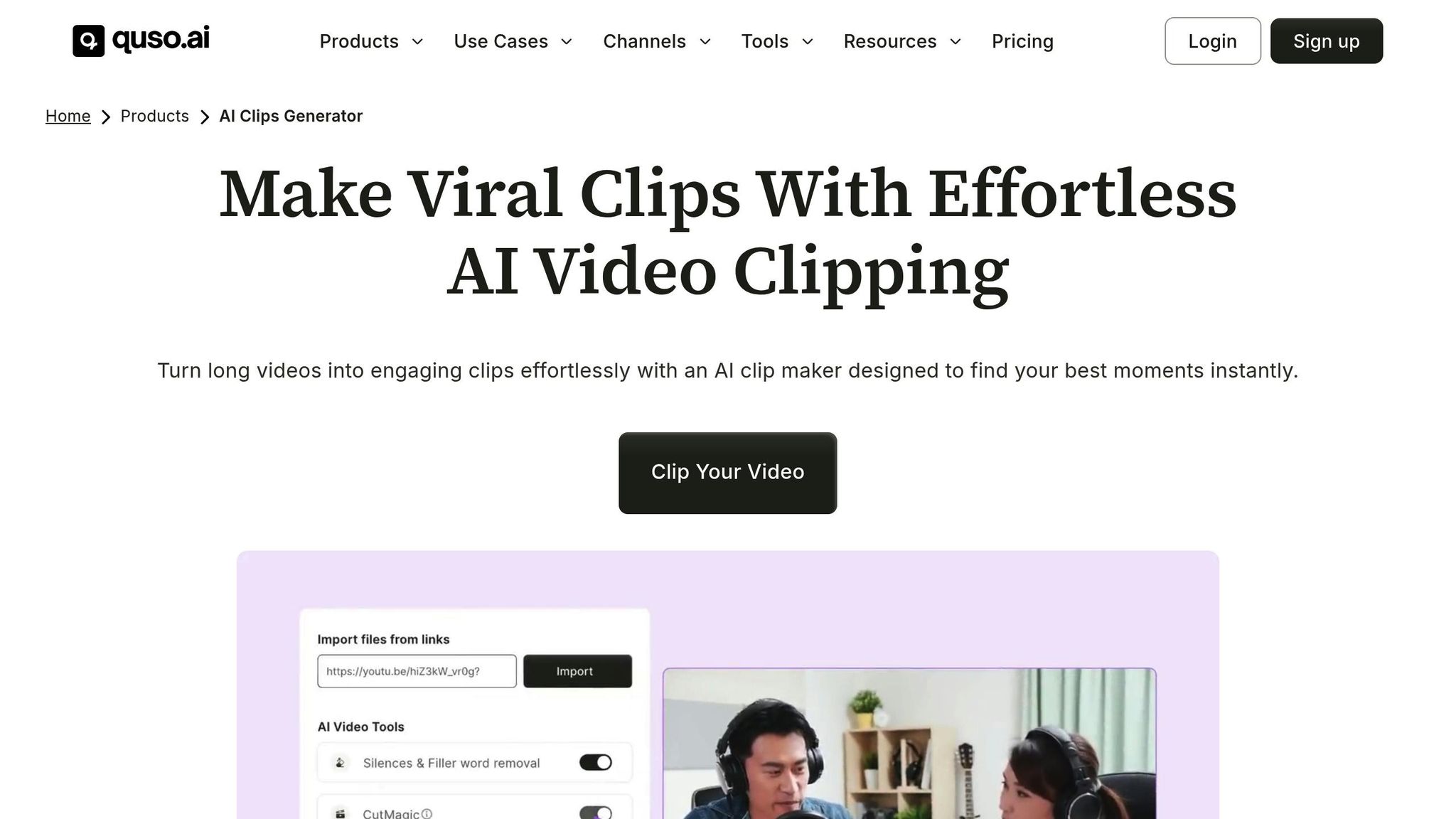
quso.ai showcases how AI can revolutionize the way long-form content is transformed into attention-grabbing, shareable clips.
Emotion Detection and Analysis
quso.ai dives deep into long-form videos to identify moments that resonate - whether it's a powerful insight, a striking reaction, or an engaging hook. Using AI-powered scene detection, the platform locates visual changes and emotional highs, ensuring each clip is cohesive and flows naturally. Unlike traditional tools that require tedious manual effort, quso.ai's Intelliclips technology scans content (e.g., YouTube links) to instantly highlight high-engagement segments. By focusing on moments that naturally capture attention, the AI streamlines the process, eliminating the need for manual reviews.
Automation of Clip Creation and Formatting
Once those standout moments are identified, quso.ai’s CutMagic feature takes over, automating transitions and reframing scenes for a polished final product. It even removes filler words and awkward pauses, helping to keep viewers hooked. For example, Ree Hurkan, founder of ReeAnimate, slashed their editing time from 200 hours to just 80 hours per month - a staggering 9x time-saving. The platform also includes a Virality Score, predicting which clips are most likely to perform well, so creators can prioritize what to share first. Plus, the Brand Kit ensures every clip aligns with your branding by automatically applying your logos, fonts, and colors.
Multi-Platform Scheduling and Optimization
quso.ai simplifies content distribution with its built-in Social Media Scheduler, allowing creators to post directly to TikTok, Instagram, and LinkedIn - all from one dashboard. Paid users can batch-process videos up to 15GB, making it ideal for those managing large volumes of content. Additionally, AI-generated subtitles in multiple languages can increase engagement by up to 50%, ensuring accessibility even when videos are muted. Alessandro Cecere, Marketing Manager at Luxor, used the platform to turn long-form content into viral clips, growing their YouTube subscriber base from 6,000 to 15,000 in just a few months.
Pricing and Scalability for Creators
quso.ai offers a free plan with 720p downloads, a 5GB upload limit, and watermarked exports. For those needing more, premium plans start at $29/month, including 1080p HD downloads, custom templates, social media scheduling, and a 15GB upload limit. With over 4 million users, quso.ai supports everyone from solo creators to large marketing teams. Ryan Carthage, founder of The Forex Trade Room, shared how the platform helped him save $2,400 per month on content creation - cutting his costs by three times compared to manual editing. On average, an hour-long video can generate anywhere from 5 to 45 short clips, making quso.ai a practical choice for creators looking to scale their output without increasing their workload.
6. Podsqueeze
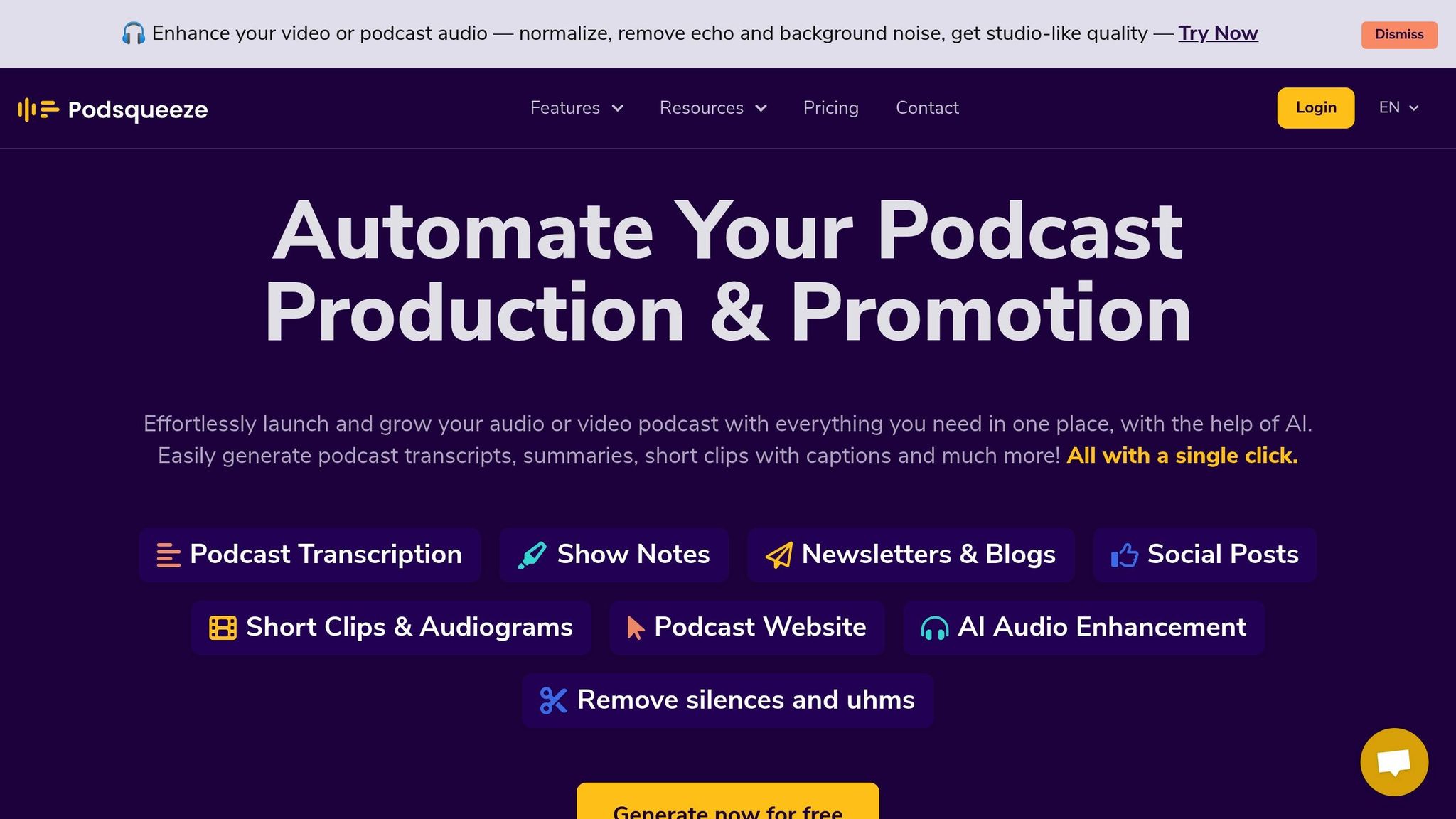
Podsqueeze is tailored for podcast creators, offering a smart way to turn long-form audio and video into shareable clips. Using AI-driven audio analysis, it identifies key emotional moments in your podcast episodes, saving you the hassle of manually sifting through hours of content. The platform also breaks episodes into chapters, making it easier to find those engaging highlights. This is especially useful when you consider that around 30% of listeners stop tuning in within the first five minutes of a podcast. Those early moments are crucial for grabbing and keeping your audience’s attention, and Podsqueeze makes it simple to focus on them.
Automating Clip Creation and Content Repurposing
Once standout moments are pinpointed, Podsqueeze simplifies the editing process with text-based trimming. You can easily cut out unwanted parts by editing subtitle lines, creating polished clips in no time. From there, the platform generates short video clips or audiograms, giving you options to customize the aspect ratio, fonts, and colors to align with your branding. But Podsqueeze doesn’t stop at video - its standout feature is the ability to transform audio into various written formats, including blog posts, newsletters, and social media snippets. This means you can turn a single podcast episode into a treasure trove of content for multiple platforms.
Affordable Options for All Creators
Podsqueeze starts with a free account, making it accessible for beginners. Paid plans, which begin at just $1–$2 per episode, allow you to create audiovisual clips without the cost of hiring freelancers. Pricing is based on the number of minutes processed each month, making it adaptable for everyone - from hobbyists to professional creators and even agencies. This flexibility is especially important when you consider that 41% of Gen-Z now spends more time on TikTok than traditional podcast apps. By repurposing your content into multiple formats, Podsqueeze helps you connect with younger audiences across platforms like TikTok and beyond.
7. Reap AI Clipping Platform
Emotion Detection and Analysis
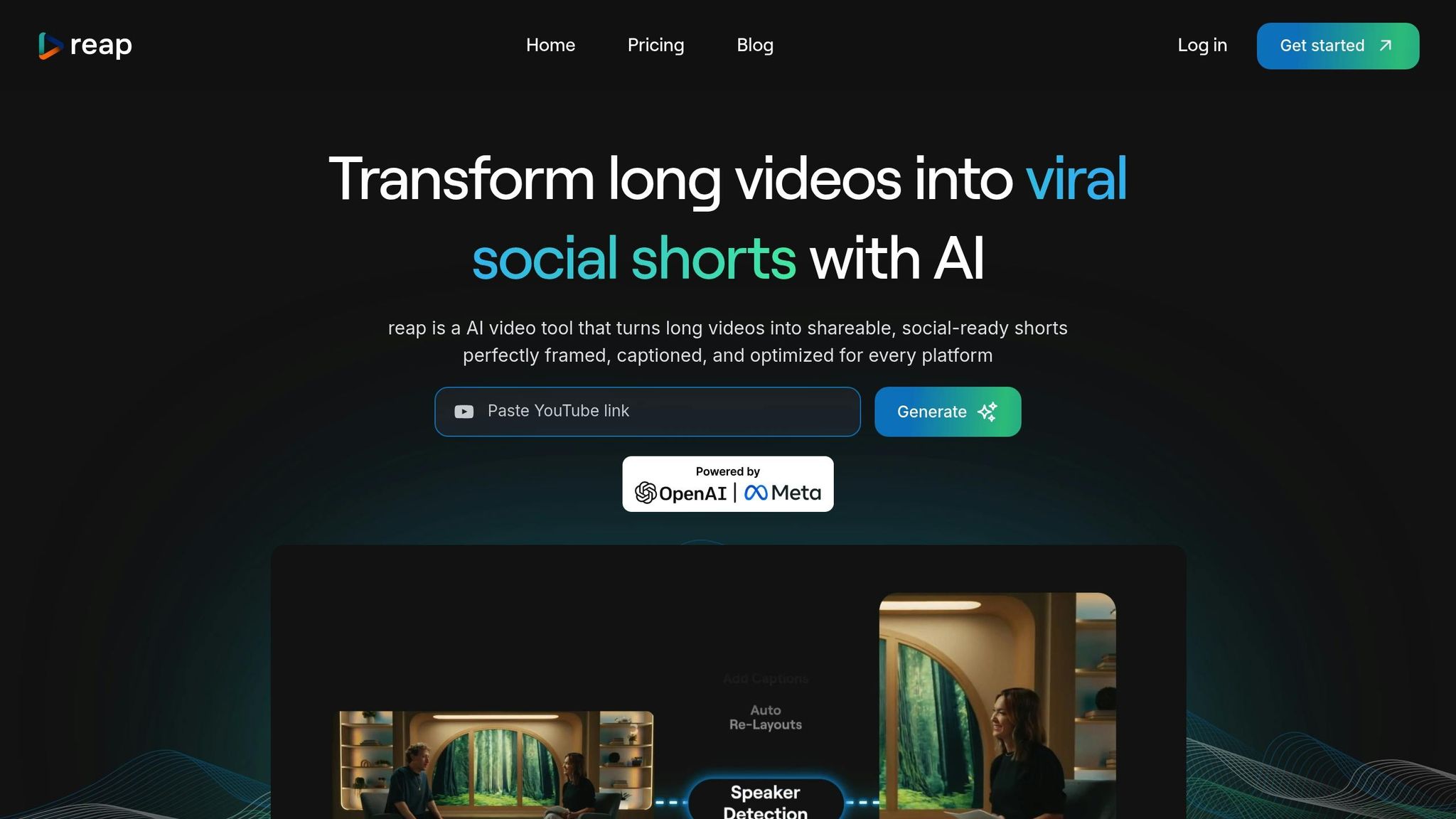
Reap takes a unique approach to identifying emotionally engaging video moments by analyzing multiple signals. It looks at factors like facial focus, shifts in voice tone, speech pacing, and specific verbal cues. This method helps the platform detect emotional highlights without cutting awkwardly in the middle of a sentence. Unlike systems that rely on keyword matching, Reap's AI combines visual and audio inputs to capture emotional emphasis and intent. For example, it can recognize when a speaker's voice rises with excitement or when a dramatic pause grabs attention - moments that make viewers stop scrolling and engage.
Automation of Clip Creation and Formatting
Once those key moments are identified, Reap automates the process of creating and formatting clips. It can reframe videos into vertical (9:16), square (1:1), and landscape (16:9) formats, making them ready for platforms like TikTok, Instagram Reels, and YouTube Shorts. The platform also generates contextual B-roll and includes a timeline editor for fine-tuning clips.
Sam, Reap's Product Manager, explains the advantage of AI in this context:
"AI isn't cheaper, it's smarter, more consistent, and exponentially faster".
The efficiency speaks for itself - editing time is slashed from hours to just about 4 minutes, a 20x improvement in speed. Once the editing is done, Reap simplifies the entire distribution process.
Multi-Platform Scheduling and Optimization
Reap doesn't stop at editing. Its integrated social media calendar allows you to schedule clips directly to platforms like TikTok, Instagram, and YouTube. You can also rotate content strategically across channels to extend the lifespan of a single video. For creators looking to reach global audiences, Reap offers AI-powered dubbing in over 80 languages and captions in 98+ languages. This feature eliminates the need for a separate localization team, making international expansion much easier. To top it off, custom brand kits ensure that your captions, fonts, and transitions maintain a consistent look across all your content.
Pricing and Scalability for Creators
Reap's pricing structure is designed to grow with your needs. The platform uses a credit-based system where you pay for the minutes of video you process. The free tier includes 60 minutes of processing per month, 720p exports, and basic subtitle options. For more features, the Creator plan costs $29/month (or $9.99/month if billed annually) and includes 10 hours of processing, 1080p watermark-free exports, and access to the social media scheduler.
For agencies and teams, the Studio plan is available at $50/month ($35/month annually) and offers 20 hours of processing, 4K exports, collaboration tools for up to three users, and priority support. High-volume users can leverage Reap's Automation API for large-scale clip generation.
Feature and Pricing Comparison
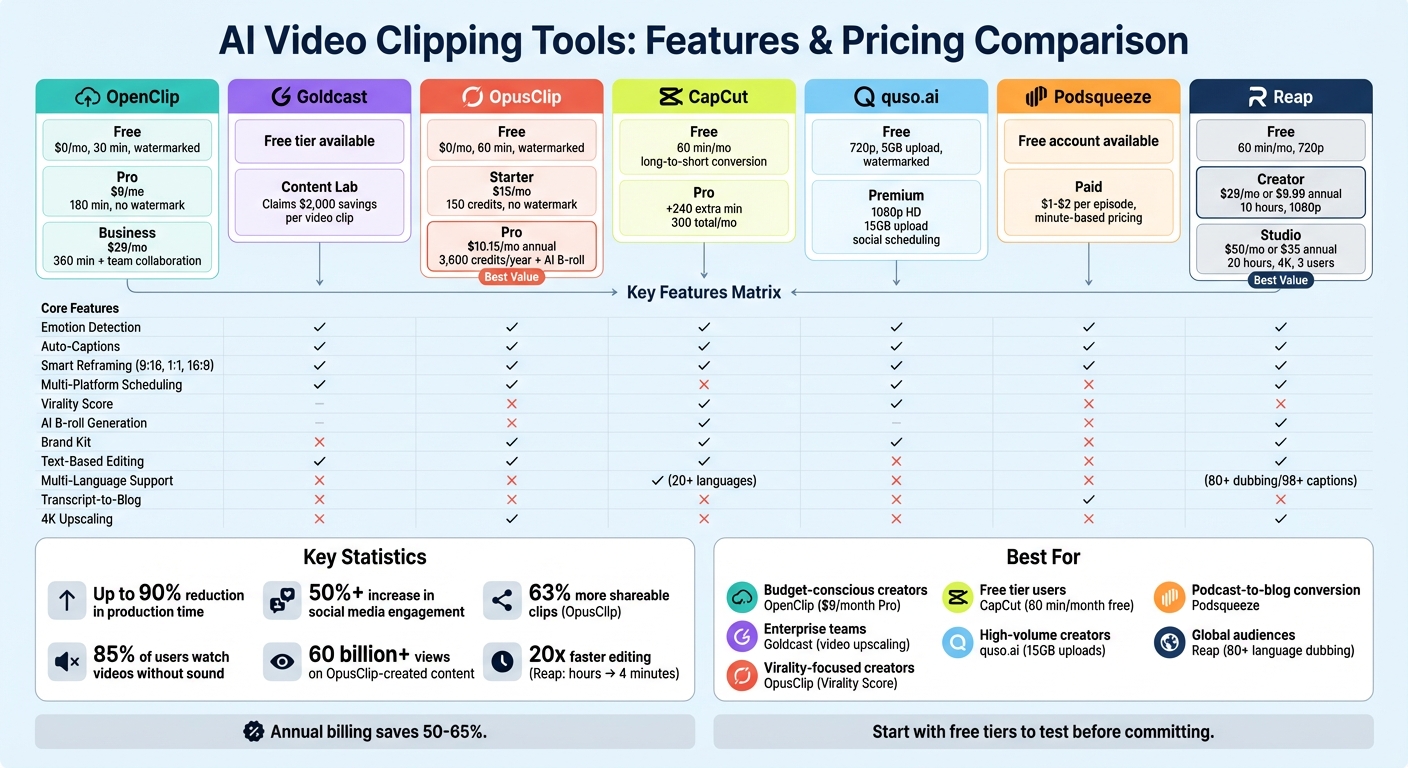
AI Video Clipping Tools: Features and Pricing Comparison 2024
When deciding between platforms, comparing features and pricing can help pinpoint the best fit for your creative needs. OpenClip starts with a free plan at $0/month, offering 30 minutes of processing and watermarked exports. Its Pro plan, priced at $9/month, includes 180 minutes of processing and removes watermarks, while the Business plan at $29/month adds 360 minutes and team collaboration options. On the other hand, OpusClip provides a Free plan with 60 minutes per month, a Starter plan at $15/month, and a Pro plan costing roughly $10.15/month when billed annually. While both free plans include watermarks and limited features, OpusClip offers double the processing time compared to OpenClip's free tier. However, for watermark-free content, OpenClip's Pro plan is more budget-friendly, costing $6/month less than OpusClip's Starter plan while offering 180 minutes of processing time. If billed annually, OpusClip's Pro plan stands out for its feature set, including AI B-roll generation and XML exports for editing in Premiere and DaVinci, at $10.15/month. Opting for annual billing can save users between 50% and 65% compared to monthly plans.
Beyond pricing, the platforms cater to different creative workflows with unique features. Both support auto-scheduling for platforms like TikTok, Reels, Shorts, X, and LinkedIn, and offer smart reframing for vertical (9:16), square (1:1), and landscape (16:9) formats. OpusClip stands out with its "Virality Score", which predicts how well a clip might perform, and its "ClipAnything" feature, allowing users to select custom moments. OpenClip, on the other hand, focuses on text-based editing and includes confidence dashboards to streamline approval processes. Meanwhile, Goldcast Content Lab targets enterprise users with tools like video quality upscaling and transcript-based editing, though its pricing is not publicly available.
User feedback sheds light on the platforms' impact on efficiency and performance. For instance, OpusClip's enhanced AI Curation reportedly increases shareable clip production by 63% while reducing incoherence by 57%. Walter N., a satisfied OpusClip user, shared:
"I want to thank OpusClip for making everything so much easier. It's saving me hours. I don't have to manually create shorts for YouTube and TikTok anymore".
If you're unsure which plan suits your needs, start with the free tiers to see how well they align with your content style before committing to a paid option.
Conclusion
The tools we’ve explored offer practical solutions for improving content creation. AI clipping tools, for instance, can transform lengthy videos into engaging social media clips by pinpointing emotional peaks and high-engagement moments in just minutes.
These tools can cut video production time by up to 90% and reduce costs by as much as 90% compared to hiring professional editors. Many creators have reported noticeable improvements in efficiency and audience engagement after incorporating these platforms. Such results highlight the power of data-driven clip selection.
Features like auto-captions, smart reframing, and filler removal further enhance reach on platforms like TikTok, Reels, and Shorts. Considering that about 85% of social media users watch videos without sound, it’s crucial to choose tools that provide accurate auto-captions - aiming for at least 95% transcription accuracy.
Before committing to a subscription, take advantage of free trials to test multiple tools. Each platform has its own strengths, so experimenting can help you find the best fit for your content and audience.
FAQs
How do AI tools identify emotional moments in videos?
AI tools leverage cutting-edge technology to identify emotional moments in videos by examining visual elements, audio signals, and sentiment indicators. They analyze facial expressions, vocal tones, and the overall dynamics of a scene to detect moments with strong emotional appeal.
By integrating facial recognition, speech analysis, and contextual understanding, these tools can pinpoint scenes that emotionally connect with audiences. This allows creators to turn longer content into captivating, shareable clips tailored for social media platforms.
What are the benefits of using AI tools to create viral video clips?
AI tools give creators a quick and efficient way to transform long-form videos into attention-grabbing short-form content. These tools handle time-consuming tasks like spotting emotional or engaging moments, generating clips, adding captions, and identifying speakers - all automatically. This not only saves hours of manual work but also lets creators focus on crafting compelling stories while churning out multiple shareable clips in less time.
On top of that, these tools fine-tune clips for social media by adjusting formats (like 9:16 for TikTok or 1:1 for Instagram) and improving quality with features like smart framing and auto-captioning. Many even simplify the process of sharing by offering scheduling and posting options, making it easier for creators to consistently connect with their audience without extra hassle.
How do AI tools adapt videos for different social media platforms?
AI tools make it easier to tailor videos for social media by automatically resizing and reframing them to match the unique aspect ratios of each platform. For example, they adjust to 9:16 for TikTok and Instagram Reels, 1:1 for Instagram posts, and 16:9 for YouTube or LinkedIn. These tools use intelligent framing to ensure key parts of the video - like faces or important visuals - stay centered, and captions remain within the safe viewing zones, giving the content a polished, professional look.
Beyond resizing, AI analyzes videos to pinpoint the most emotional or attention-grabbing moments, making it easier to create clips that connect with viewers. Features like transcription, speaker detection, and highlight selection are automated, simplifying the process of transforming long-form content into short, shareable videos optimized for different platforms. This not only saves time but also boosts the potential for the content to go viral.
Turn one video into a week of content.
Try OpenClip free